2.19 - Is this it
This release has more than one email can hold! You can now share design tokens from a library and customize keyboard shortcuts. Thanks to WebGL rendering, now there are per-side strokes, refreshed drawing and path editing, and another boost in rendering performance.
Let’s get into more detail.
What's new in Penpot?

Per-side strokes
Yes, finally! Rectangles and boards can now support stroke width on each side. Like border radius, keep them uniform, or customize them independently. It works with design tokens too!
Share design tokens from a library
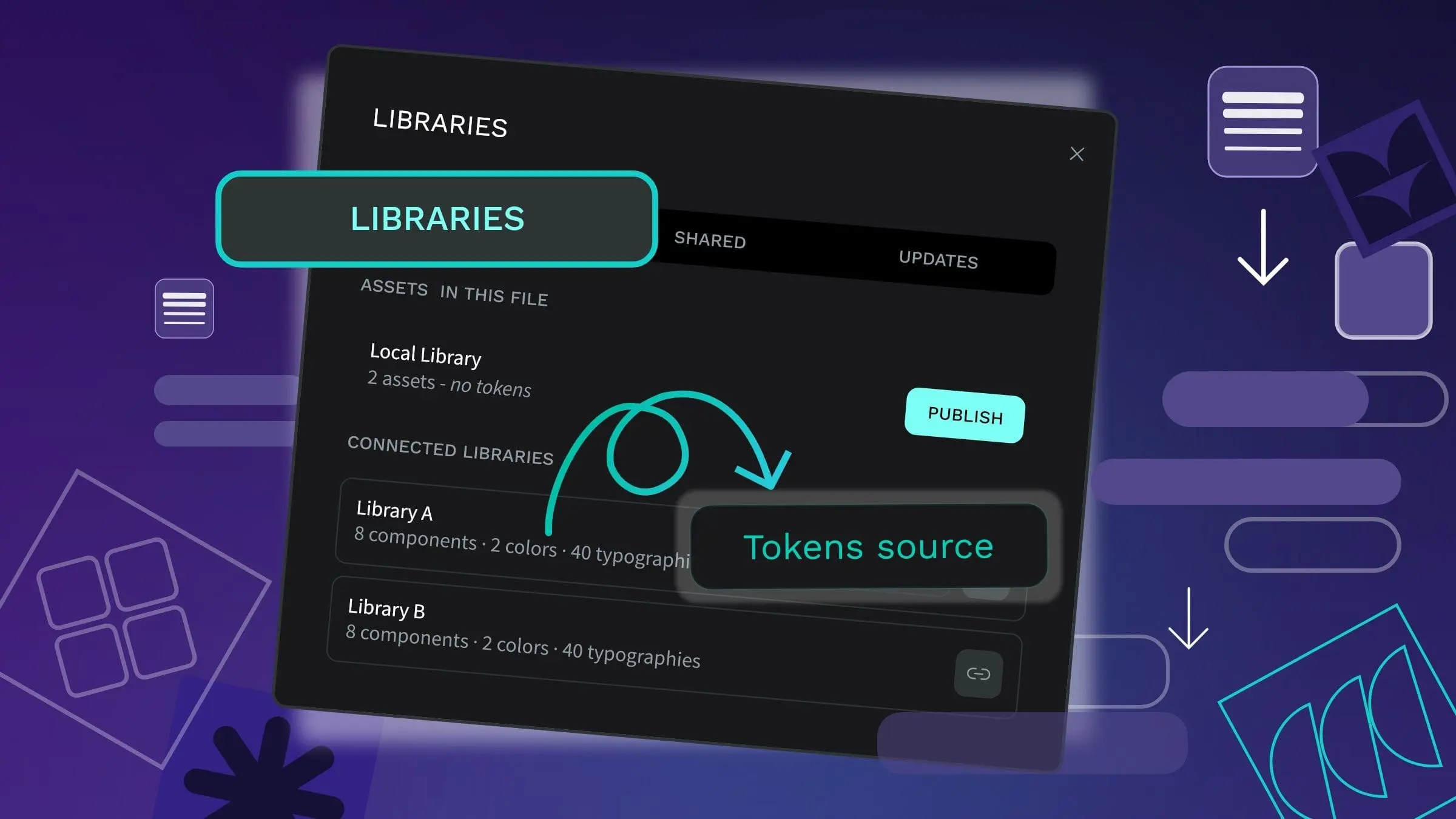
Store your tokens in one library and use them in every file connected to it. Tokens stay in sync with library updates, just like components and colors, so your design system stays the single source of truth.
Path editor, revamped
Draw smoother freehand curves, use the path toolbar while you draw, and continue from existing nodes and segments. Node snapping is on by default.
Customize keyboard shortcuts
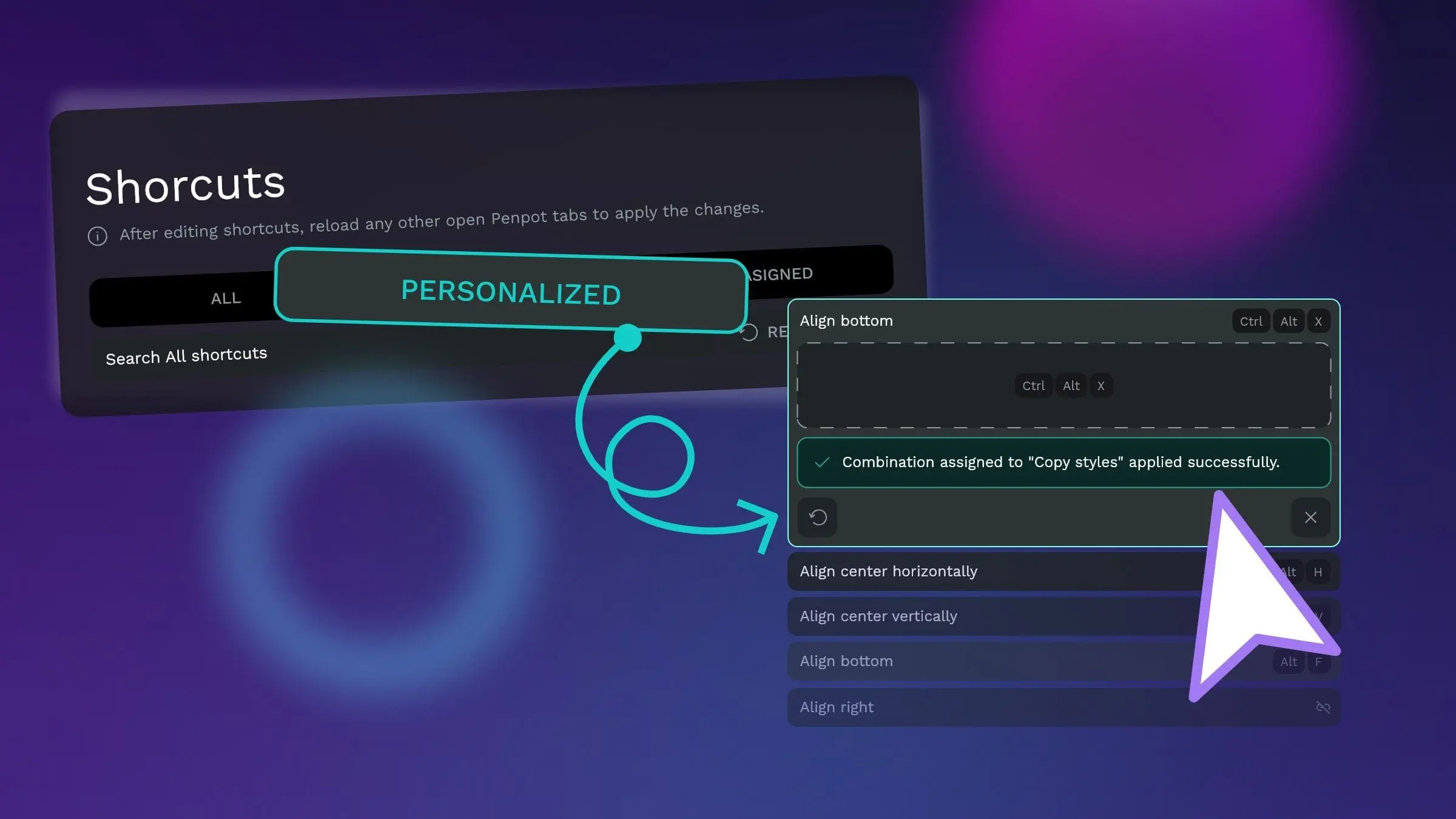
Reassign any shortcut. Search by action or key combination, record a new binding, and get warned if it's taken. Reset one shortcut or all of them, and export and import your setup to take it with you.

A big step for WebGL rendering
The WebGL render brings sharper text, smoother canvases, and much faster exports. Switch it on in your user settings and feel the difference.
Highlights from community contributors
Thanks to these community members who each contributed multiple fixes to this release. Choosing highlights wasn't easy:
• @makesomethingshit fixed crash on page navigation with MCP plugin connected
• @0xTHAC0 fixed Windows build failures from path and start command conflicts
• @filipsajdak fixed overlay shifting left with top-center alignment in prototypes
• @ShreyashAgare26 fixed stroke to path not working with path ends