2.15 - Master of Puppets
We’ve got just one major feature for this release, and it’s a big deal! The Penpot MCP Server has moved from its early, more technical, setup to a much more accessible in-app experience through hosted remote access.
Your prompts are now zero-friction. Just connect your AI client and turn prompts into real actions on real design data in seconds, opening the door to truly multi-directional workflows between design and code.
Let’s dive in!
What's new in Penpot?
AI connected to real design context
Run the MCP Server locally or remotely, bridging your AI client and your Penpot file. Describe what you need, your agent picks the operation, and MCP translates it into actions using Penpot APIs.
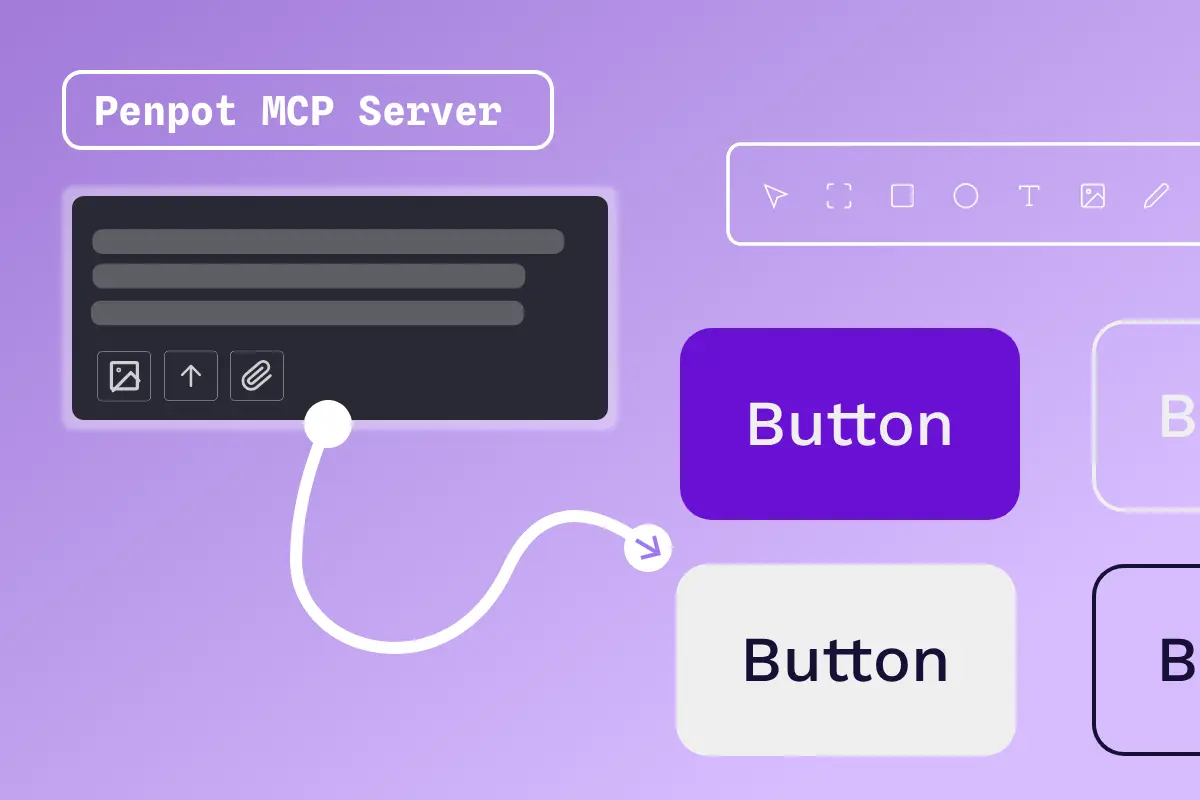
Multi-directional workflow
Unlike other tools, you can do design to code, code to design, or design to design. Generate semantic HTML/CSS, translate tokens into code variables, or just automate repetitive design system maintenance.
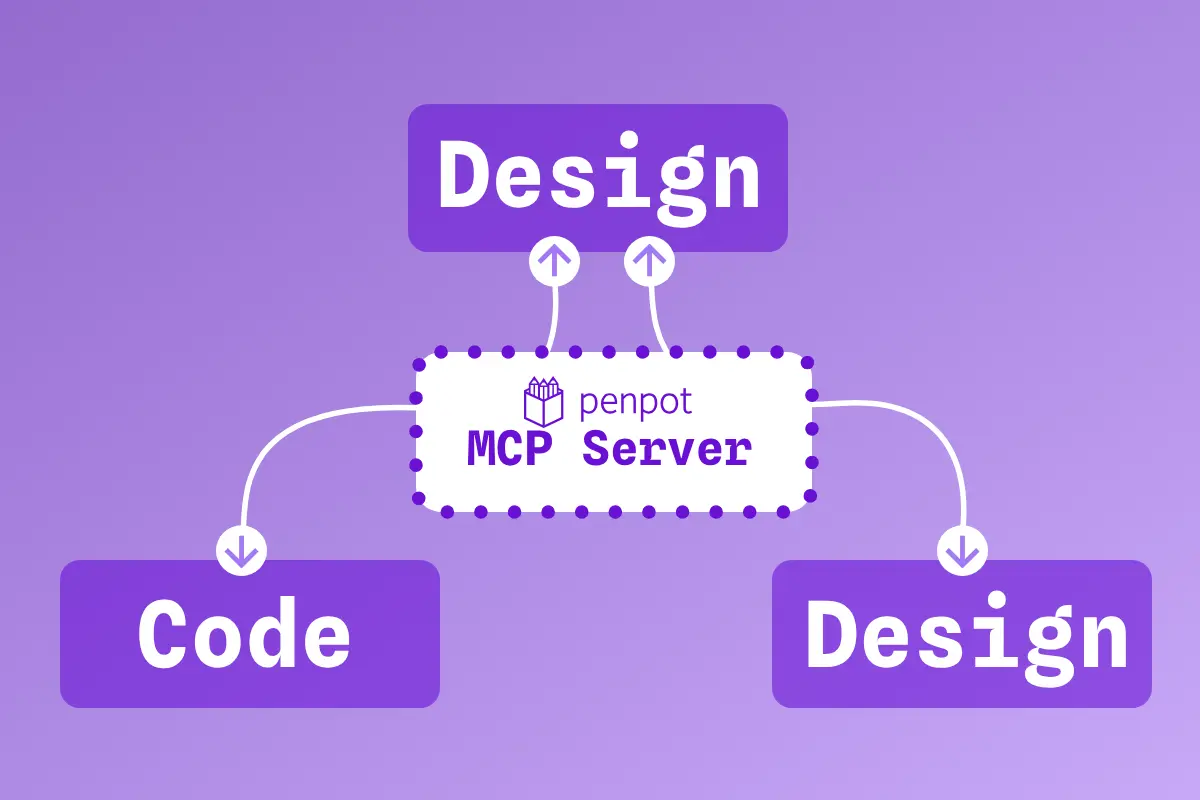
Your stack, your model, your decision
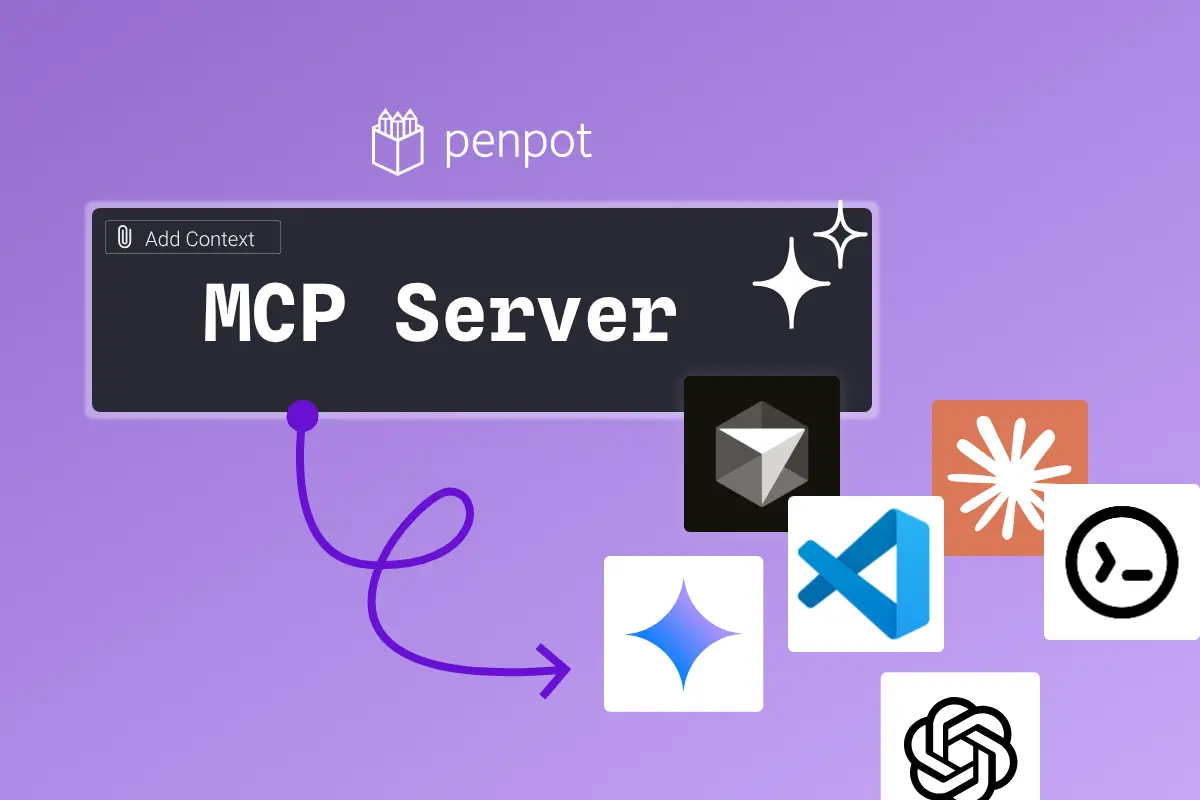
Your team decides how and where AI runs. With MCP, you connect Penpot to the AI client and model you already trust. No need to give up tool freedom, deployment control, or ownership of your process.
Highlights from community contributors
You can now draw or resize shapes from their center point by holding down the Alt/Option key. Thank you for your contribution, @offreal!
And also, thanks to all the beta testers that participated in our MCP Open Beta! Your help was so important! 💗