2.17 - The Universal
This release comes in with a long-expected feature: background blur is now in Penpot! But that’s just the beginning: we’ve also shipped 6 major new features, 30+ enhancements, and 100+ bug fixes.
With continuous improvement in the WebGL render engine and MCP server, typography tokens in the Design sidebar, and easier-to-use comments, this release brings a boost in the performance, experience and quality of life for teams.
Let’s get into the details.
What's new in Penpot?
Background blur is here!
Add depth, focus, and frosted-glass effects by blurring anything behind a layer. You can also inspect and adjust the CSS filter from the Inspect tab. This long-awaited feature is powered by the new WebGL rendering (beta), so make sure it’s enabled in your settings.

WebGL rendering gets stronger
The prototype viewer, guides, and many more fixes now run on the new engine, making heavy files faster and more dependable. Enable the new render engine in your settings and let us know what you think while it’s still in beta.
MCP connection status and more
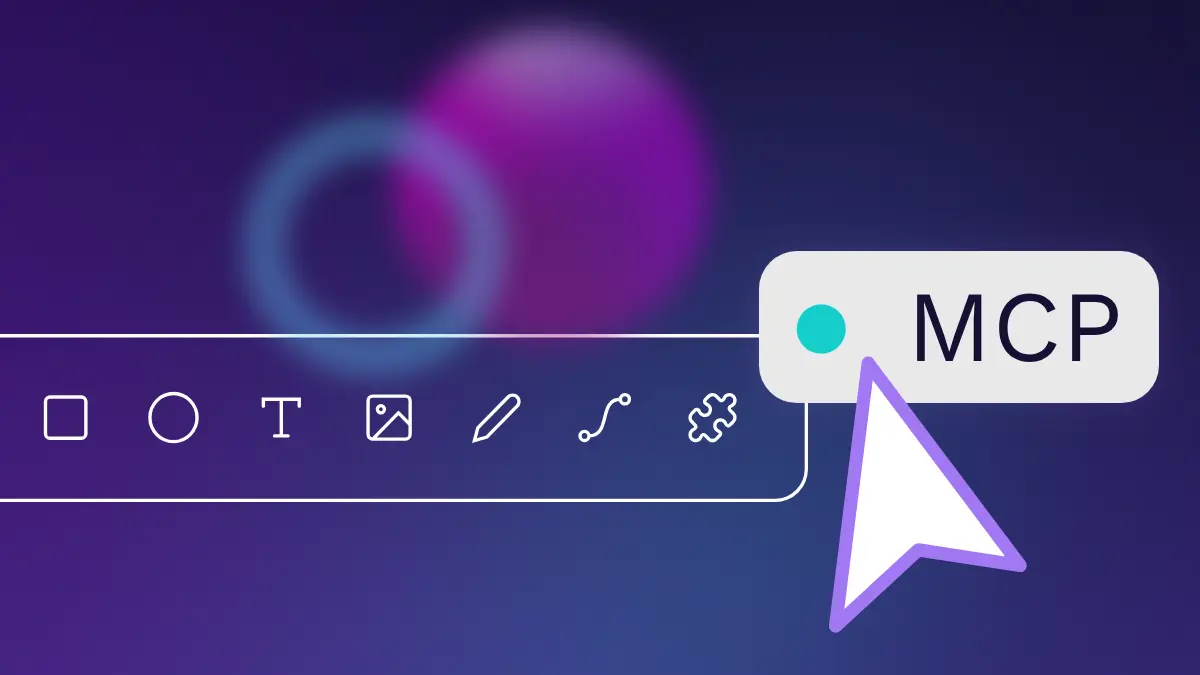
A new status button in the top toolbar helps you control your MCP connection. Additionally, self-hosters get better multi-instance support and clearer proxy examples. If you connect AI to your files, this release is worth revisiting.
Design tokens: more visible, more user-friendly
Small details that make teams’ life easier.
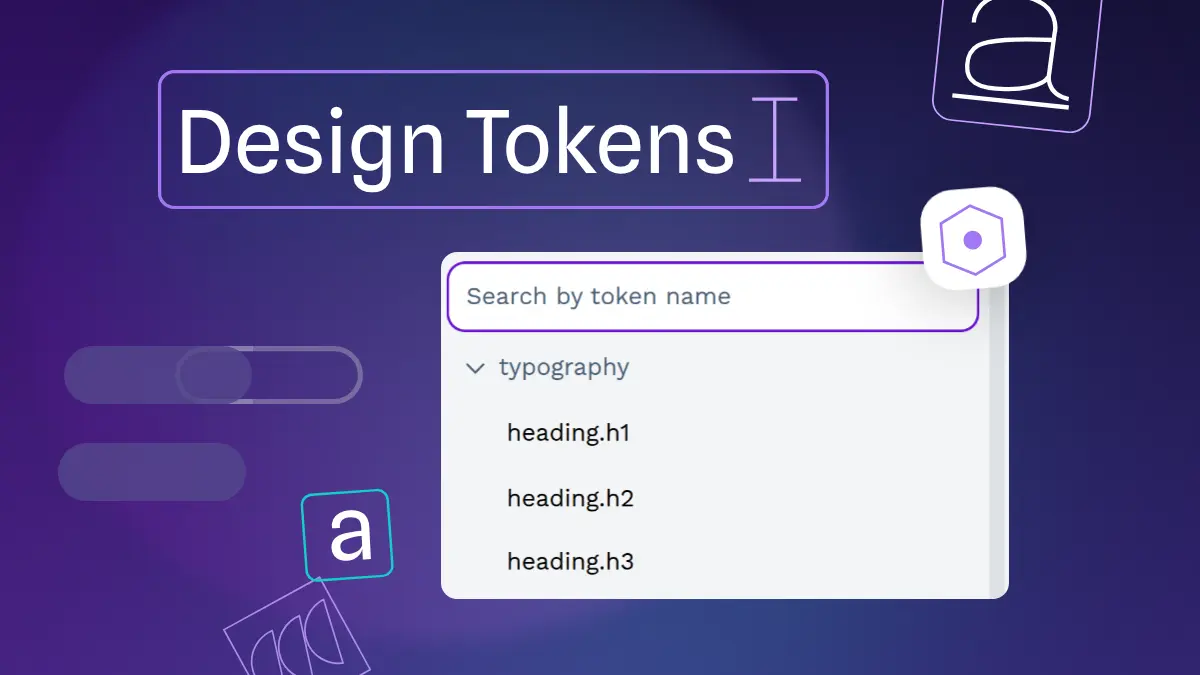
• Typography tokens now appear when you multi-select text.
• The Design sidebar now includes a composite typography input.
• Autocomplete makes token creation faster.
• Dropdowns show more context at a glance.
• Faster token propagation brings a welcome performance boost.
Comments & color picking
Lots of smaller wins that make the difference. Below a couple favorites:
• Read, reply to, and resolve comments without leaving design mode.
• Switch the color picker to list view to scan swatches faster.
Highlights from community contributors
There are two main contributions that we’d like to highlight:
• Dashed strokes with dedicated dash and gap inputs — @eureka0928
• Selection size badge with color variants and positioning (by @bittoby)