Craft beautiful designs that stay true in production
Penpot expresses designs as code. The final product reflects
the designers' initial vision. No extra work required.

Real-time collaboration for the entire design cycle
Code
Design
Create stunning designs
Build superb visuals and interfaces. From interactive components, to custom fonts, to responsive layouts. Find all you need in one design tool.



Code
Code
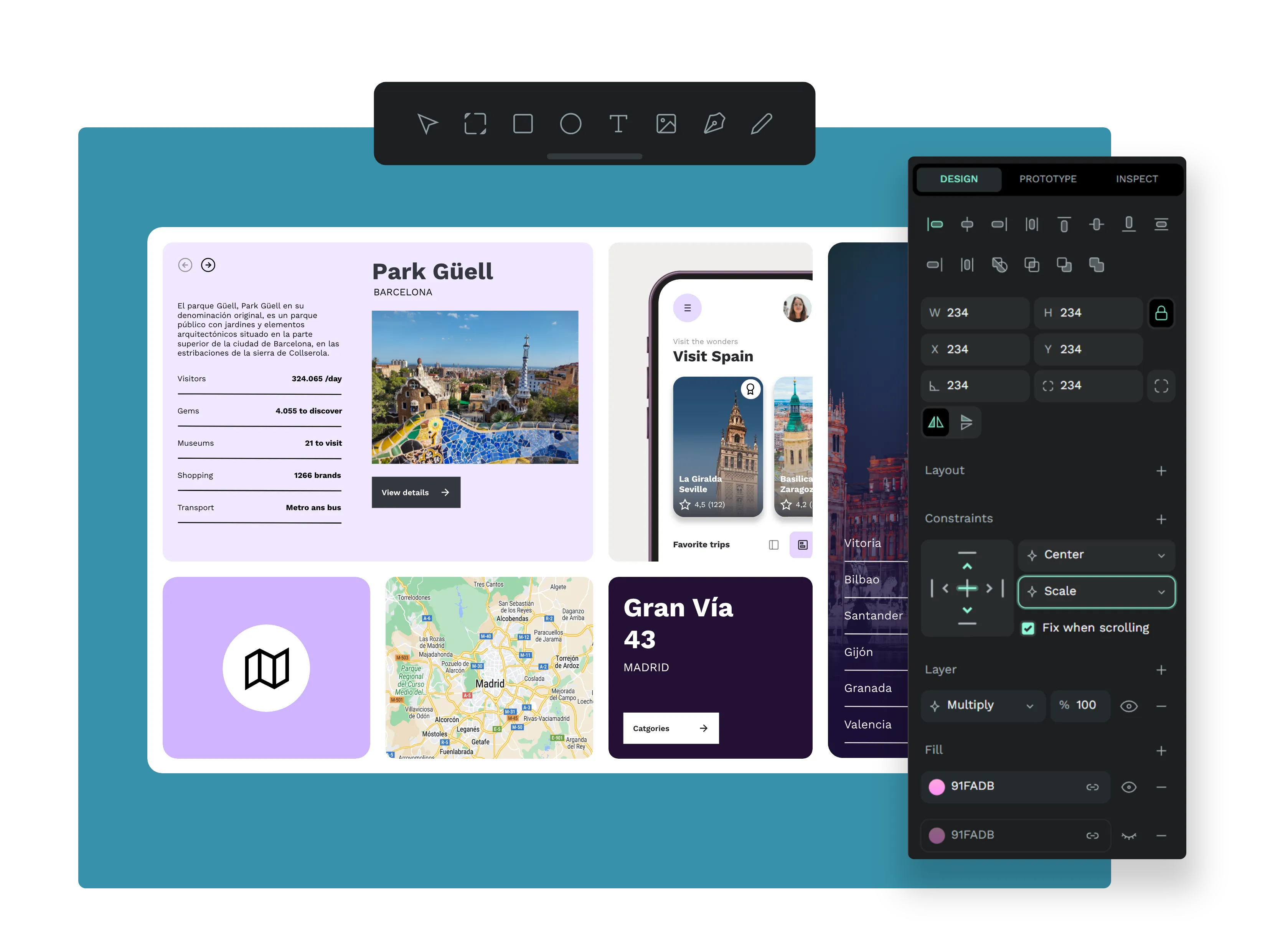
Revolutionary responsive designs
With our unique features - Flex and Grid Layout, build flexible designs that can adapt to all sizes. Following CSS standards, our layout features streamline developers' work.
See Layout features
native
code standars
No handoffs
Bringing code standards natively to design capabilities means no more back and forth between designers and developers.


Code
Code
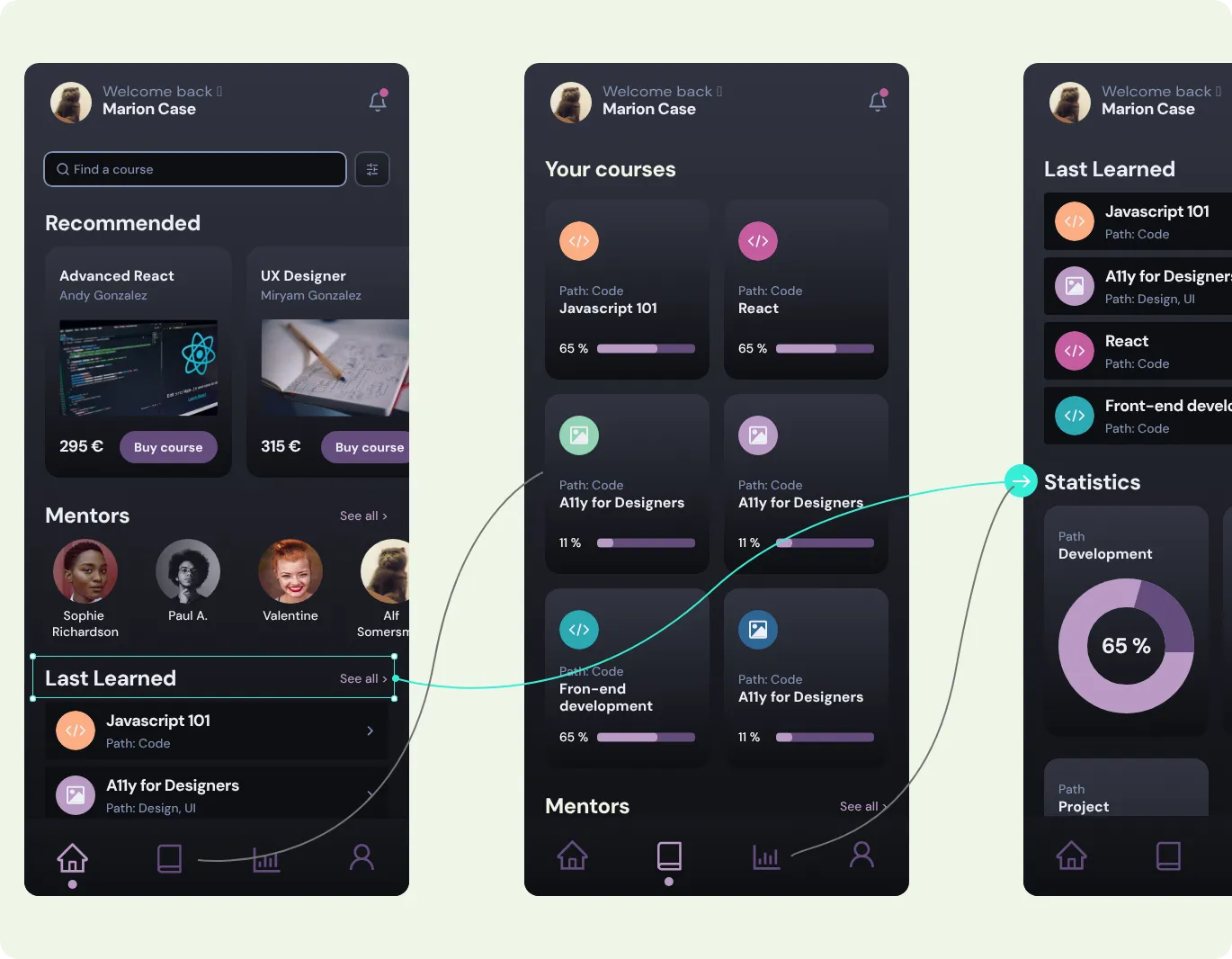
Build interactive prototypes
Build interactive prototypes
Create rich interactions. Share and present your proposals to your team and other stakeholders.
Validate your designs through user testing.
All in one place.
See more on Prototyping
Code
Design
Scale design systems
With components and design tokens, scale up your designs, keep consistency and enable collaboration between designers and developers.
See more on Design Systems


Code
Code
Enjoy real-time whiteboards
Collaborate simultaneously with your team at any stage of the design cycle. Brainstorm ideas, test your products, organize workshops, all in an interactive multiplayer platform.
Discover more features
Open standards
With SVG, CSS and HTML, make your designs accessible, collaborative (to all stakeholders) and future-proof.Fonts management
Custom or built-in fonts, you can have them all on your team's projects.Teams and projects
Scale up your work across your teams and organization with unlimited teams and projects.Plugins
Enhance your design experience with features that you can find in the plugins section of our Penpot hub.View / Presentation mode
Present, share and play the interactions. Ideal for mimicking product behaviors and user testing.Web-based multiplayer
Multiple members can work simultaneously in real time over the same design.Create UX artifacts
Deliver the best user experience designs from mockups to wireframes, tailored journey maps and interactive prototypes. Own all the different stages of the UX design process.Multi-language UI
Choose among over 30 different languages (RTL supported) and use Penpot in your own language.Design tokens & design systems
Keep your designs consistent while scaling them across your organization. Master complexity with reusable components and structured design tokens.Full features list
More on design features
More on design features
Libraries & Templates
Our vibrant community champions open design-and-code collaboration.


What designers say about Penpot


I design, but also code. There is definitely something to be said about following standard web behaviours. I love it.
C
camloken
@camloken
The project is full of promise and offers an outstanding alternative to other similar tools. The close parallels/alignment between design and code are gratifying about the work and the resulting designs. This project has the potential to revolutionize the way we approach design.


Anton P.
@anton.p
Penpot is taking great approach in teaching designers code by using native CSS language.


Vlad_RDX
@vlad.RDX
Stay in the loop