Design
What is declarative design and why is it the future?
Declarative design means setting rules a design follows, not detailing how it looks in every situation. Let’s compare it to other approaches (with examples!)

Creating educational materials for Penpot. Designer, developer, author of Accessibility for Everyone, and co-founder of Small Technology Foundation.

Design
Declarative design means setting rules a design follows, not detailing how it looks in every situation. Let’s compare it to other approaches (with examples!)
Design
Penpot is built with declarative design in mind, using web standards, CSS properties and layouts. Let’s explore how that works in real projects.
Migration
Switching from Figma to Penpot? Here’s what everything is called, from boards and flex layout to design tokens and Inspect.
Design
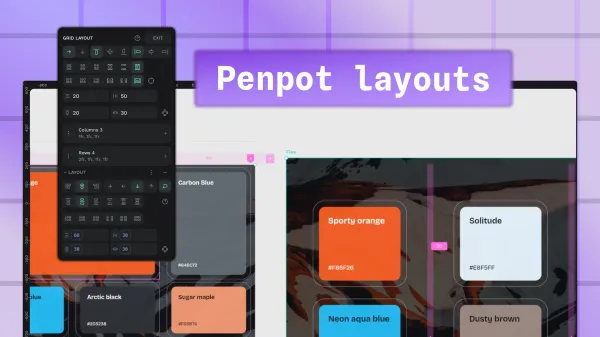
You’ve used a design tool before, and you just want to know the basics to help you get started with Penpot layouts. This is the extra quick explainer just for you!
Design
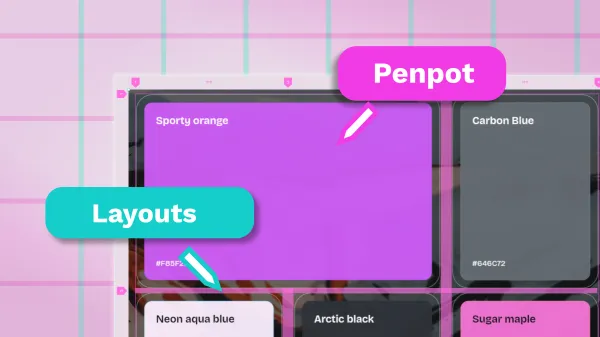
Everything you need to know about Penpot layouts, whether you want static and pixel-precise, or flexible and responsive. Including designing in CSS Flex and Grid.
Design
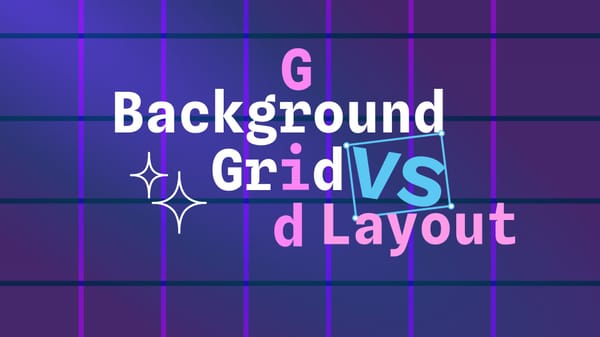
Background grids are guides you use to help you manually position design elements by eye. Grid layouts automate layouts (often responsively) based on the design rules you provide.
Design
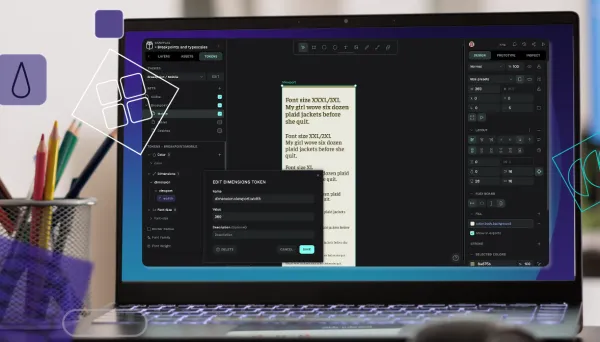
Learn how to implement maintainable developer-friendly breakpoints with design tokens and themes.
AI
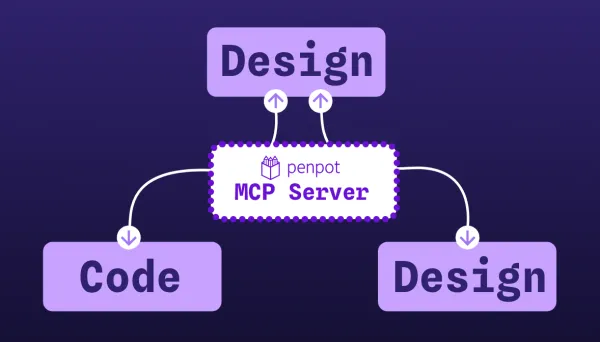
Learn about practical use cases for design to code, code to design, and design to docs AI workflows with Penpot MCP.
AI
What AI workflows are, how Penpot MCP connects your files to agents, and when they’re worth using on real product work.
Tools
Discover 8 advanced Penpot features that help product teams reduce design-to-development friction, create more efficient workflows, and maintain consistency at scale.

AI
The fastest and simplest way to get started with Penpot and AI workflows from scratch. Learn how to get started with Penpot and Cursor, a code editor with an integrated AI client.

AI
One of the fastest ways to set up Penpot for AI workflows in just 6 steps, no coding required, and only using free, open, and/or low-cost tools.