Declarative design with Penpot
Penpot is built with declarative design in mind, using web standards, CSS properties and layouts. Let’s explore how that works in real projects.

Declarative design means creating the rules your design should follow, instead of deciding exactly how it looks in every situation. This might seem like a radical way to do UI design, but it’s pragmatic in a world where we’re building products that have to work on so many devices and screen sizes.
Fixed navigation vs responsive navigation (using breakpoints) vs declarative navigation.
Declarative design helps us focus on the design intent rather than getting caught up in unrealistic pixel-precise renderings. And it helps designs translate so much better into code. You can read more on the declarative design approach compared to other approaches (with examples!) in What is declarative design and why is it the future?
But what has declarative design got to do with Penpot? As Pablo Ruiz-Múzquiz, Penpot’s CEO, wrote in his article on The missing ingredient in design tools: declarative design:
CSS has evolved to be a powerful declarative design language. Best of all, it’s ubiquitous. What if a design tool decided to express design concepts like alignment and layout using CSS as its foundational abstraction?
Penpot was created with declarative design in mind; it utilizes web standards, CSS properties and layouts so you can design as code, and your design looks exactly the same in the browser as it does in Penpot. Let’s have a look at the specifics.
CSS Grid and Flexbox
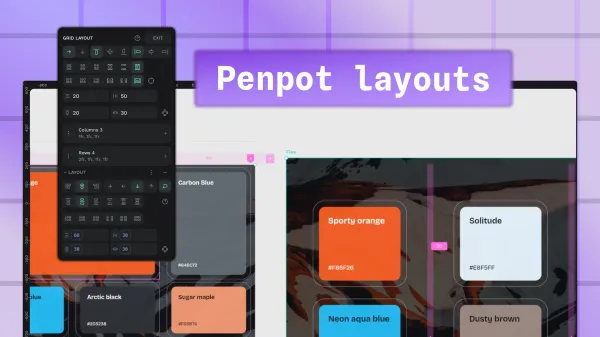
Penpot provides a visual way to design CSS Grid and Flexbox (Flex) layouts without needing to know the code. The properties (like direction, alignment, justification and flex-wrap!) are the same as CSS so your designs don’t just translate, you’re designing as code. You can even do complex grid layouts with cells spanning multiple columns and rows, and named grid areas.
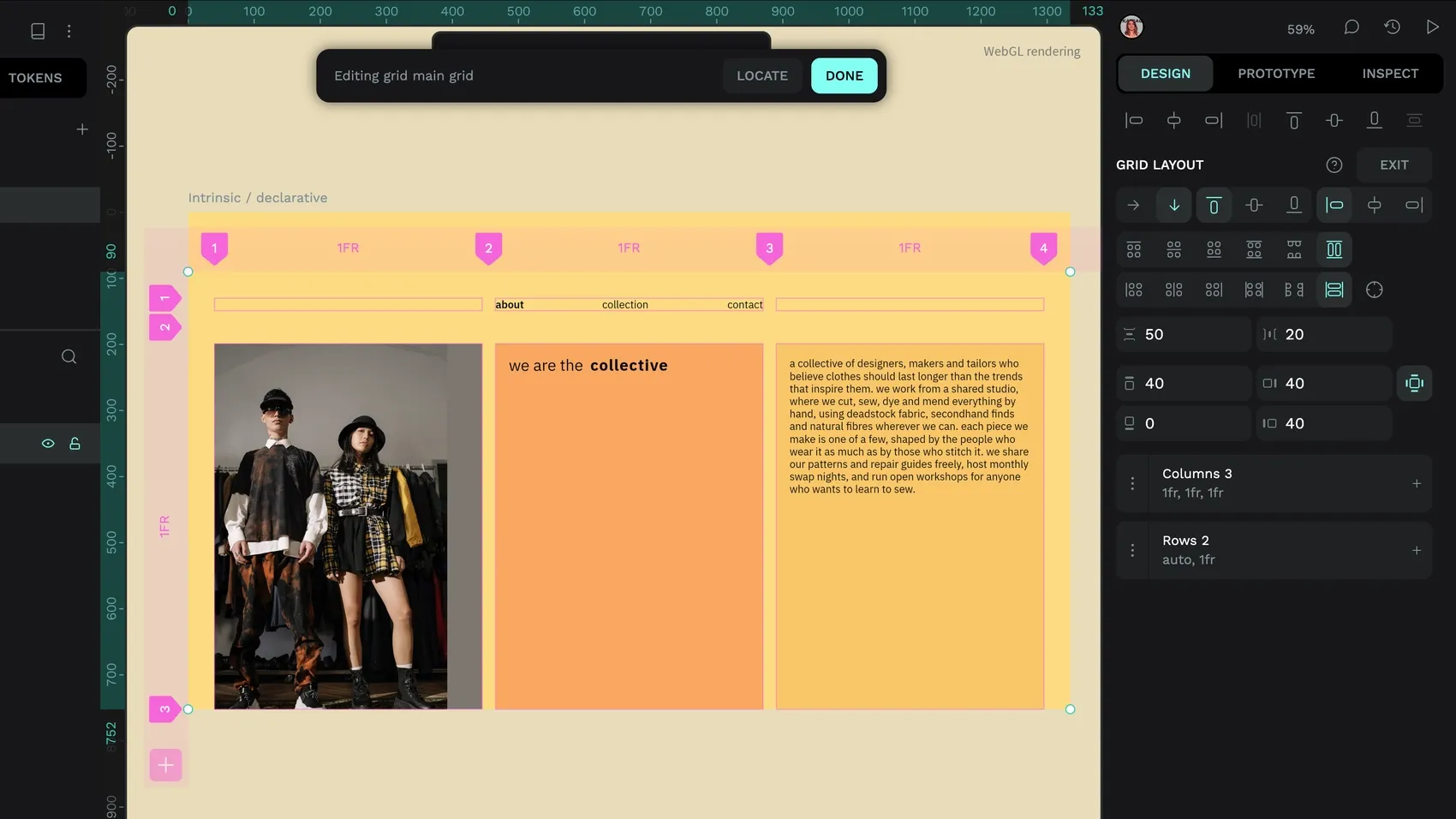
fr and auto units for a responsive layout.Design tokens
Declarative design is a way to think in systems, creating rules and exceptions. Design tokens fit perfectly into these declarative systems. Giving names to reusable variables describes their design intent. Tokens can reference other tokens, creating interconnected systems where you can update multiple design decisions by changing a single value.
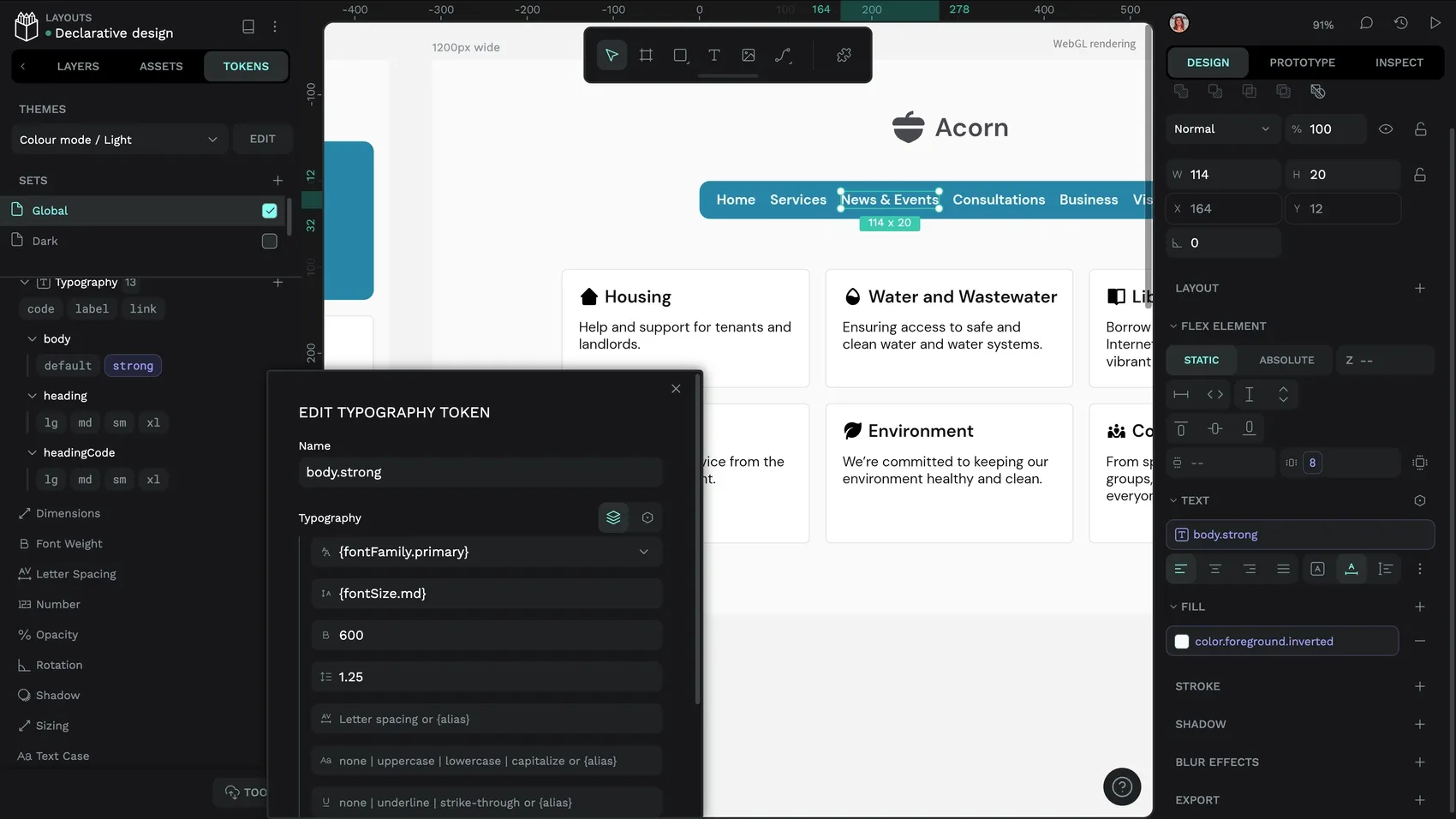
body.strong typography token in Penpot. You can see the token applied in the Text styles in the Design panel.Design tokens use the Design Tokens Community Group (DTCG) format, an open standard created to work as code or in design.
Other CSS properties
It’s not just layouts and tokens that are CSS in Penpot, each property in the Design panel maps directly to a CSS property or SVG object. Any Penpot user can open the Inspect tab to get the code for the element selected on the canvas.
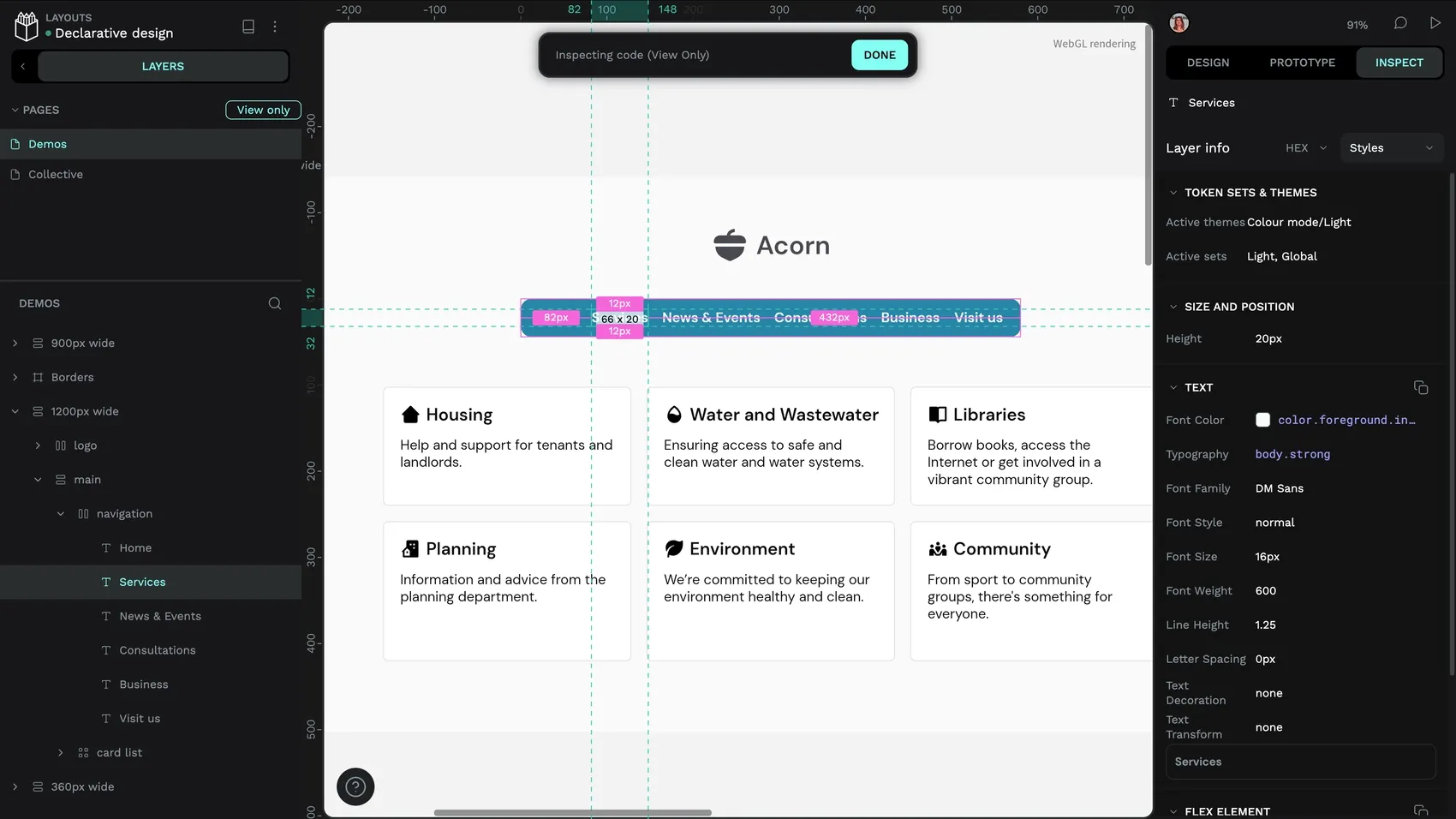
The Styles and Computed options show the element’s relevant CSS properties in an easily readable (and copy-pastable) format. The Code option shows the element’s raw HTML, CSS, and SVG (great for vector shapes like icons).
Built to work with code
Penpot’s code is ready to use or build upon, you can create your own integration with Penpot’s API or Penpot’s MCP server (to connect Penpot to AI workflows), or use an existing Penpot plugin that provides the functionality you need. Here are a few of my favorite free Penpot plugins built for working with code:
Plugins for customizing code
If you want more customization or control over the code output, the following plugins are for you. They help you manipulate the code into your desired semantic structure or another framework:
 Kaleidos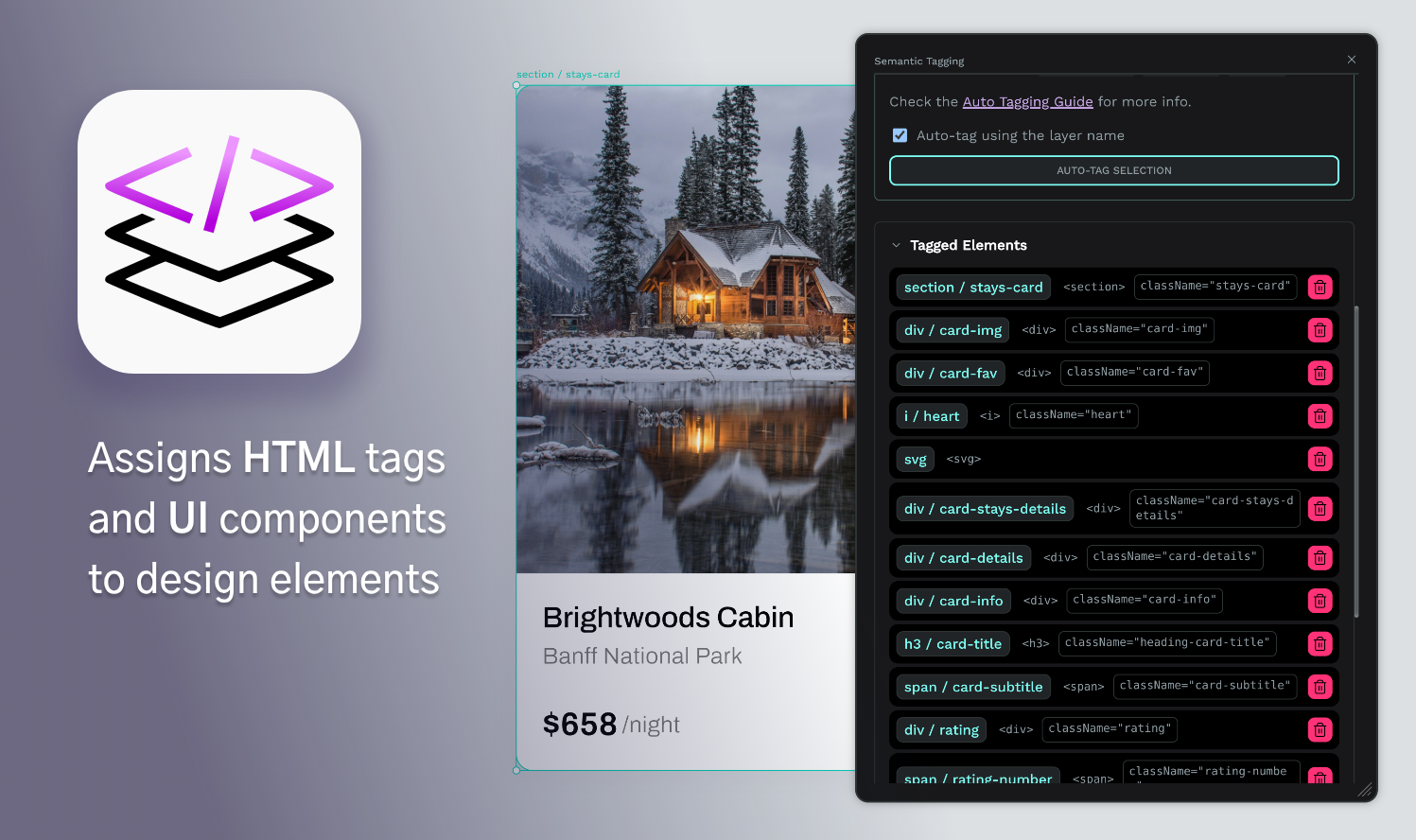
 Kaleidos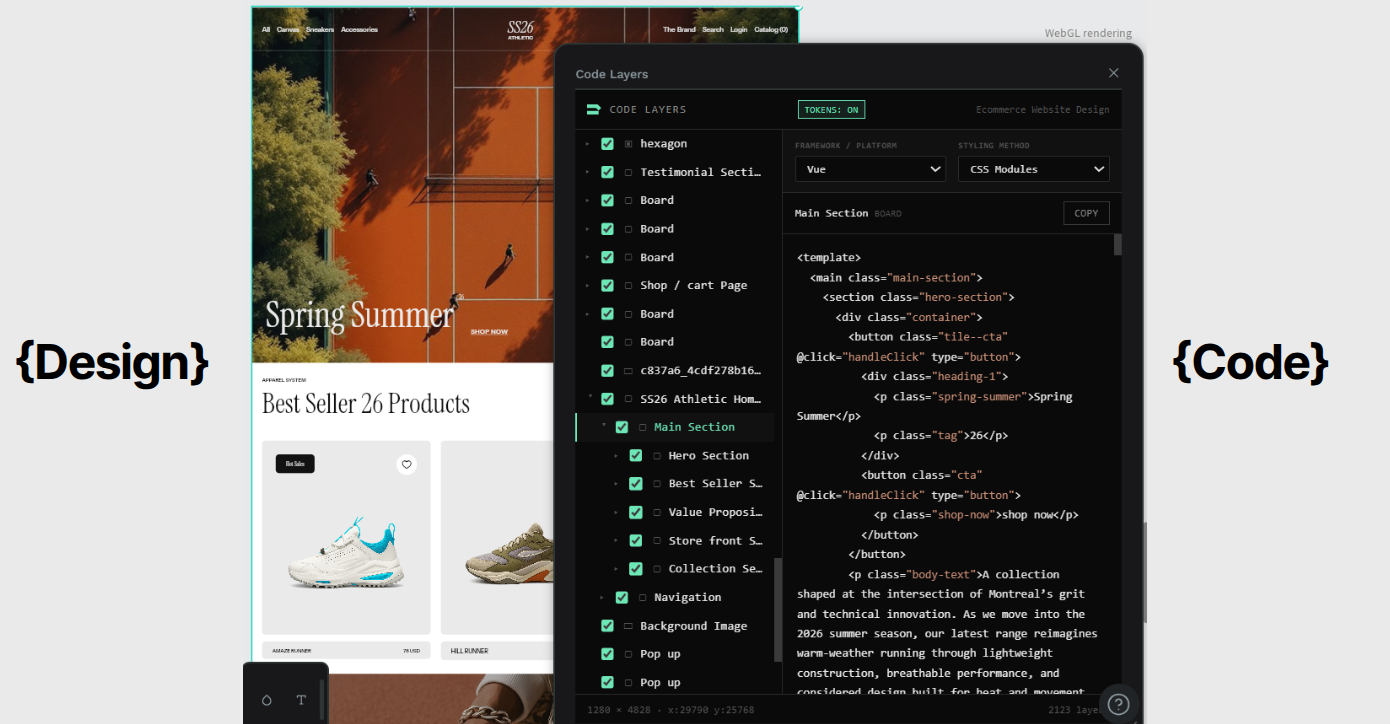
 Kaleidos
 Kaleidos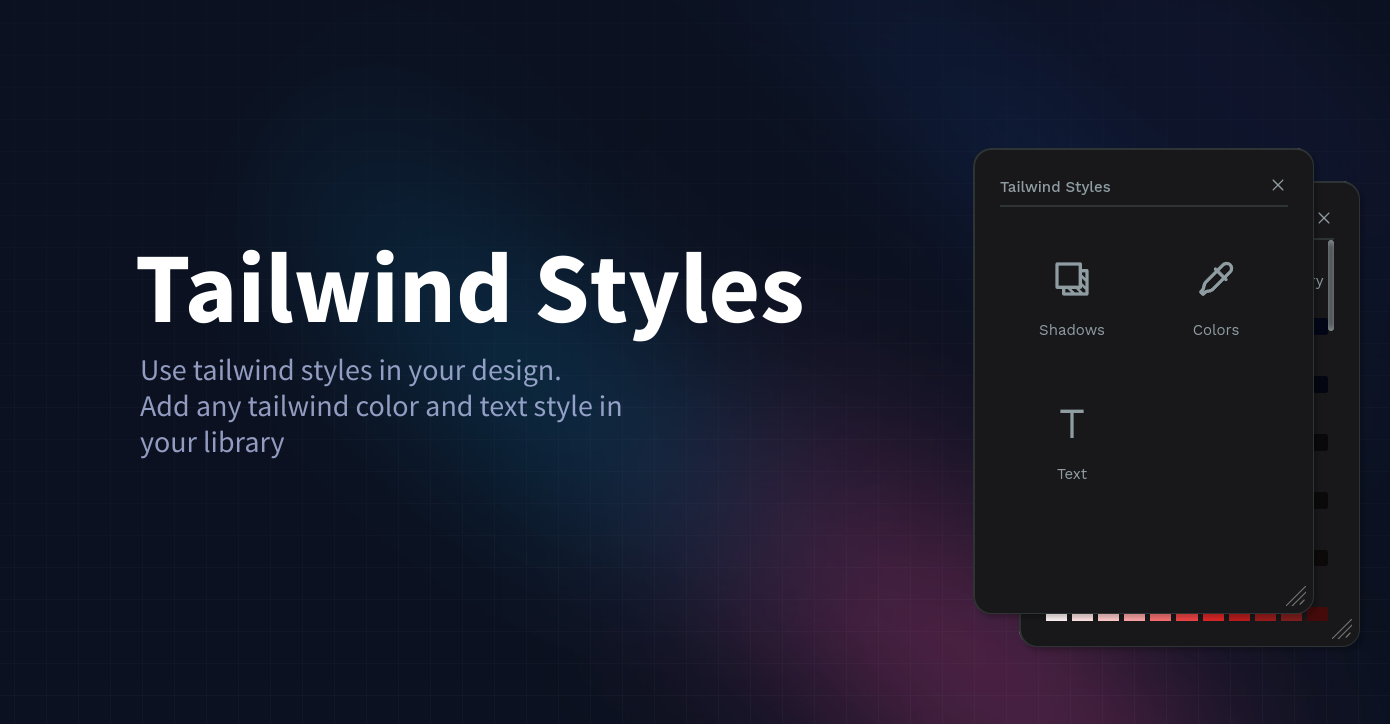
 Kaleidos
Plugins for importing code
Want to bring an existing web-based design into Penpot? These plugins help you import HTML and CSS into Penpot with just a few clicks:
 Kaleidos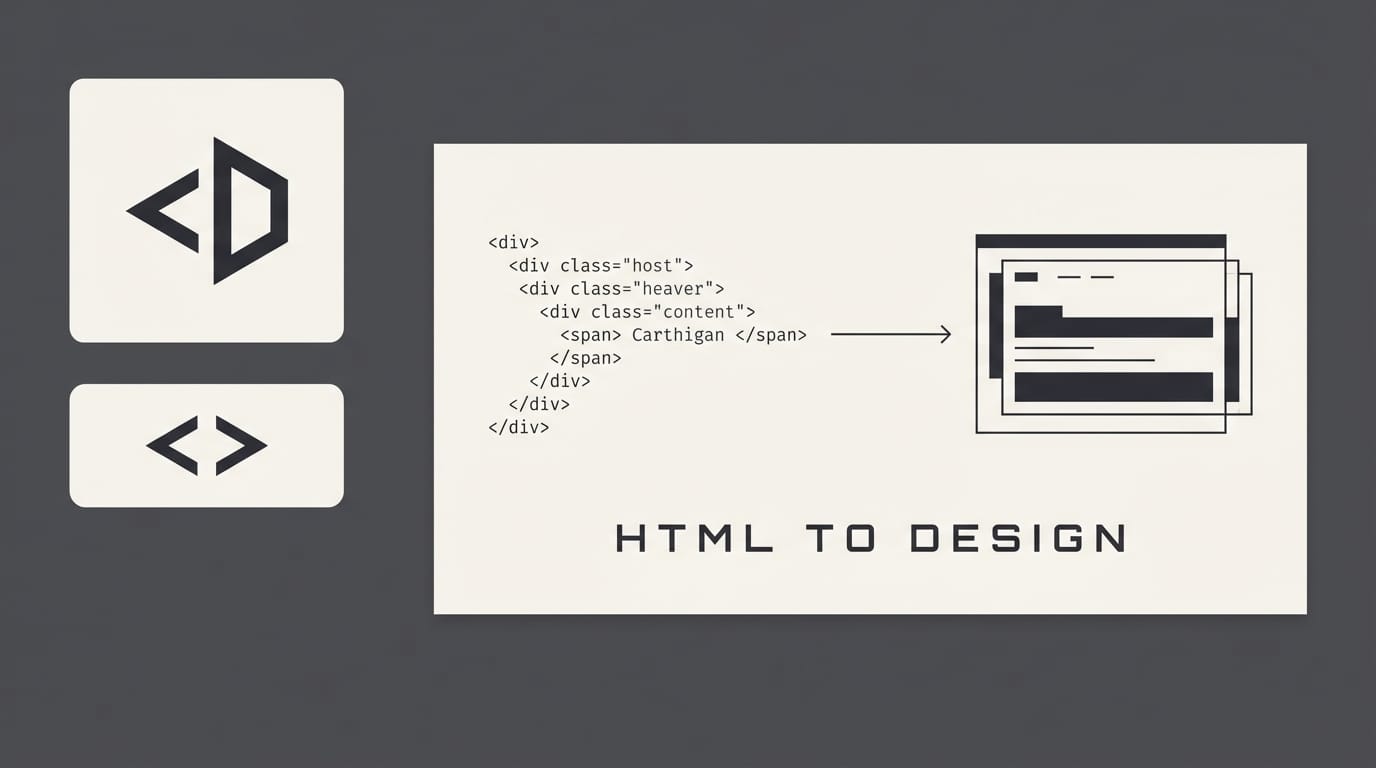
 Kaleidos
I find these particularly useful when I need to bring lots of text into Penpot!
Plugins for specific formats
There are also helper plugins for specific import and export tasks:
 Kaleidos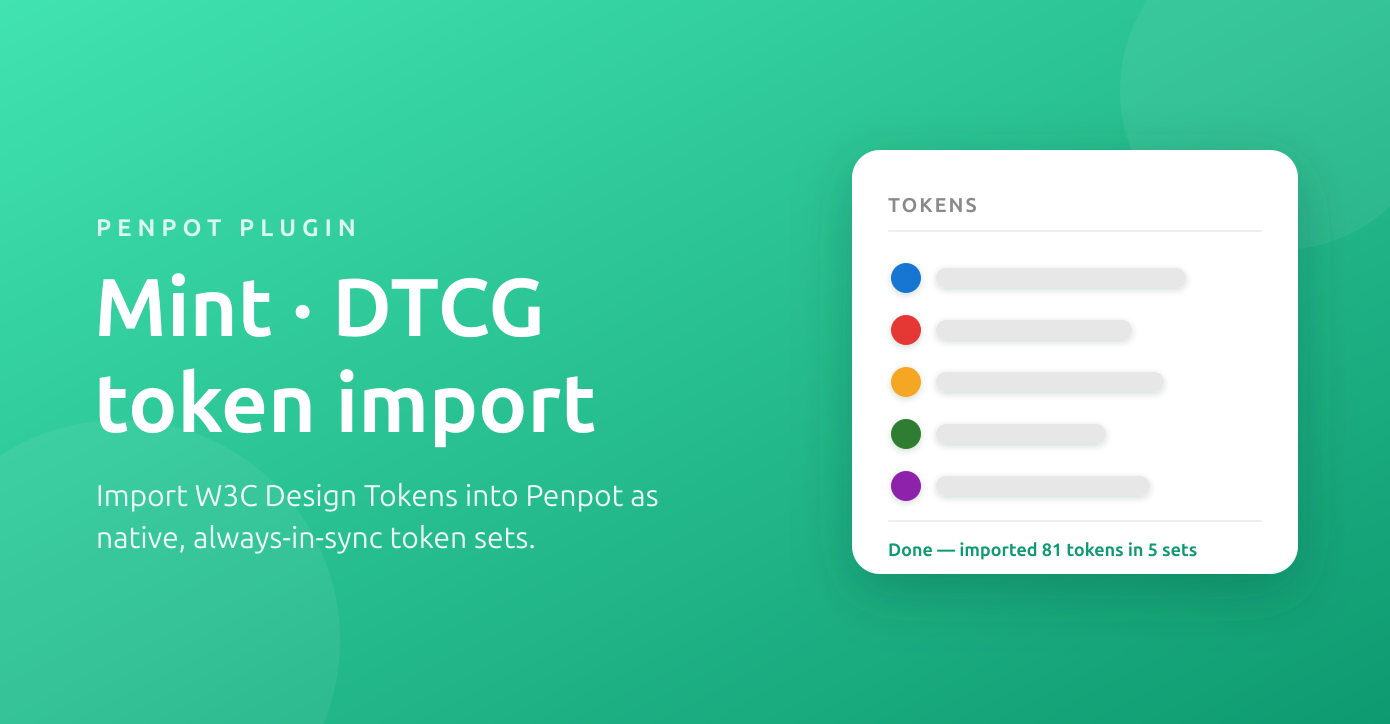
 Kaleidos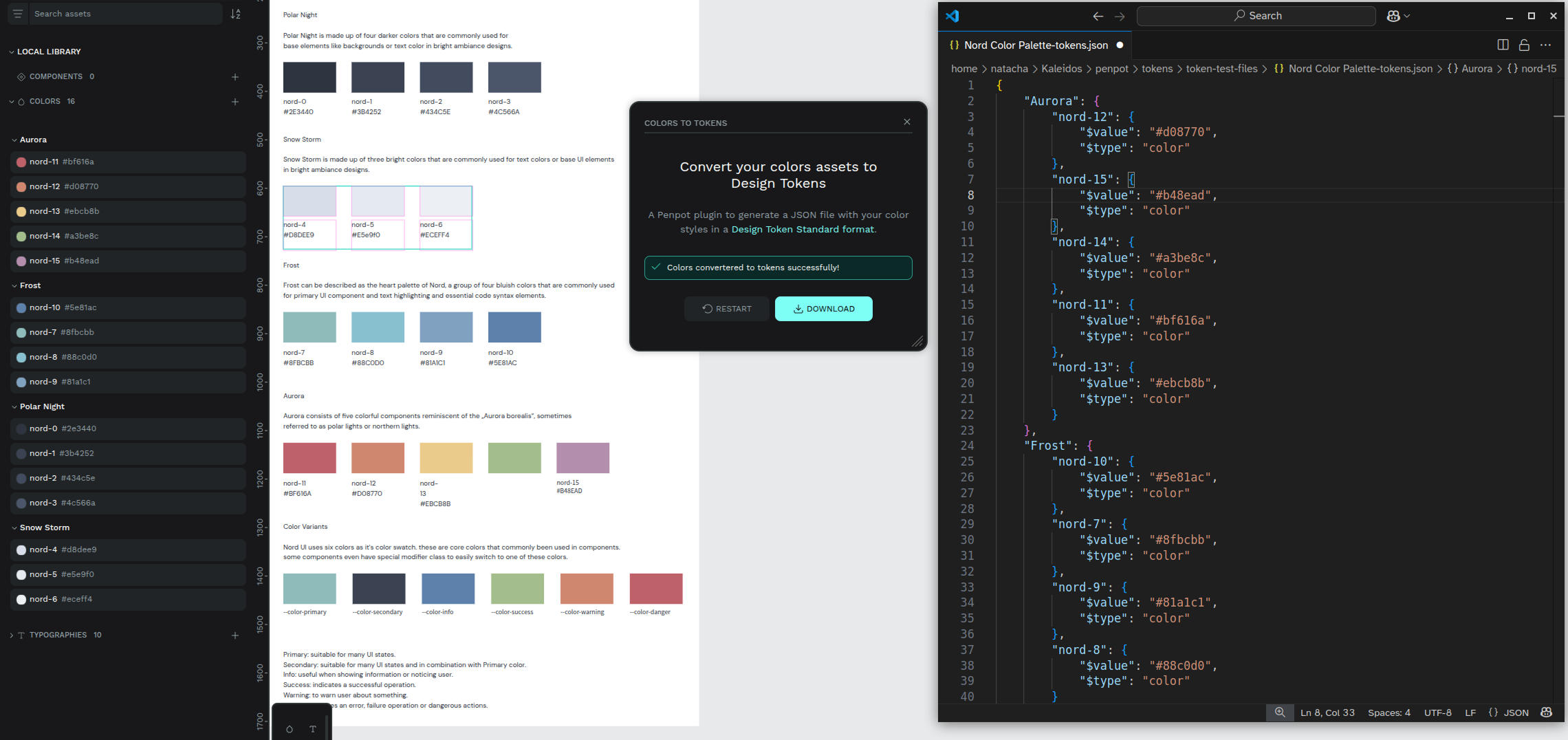
You can find even more plugins (as well as libraries and templates) on the Penpot Hub.
And, of course, you can create your own plugin to create an integration that does exactly what you and your team need. There’s loads of documentation on creating plugins in the Penpot user guide.
No more handoffs (please!)
Declarative design can really improve the process and relationship between design and development. Too often we’re faced with a “handoff,” where a designer throws a mockup at a developer, and a developer attempts to interpret it into code. The developer is irritated because the design choices are hard to translate into working code. The designer isn’t happy with the final output because it doesn’t look anything like their original design. There’s never enough time to iterate or collaborate on how to rectify this tension.
When designers use declarative design, it fits much better with coding practices, and takes advantage of the flexible medium of the web. It creates a shared language where no translation or handoff is needed.
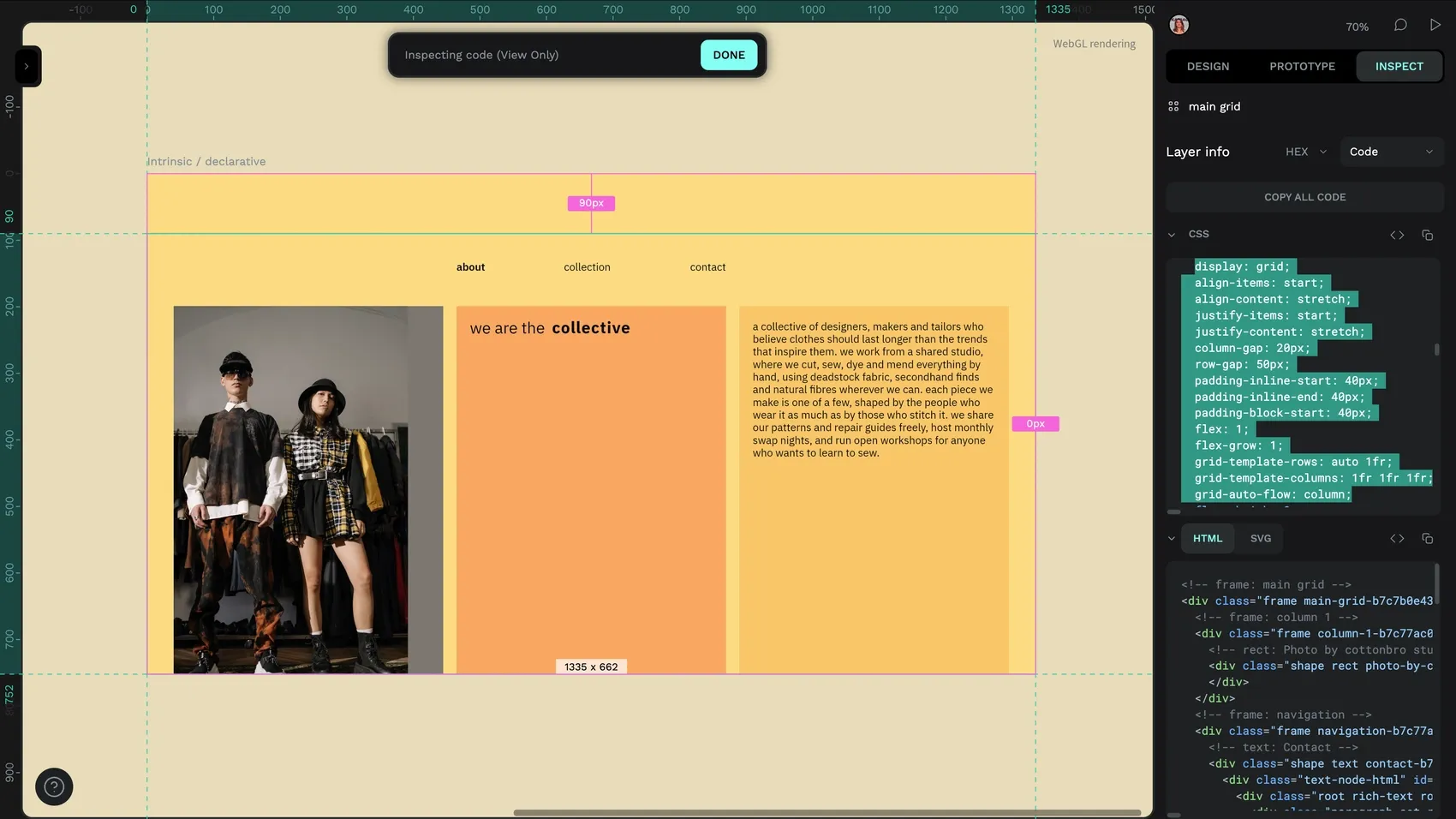
With Penpot, developers get the unambiguous code they always wanted, and designers get their true design intent in the final product. Us designer-developers can work with a tool that reflects how we think in code. Nobody resents each other, collaboration gets faster, and everyone lives happily ever after. (Well, we can dream!)
Sign up for Penpot and start doing declarative design today.
Related Blogs
We’ve got plenty more articles and tutorials about Penpot, code, and UI design. Here are a few good places to start:
 Laura Kalbag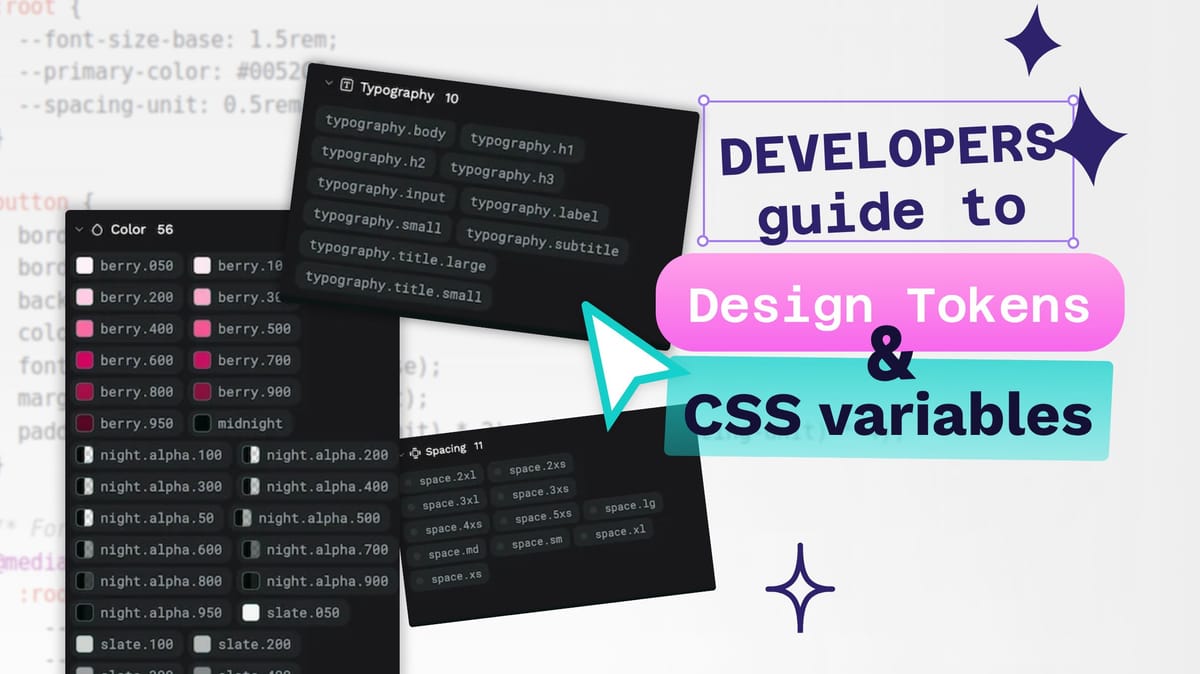
 Laura Kalbag
 Laura Kalbag