
Penpot MCP server
Description
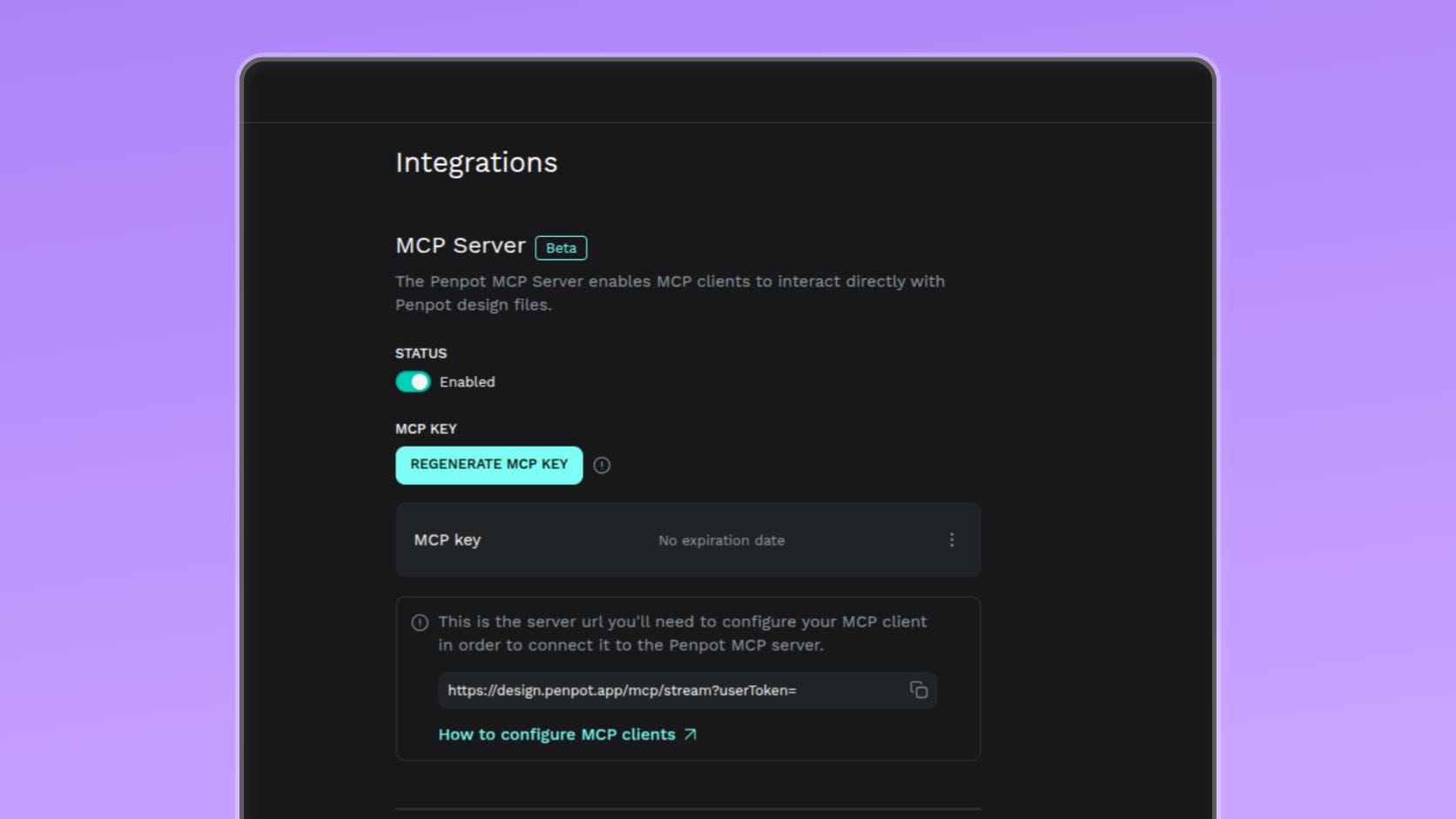
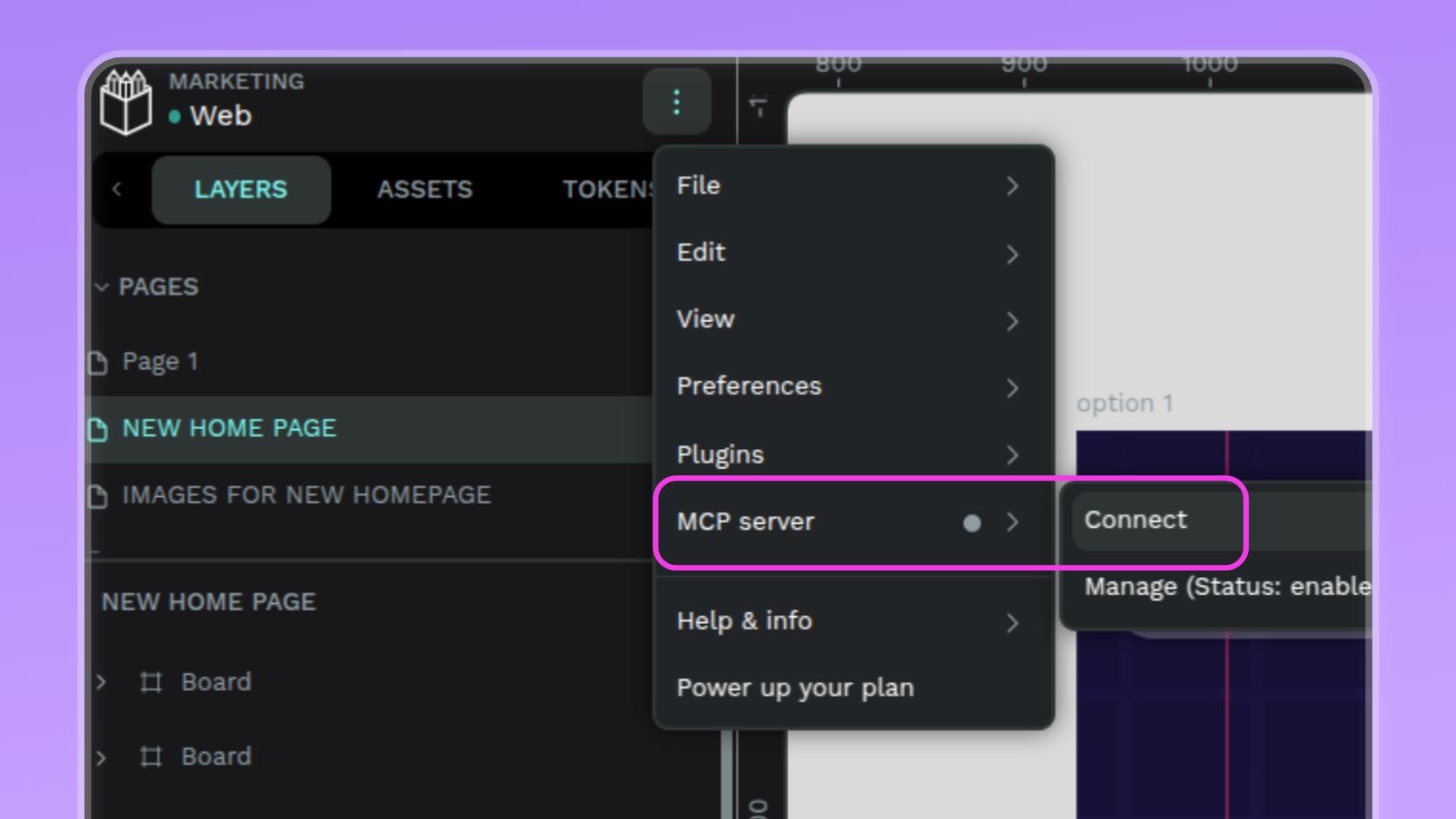
The Penpot MCP server is not a plugin, it is an MCP server. However if you landed here looking for MCP Server plugin and how to set it up, you are in the right place. You will find the key information and setup links below.
The MCP plugin runs inside Penpot and connects your open file to the MCP server. It is what allows the server to access the currently focused page.
Penpot MCP server connects Penpot with any AI agent or LLM. It uses our world-class open plugin API to connect Penpot to your preferred AI client.
There are two options for the set up:
Remote MCP server: We host it for you. Best option for most users, simpler installation and fewer moving parts.
Local MCP server: you can decide to connect it to your machine. This option is ideal for tinkerers.
Details
- Last update:
- May 4, 2026
- Published:
- May 4, 2026
- Install URL:
- https://github.com/penpot/penpot/tree/develop/mcp
- Code repository:
- https://github.com/penpot/penpot/tree/develop/mcp
Plugin images
This plugin was developed by a member or group of members from the Penpot community. While we can’t guarantee everything will work perfectly, we encourage you to report any issues using the “Report this plugin” button—our team will review it.
You can browse, install, and manage plugins directly from the Plugin Panel inside the app, or explore them on our website. Most plugins are created by community members, so feel free to try them out and see what fits your workflow.
Want to share your own plugin? We’d love to see it!
Just check out our plugin development guide to get started. Once your plugin is ready, you can submit it for review and help other teams extend Penpot in new and exciting ways.
Let’s build Penpot together—one plugin at a time.