
Penpot MCP Server
Connect Penpot with any AI agent, any LLM. Penpot MCP server is agnostic and enables high-quality multi-directional AI workflows through our world-class open plugin API.
Any AI Agent. Any LLM.
Connect Penpot MCP Server to your trusted AI agent.
Penpot MCP server is agnostic. Connect it to any AI agent or LLM you trust. Customize your models and design infrastructure however works best for your team.


OpenAI Codex

Cursor

Visual Studio Code

Claude
Choose your agent, connect to Penpot MCP and prompt away!
AI agents feel at home in Penpot


In Penpot, design is expressed as code, so AI agents can easily read and interact with your design files creating high-fidelity artifacts.
The canvas becomes a programmable space where teams can experiment, automate tasks, and build multi-directional workflows.
Deploy Penpot MCP in your server
Large teams and enterprises can benefit from the speed and efficiency of their trusted AI agents/LLMs without risking data exposure.
The power of AI agents into your design infrastructure.

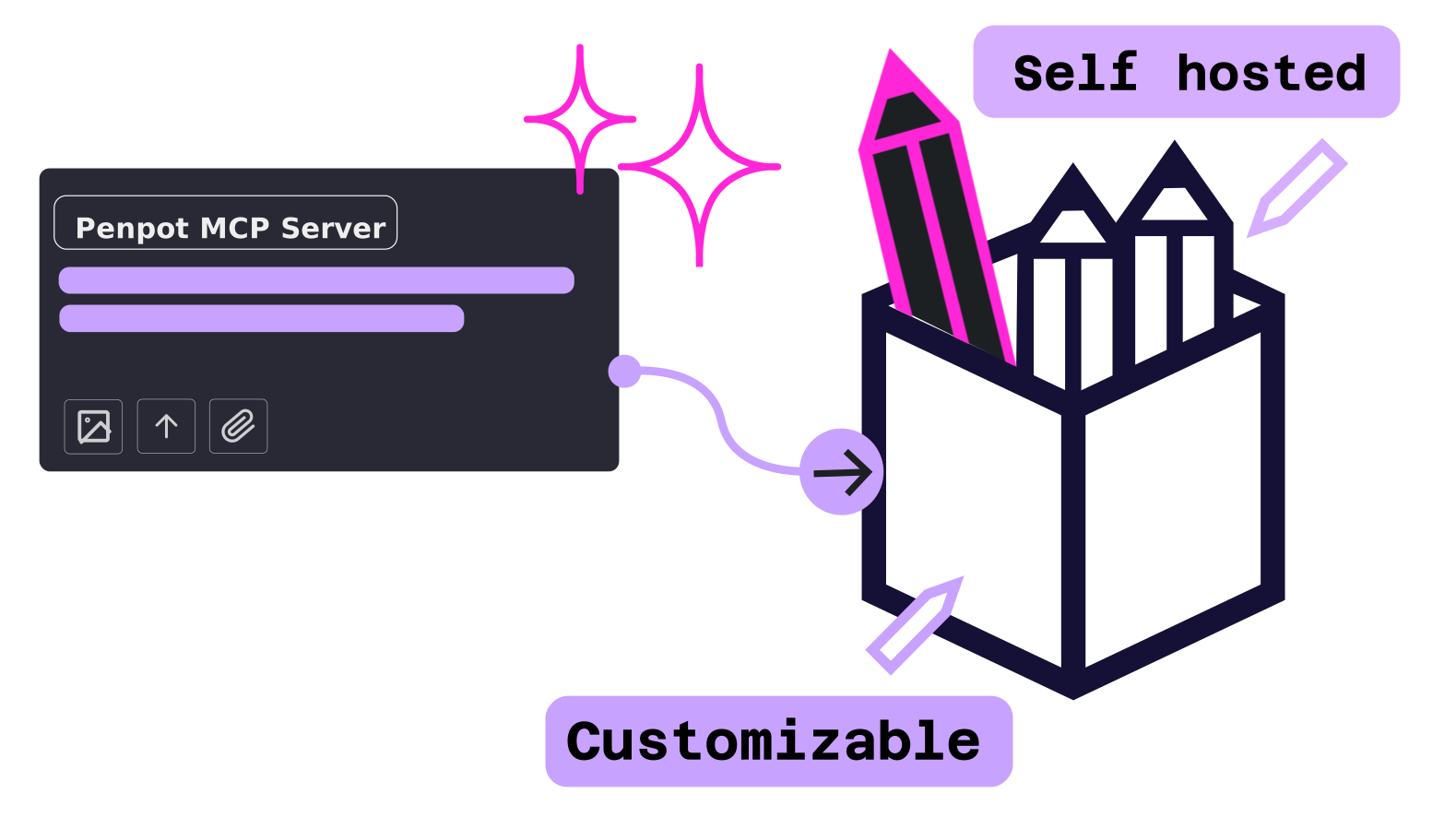
Keep your data secure
Deploy the MCP server in your own environment without relying on third-party clouds.
Extend the possibilities
The MCP server interacts directly with Penpot’s open API enabling your team to build plugins tailored to your organization’s workflows.
No Vendor Lock-in
You control the stack. Choose your client and any model you like to connect and customize the integration to your needs.
No paywalls
You can use any MCP client and LLM/AI agents without worrying about budget restrictions. Penpot's MCP server is free and open.
How to set up Penpot MCP server
You can use Penpot MCP server hosted by us and connect it in seconds or set it up in your own server for further control and security.
You host it
Local setup is is intended for advanced users who are comfortable using the terminal.
We host it
Remote setup is the best option for most users, simpler installation and fewer moving parts.
How Penpot MCP server works


Your AI Client (LLM)
You use an MCP-compatible AI client (like Claude Desktop or others) and prompt about your design or code.


The Penpot MCP Server
This open-source translation layer acts as the bridge, interpreting your natural language requests into actions Penpot understands.


Your Penpot Design File
Through our world-class Plugins API, the server reads data, modifies elements, and creates new structures directly on your workspace.
FAQ
Stay in the loop