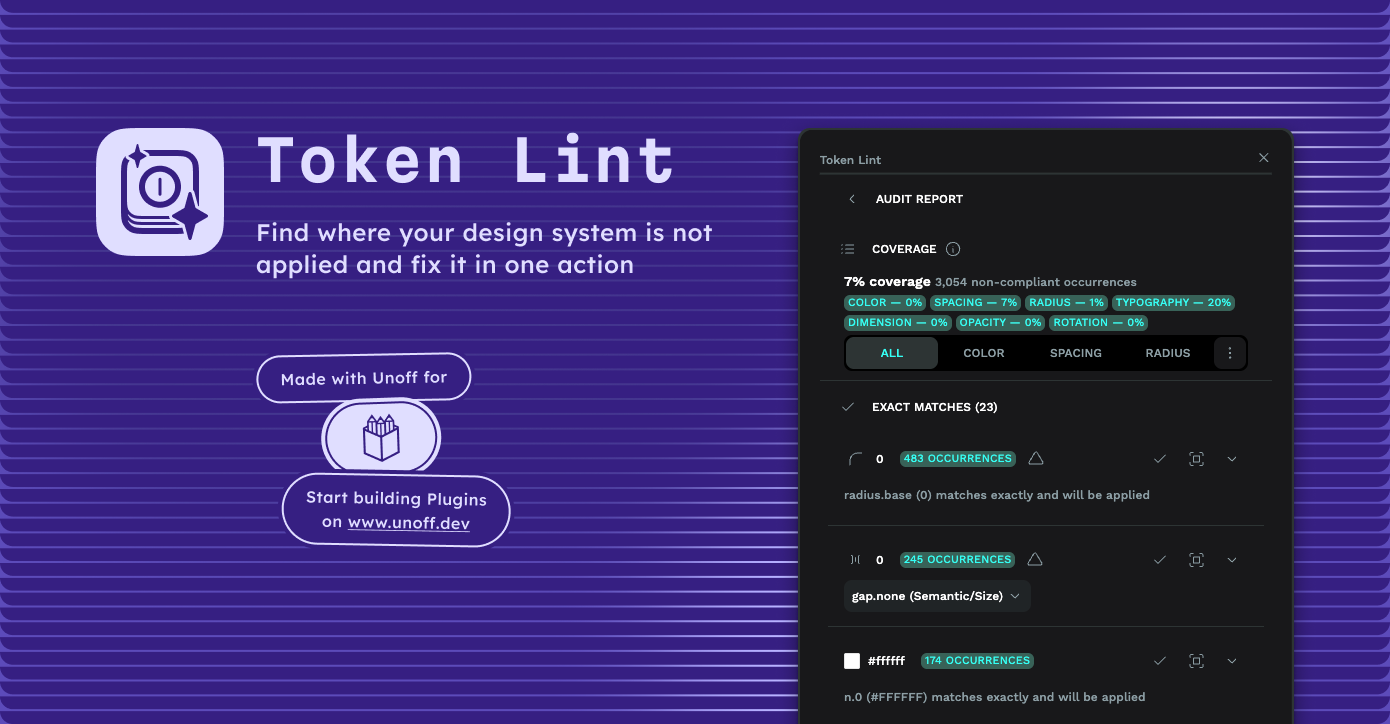

Token Lint
Description
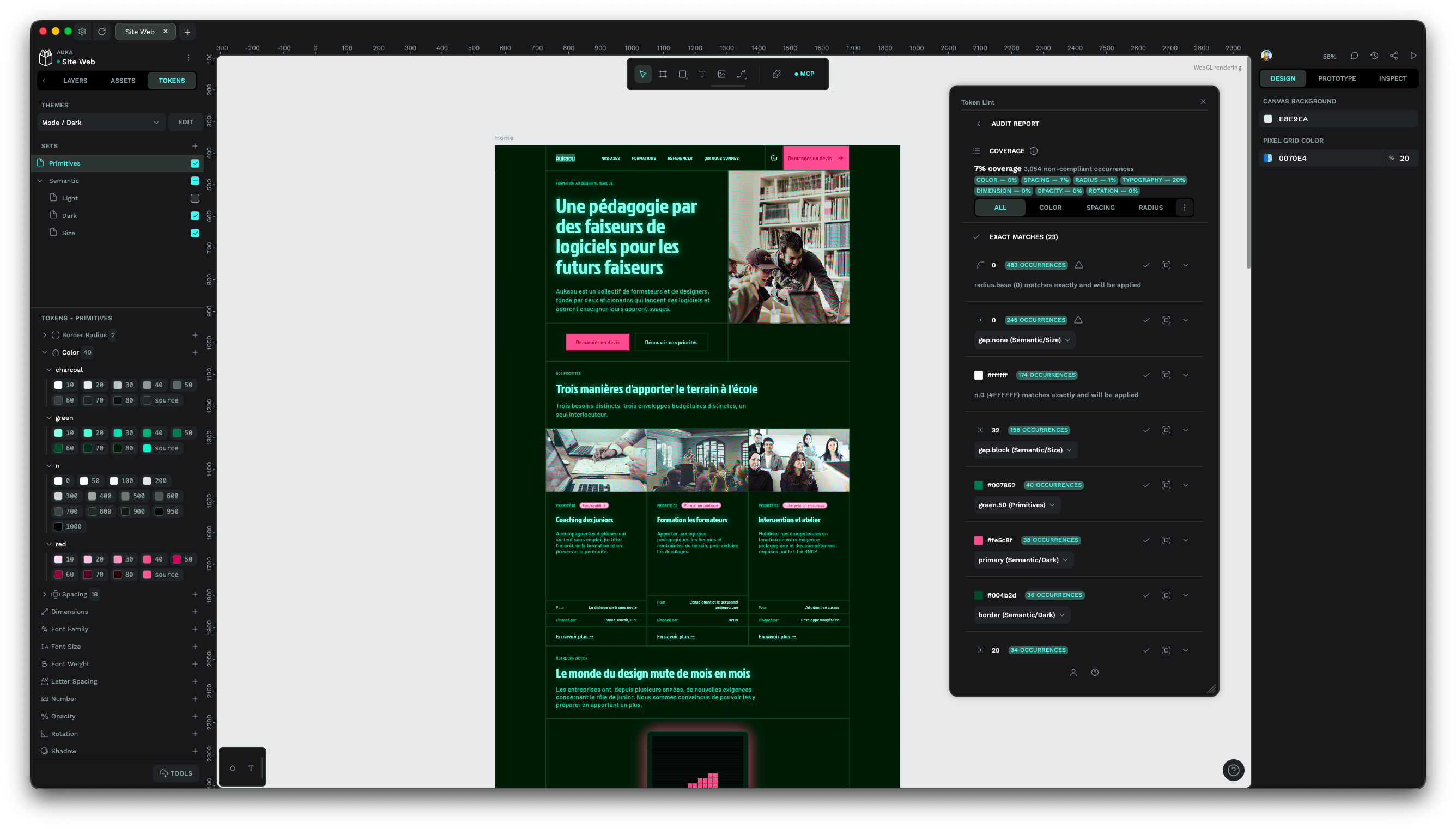
Audit a Penpot document against its active token sets, then apply the fix. Token Lint returns a coverage rate, groups every deviation by value instead of layer by layer, and applies the right token in a single undoable action.
Audit what escapes your tokens
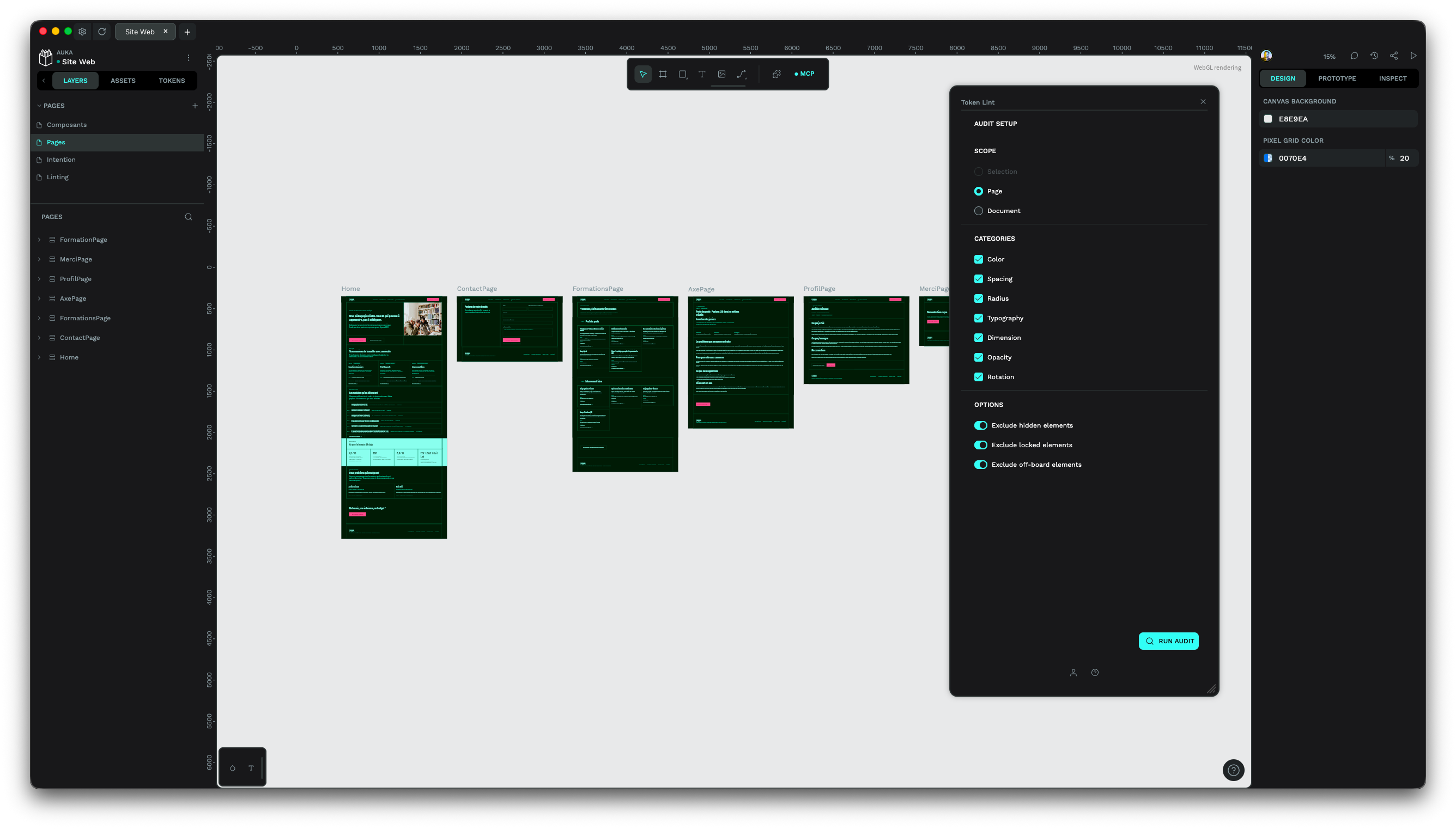
- Pick a scope: selection, page, or document
- Check color, spacing, radius, typography, dimension, opacity, and rotation
- Read a coverage rate and a priority list of deviations, ordered by how cheap the fix is
Fix in bulk, safely
- Apply every exact match in scope at once, announced with its exact count and undoable with a single editor undo
- Review near matches one by one, with the residual difference shown
- Select the affected layers on canvas before anything is written, and see what was skipped and why
Create the tokens you are missing
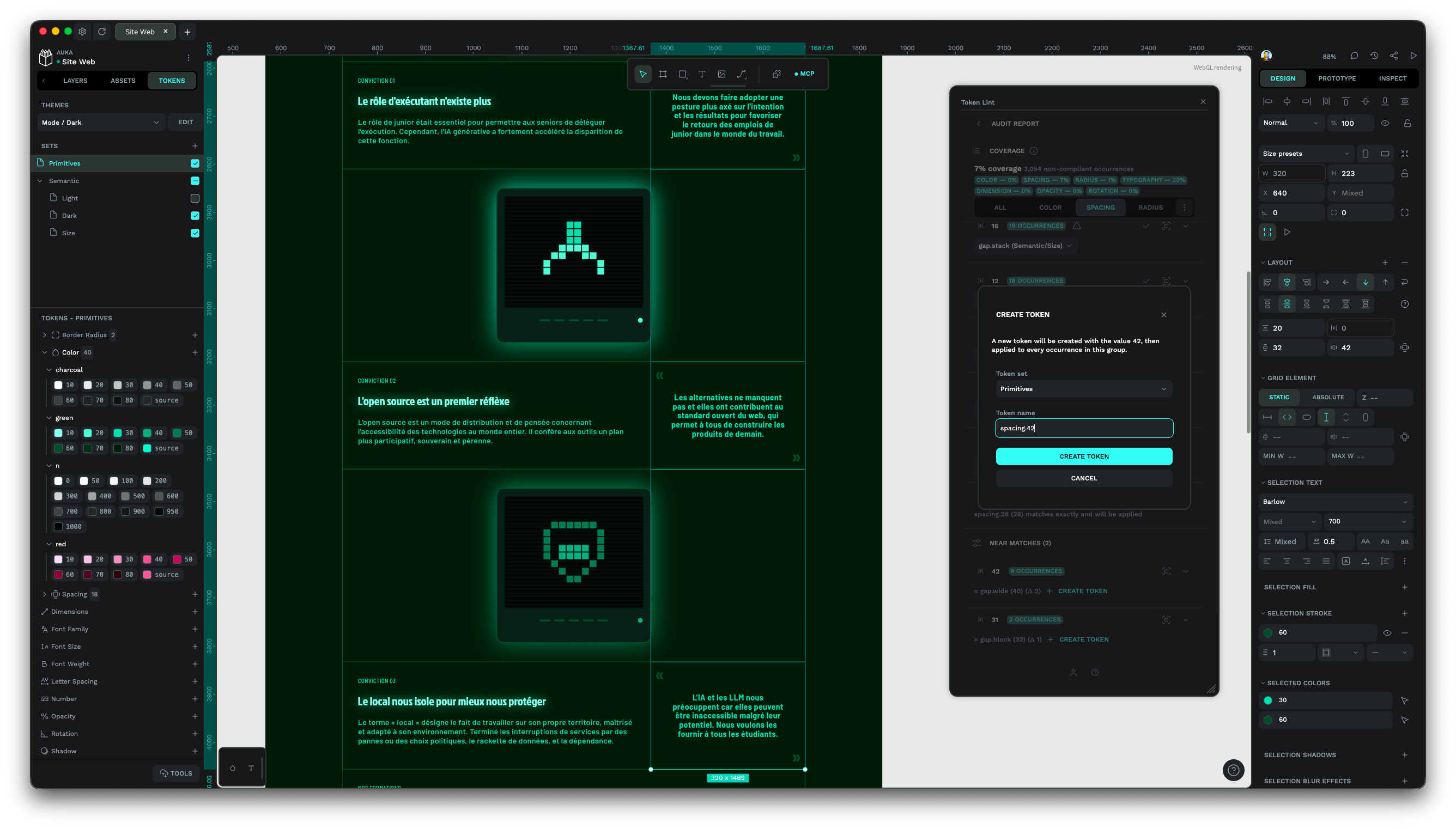
- Turn an orphan value, or a near match you refuse to snap, into a real token without leaving the report
- Pick one of your active sets, then keep or edit the proposed name (color.3b82f6, spacing.12)
- The new token is applied to its whole group right away
Details
- Last update:
- Oct 2, 2026
- Published:
- Oct 2, 2026
- Install URL:
- https://plugins.unoff.dev/penpot/token-lint/manifest.json
- Author website:
- https://an.gd
- Code repository:
- https://github.com/yelbolt/unoff-plugins
Plugin images
This plugin was developed by a member or group of members from the Penpot community. While we can’t guarantee everything will work perfectly, we encourage you to report any issues using the “Report this plugin” button—our team will review it.
You can browse, install, and manage plugins directly from the Plugin Panel inside the app, or explore them on our website. Most plugins are created by community members, so feel free to try them out and see what fits your workflow.
Want to share your own plugin? We’d love to see it!
Just check out our plugin development guide to get started. Once your plugin is ready, you can submit it for review and help other teams extend Penpot in new and exciting ways.
Let’s build Penpot together—one plugin at a time.
Contact [email protected] for questions and updates on your plugin.