
›Plugins›Super Tidy
Super Tidy
Super Tidy icon

Super Tidy

By basiclines

Productivity
Share
Install in Penpot.app

Description

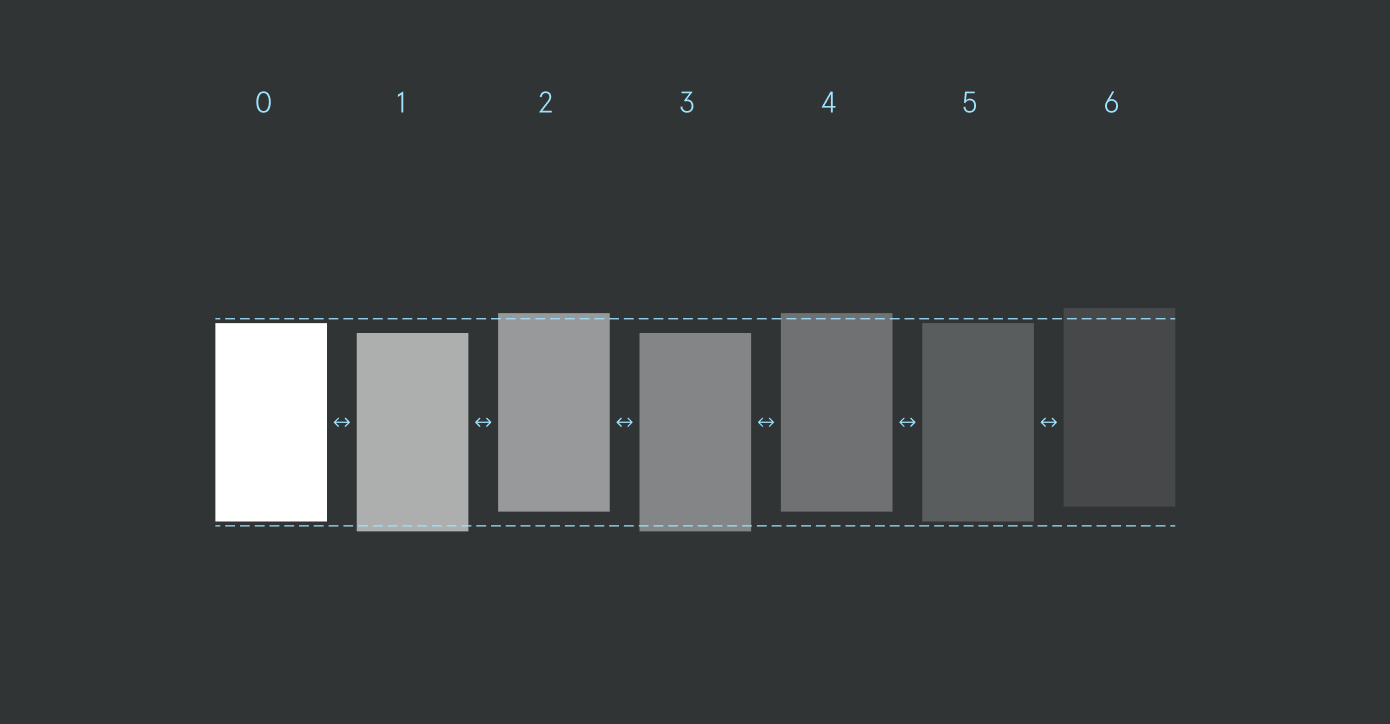
Transform chaotic files into a perfectly organized canvas with one click. The ultimate plugin for people who value a clean and organized canvas. Super Tidy automatically organizes your canvas and layers with precision. Auto-align frames to customizable spacing grids. Renaming with sequential numbering and custom naming patterns. Layer sorting that matches your visual canvas layout. Flexible layout format - organize in rows or columns. Pager numbering with custom variables for presentations Note: This plugin shows a brief ad for an upgrade to its PRO plan. You can still use the free version after the ad finishes.

Details

Last update:
Oct 28, 2025
Published:
Oct 28, 2025
Install URL:
https://super-tidy.netlify.app/manifest.json
Author website:
https://ismael.fyi
Code repository:
https://github.com/basiclines/figma-super-tidy
Report this plugin

This plugin was developed by a member or group of members from the Penpot community. While we can’t guarantee everything will work perfectly, we encourage you to report any issues using the “Report this plugin” button—our team will review it.

You can browse, install, and manage plugins directly from the Plugin Panel inside the app, or explore them on our website. Most plugins are created by community members, so feel free to try them out and see what fits your workflow.

Want to share your own plugin? We’d love to see it!

Just check out our plugin development guide to get started. Once your plugin is ready, you can submit it for review and help other teams extend Penpot in new and exciting ways.

Let’s build Penpot together—one plugin at a time.

More about Plugins

Terms and Conditions for Penpot PluginsUser guideDevelopers guideCreate a plugin
Submit a pluginHow to use a pluginReport a pluginContact support
Penpot logo
Product
Self-Host
AI Workflows
Features
Release notes
Integration & API
Business Cases
Features
Community
Community Space
Ambassador Program
Wall of love
Penpot Fest
Blog
Features
Features
Resources
Learning Center
Penpot UI Course
Plugins
Libraries & Templates
Tutorials
Dev Diaries
Help Center
Pricing
Contact Sales
Log In
Contact Sales
Sign up
Penpot logo
Full-stack Design

Product

  • Design
  • MCP Server
  • Code
  • Collaboration
  • Features
  • Design Tool
  • Penpot VS Figma
  • Penpot VS Adobe XD
  • Penpot VS Canva
  • Penpot VS Sketch

Company

  • About
  • Blog
  • Wall of love
  • Penpot Fest
  • Careers
  • Media Kit

Resources

  • Penpot UI Design Course
  • Plugins
  • Libraries & templates
  • Learning center
  • Tutorials
  • Community
  • Release notes
  • Help center

For Businesses

  • Security & Compliance
  • Pricing
  • Self-host
  • Integration & API
  • Why Penpot
  • Penpot Enterprise
  • Design Infrastructure

Resources

  • Penpot UI Design Course
  • Plugins
  • Libraries & templates
  • Learning center
  • Tutorials
  • Community
  • Dev diaries
  • Help center

For Business

  • Security & Compliance
  • Pricing
  • Self-host
  • Integration &API
  • Why Penpot
  • Penpot Enterprise
  • Design Infrastructure

Company

  • About
  • Blog
  • Wall of love
  • Penpot Fest
  • Careers
  • Media Kit

Use Cases

  • Wireframing
  • Prototyping
  • UX design
  • AI Workflows
Collaborative UI Design

Key Features

  • Penpot MCP Server
  • Design Tokens
  • Design Systems
  • CSS Grid and Flex Layouts

Legal

  • Terms & conditions
  • Privacy policy
  • Cookie policy
  • Data processing agreement
  • Whistleblowing
Made with LOVE and Open Source KALEIDOS Subsidiary SL © 2026