
Photo Object Remover - Imgour
Description
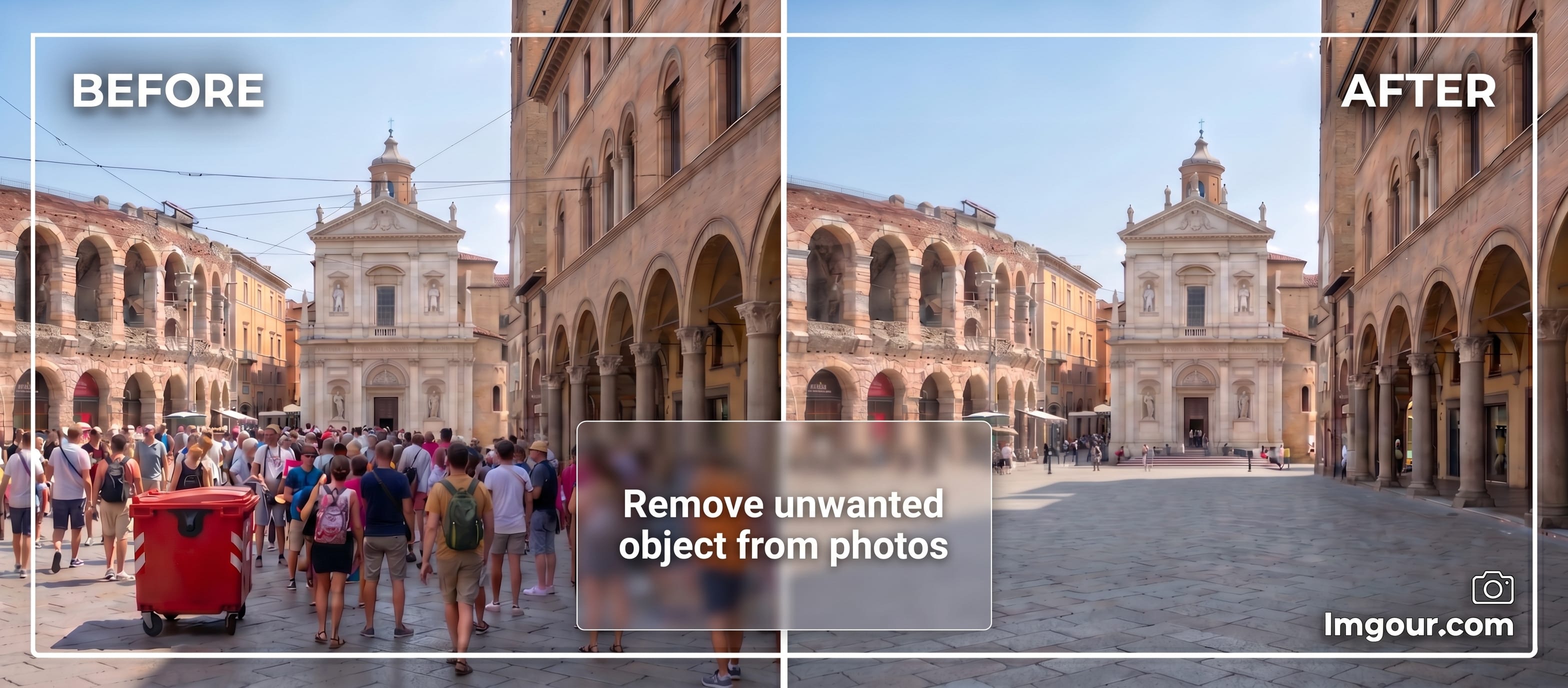
Select any image in Penpot, brush over what you want gone, and watch it disappear.
What it can erase?
Watermarks, logos, people, objects, text, clutter - anything you don't want removed from your photo.
Why designers use this:
- Clean up product photos without leaving Penpot
- Remove unwanted objects from mockups
- Touch up images in your workflow
Adjustable brush size. Works on any image.
Built with advanced AI inpainting - same tech used by professional photo editors, now in your Penpot workflow.
Limited free usage
Details
- Last update:
- Apr 29, 2026
- Published:
- Apr 29, 2026
- Install URL:
- https://www.imgour.com/penpot-plugin/manifest.json
- Author website:
- https://www.imgour.com/
- Code repository:
- https://github.com/Dpakkk
This plugin was developed by a member or group of members from the Penpot community. While we can’t guarantee everything will work perfectly, we encourage you to report any issues using the “Report this plugin” button—our team will review it.
You can browse, install, and manage plugins directly from the Plugin Panel inside the app, or explore them on our website. Most plugins are created by community members, so feel free to try them out and see what fits your workflow.
Want to share your own plugin? We’d love to see it!
Just check out our plugin development guide to get started. Once your plugin is ready, you can submit it for review and help other teams extend Penpot in new and exciting ways.
Let’s build Penpot together—one plugin at a time.
Contact [email protected] for questions and updates on your plugin.