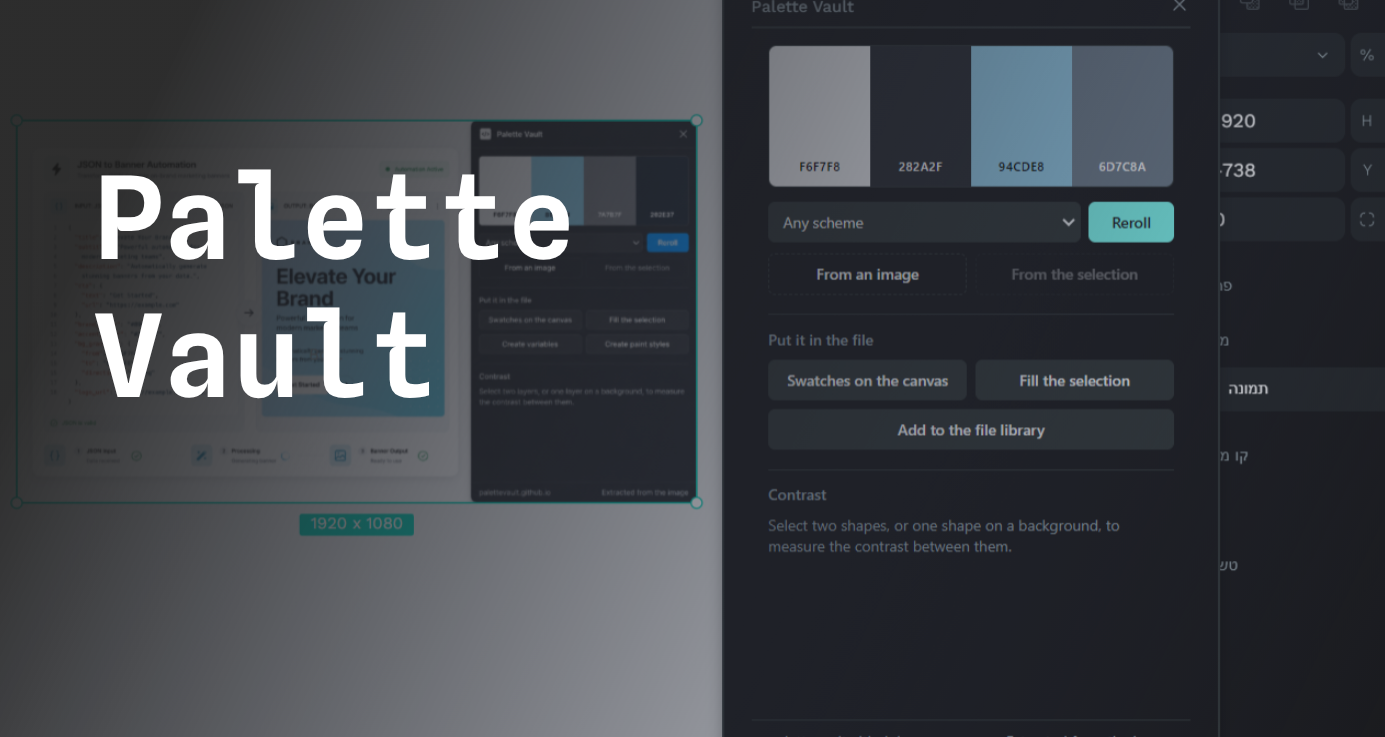

Palette Vault
Description
Palette Vault generates color palettes and puts them into your file the way you need them.
Everything is built in OKLCH, a color space where equal numeric steps look like equal steps to the eye. In HSL a yellow and a blue can claim the same lightness while the yellow glares and the blue reads as nearly black, so a palette built on it comes out uneven no matter how carefully the numbers were chosen. Extraction clusters in OKLab for the same reason: two greens you would read as one color can sit further apart in RGB than a green and a grey you would never confuse.
The plugin makes no network requests. Images are read from your own file and processed on your machine, and nothing is recorded about what you do. It asks for four permissions and no more: content:read and content:write to see your selection and create shapes, library:read and library:write to add colors. It does not ask who you are, what anyone commented, or for a copy of your file.
For designers who pick colors often and want them reusable rather than pasted.
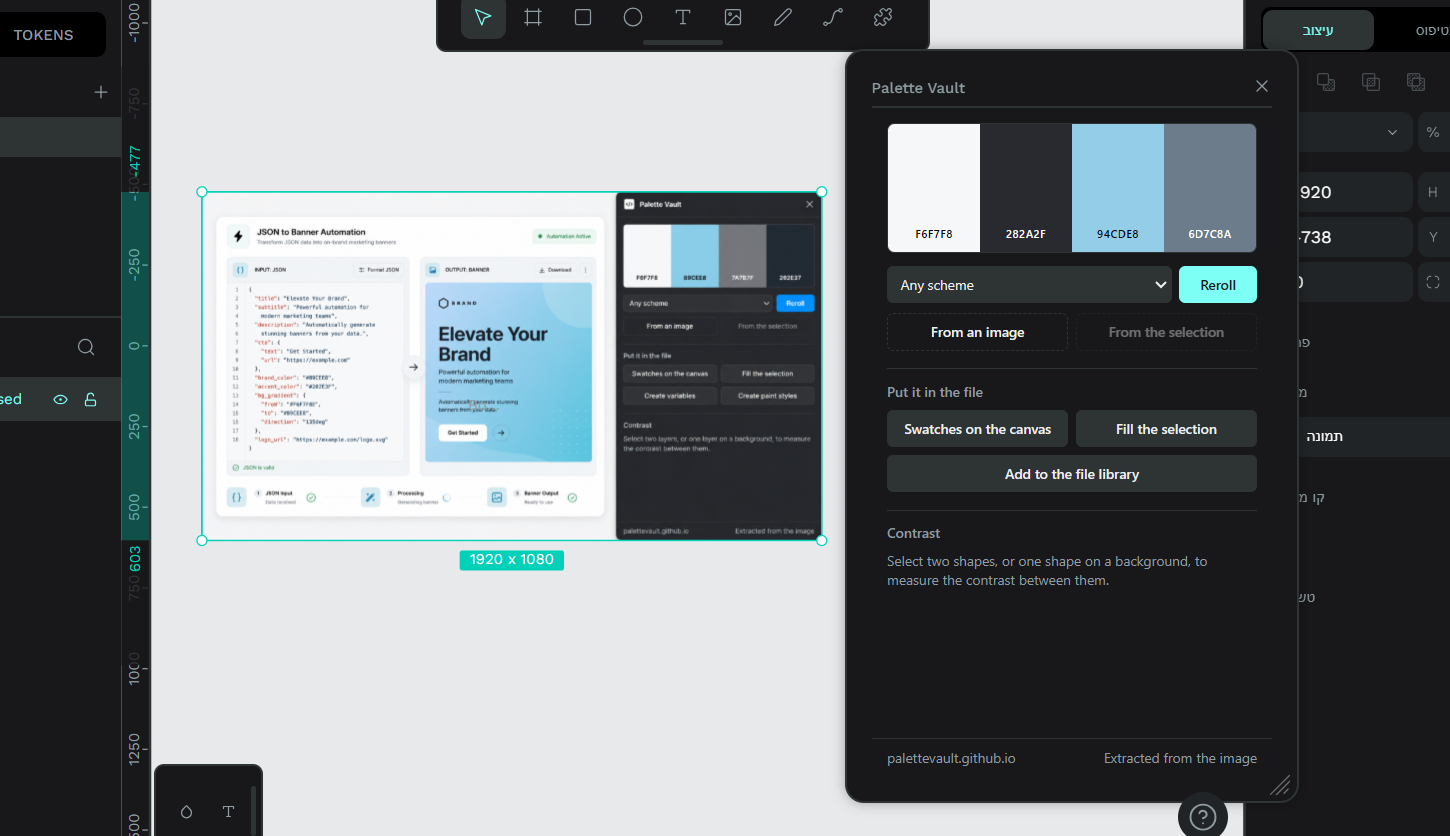
Key features and use cases: Generate a palette in OKLCH. Eight schemes, a reroll button, Space to reroll, click a swatch to copy its hex. Extract colors from an image in your selection. Pixels are clustered by how they look rather than sampled at random. Take the colors already in your selection, gradient stops included, ranked by how much of the artwork each one covers. This is also how you get the palette out of an SVG: Penpot turns vector art into shapes with fills, so there is no image to read but plenty of color. Put the palette in the file three ways: swatches on the canvas for exploring, fills applied to the shapes you already drew, or colors added to the file library under one Palette Vault heading. Library colors are named by position, never by hue, because a color called blue holding an orange after one reroll is worse than Color 2 holding anything. Check contrast. Select two shapes, or one shape on a background, and get the ratio against all five WCAG thresholds at once. A ratio of 3.2 fails body text and passes large text, and a single verdict would hide the case where the fix is the type size rather than the color.
Details
- Last update:
- Aug 7, 2026
- Published:
- Aug 7, 2026
- Install URL:
- https://palettevault.github.io/penpot/manifest.json
- Author website:
- https://palettevault.github.io/
- Code repository:
- https://github.com/PaletteVault/palettevault.github.io
Plugin images
This plugin was developed by a member or group of members from the Penpot community. While we can’t guarantee everything will work perfectly, we encourage you to report any issues using the “Report this plugin” button—our team will review it.
You can browse, install, and manage plugins directly from the Plugin Panel inside the app, or explore them on our website. Most plugins are created by community members, so feel free to try them out and see what fits your workflow.
Want to share your own plugin? We’d love to see it!
Just check out our plugin development guide to get started. Once your plugin is ready, you can submit it for review and help other teams extend Penpot in new and exciting ways.
Let’s build Penpot together—one plugin at a time.
Contact [email protected] for questions and updates on your plugin.