
Arc & Path
Description
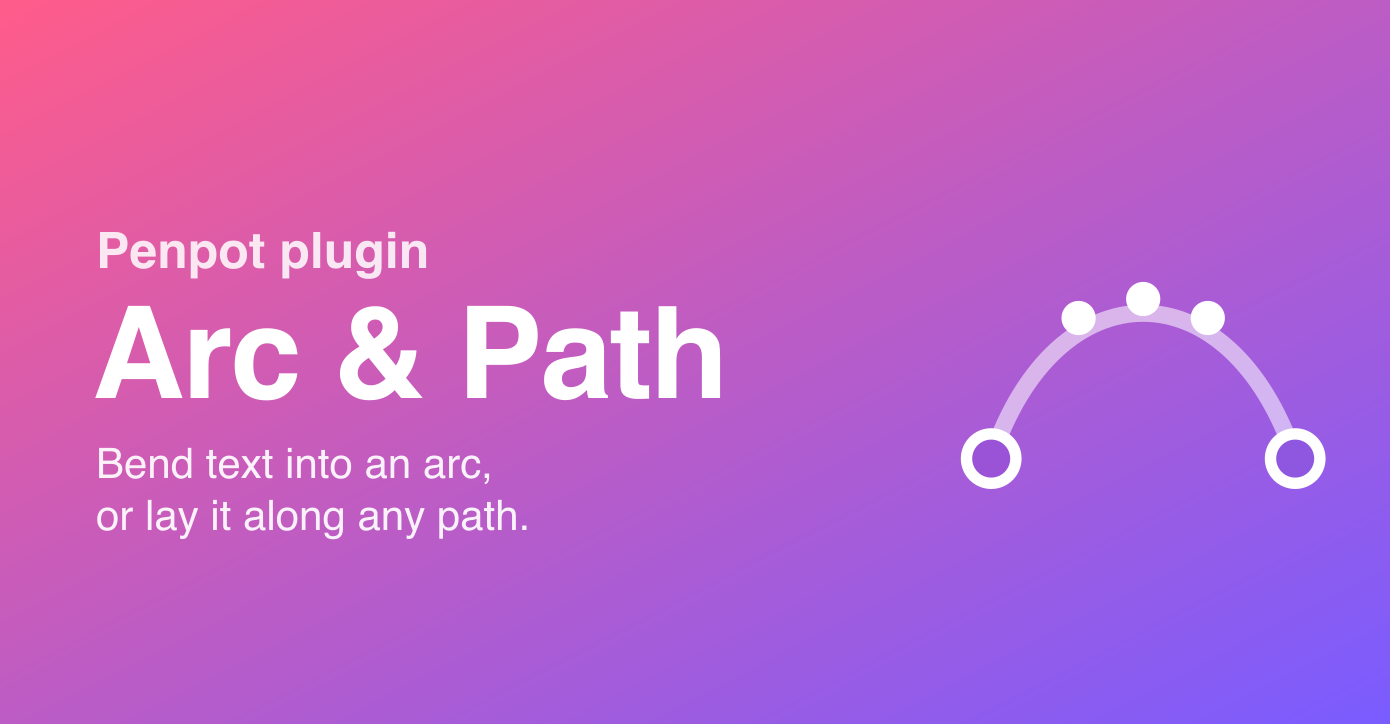
Arc & Path bends text along curves — right on the canvas, staying fully editable.
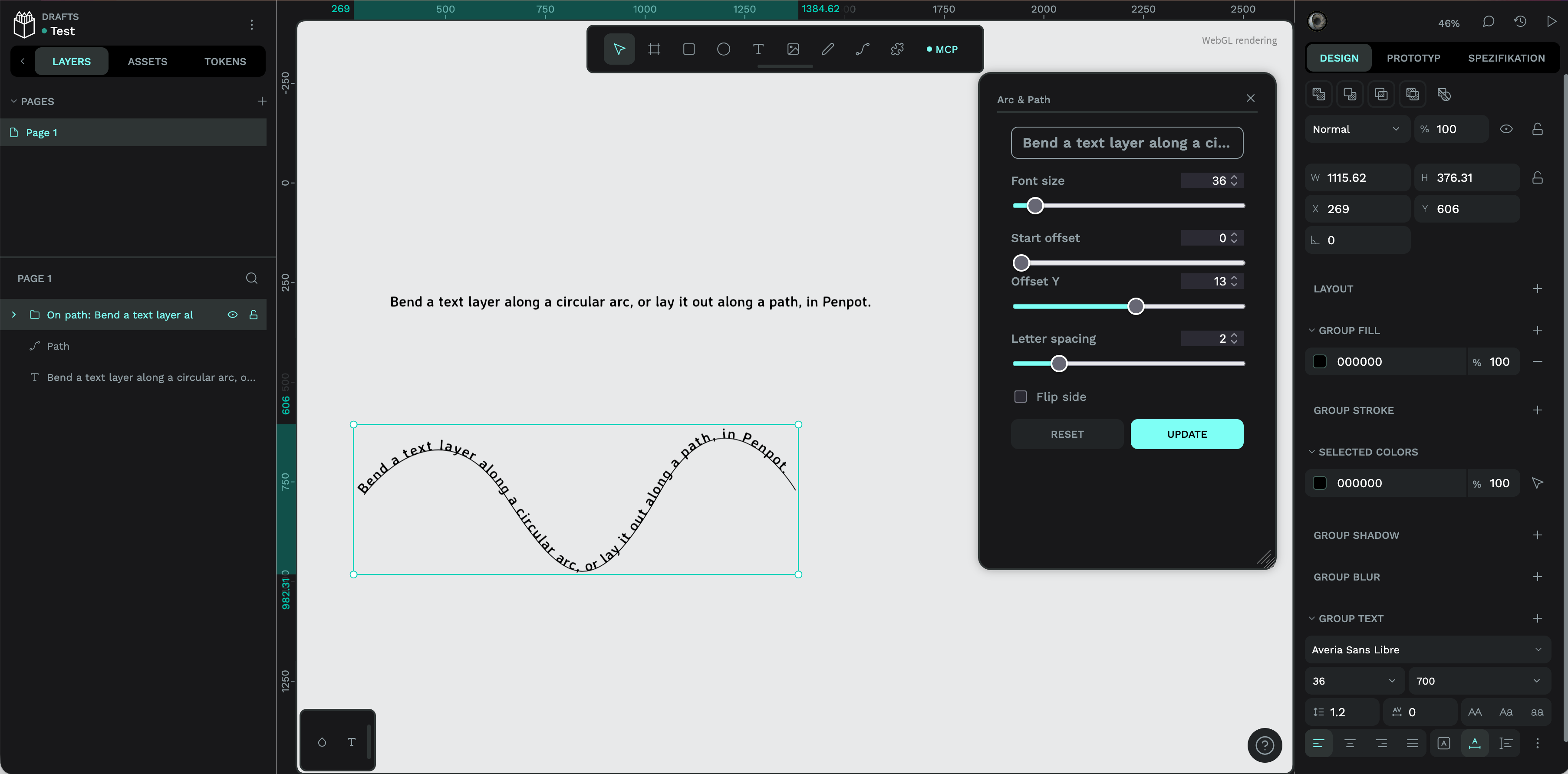
Pick a text layer and bend it into a circular arc with a single angle slider, or select a text layer together with a path and the text flows along that path, each character rotated to follow the curve. Unlike outlining text to a shape, every character stays real, editable text (font, color and content remain live).
Everything is non-destructive and re-adjustable: the generated group remembers its text, font and all parameters, and the original text layer is kept as the editable source — reselect the group anytime to tweak the angle, spacing, size or offsets. Great for logos, badges, seals, posters, packaging and any headline that needs to follow a shape.
Details
- Last update:
- Jul 8, 2026
- Published:
- Jul 8, 2026
- Install URL:
- https://arc-and-path.girafic.net/manifest.json
Plugin images
This plugin was developed by a member or group of members from the Penpot community. While we can’t guarantee everything will work perfectly, we encourage you to report any issues using the “Report this plugin” button—our team will review it.
You can browse, install, and manage plugins directly from the Plugin Panel inside the app, or explore them on our website. Most plugins are created by community members, so feel free to try them out and see what fits your workflow.
Want to share your own plugin? We’d love to see it!
Just check out our plugin development guide to get started. Once your plugin is ready, you can submit it for review and help other teams extend Penpot in new and exciting ways.
Let’s build Penpot together—one plugin at a time.
Contact [email protected] for questions and updates on your plugin.