5 best Sketch alternatives for design teams in 2026
Looking for a Sketch alternative? Compare Penpot, Figma, Lunacy, Framer, and Paper on AI integration and self-hosting to find the best fit for your team.

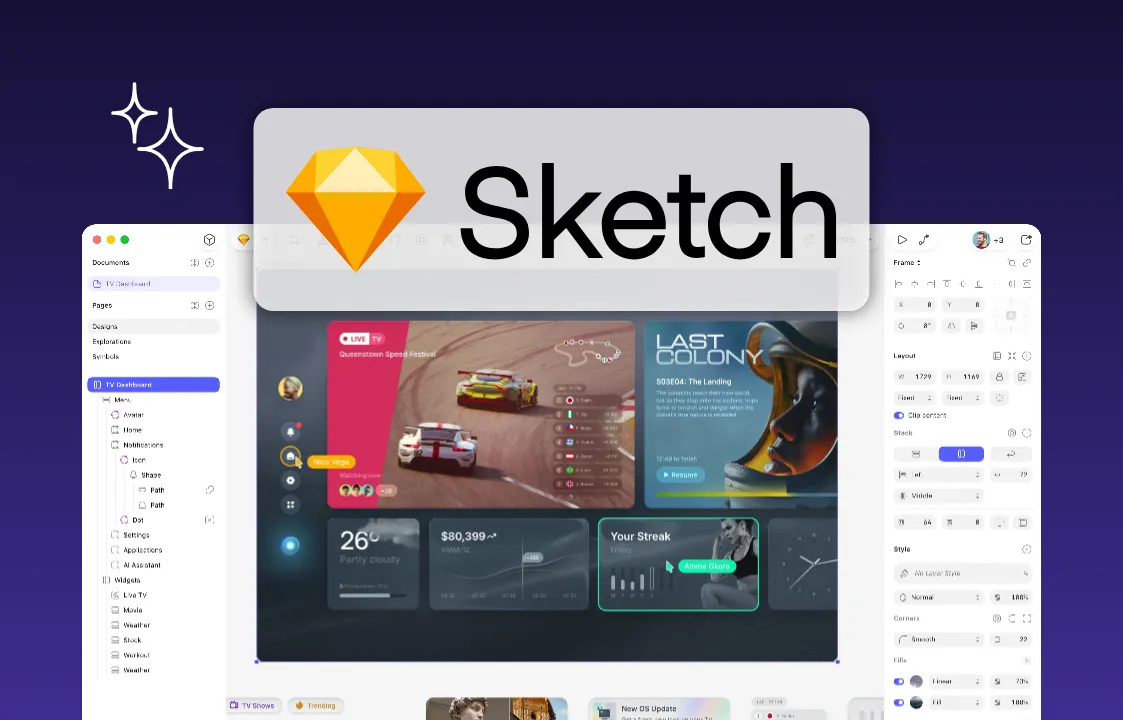
Sketch arrived in the early 2010s at a moment when designers were outgrowing Photoshop, Indesign and losing Fireworks to discontinuation. Sketch built its early reputation by giving that audience a tool made specifically for interface designers. It has spent the years since defending that position as a native Mac app with a loyal following — it's still Mac-only today, and it still ships frequent updates, aimed at speed and polish for solo designers and small studios.
But the ground underneath Sketch shifted a few years back. Product teams grew, went remote, and started building across Windows and Linux alongside Mac, and much of that growth flowed to browser-based tools that never asked what operating system a collaborator was running.
For teams that have outgrown Sketch's Mac-only model, or that simply want more control over where their design files live, plenty of capable alternatives exist.
This guide looks at five Sketch alternatives, what each one does well, where they fall short, and how to pick the right design platform for your team.
TL;DR
- Sketch remains a capable, well-loved native Mac app, but its Mac-only model and lighter real-time collaboration push many teams to look elsewhere.
- Lunacy is the best one-to-one replacement for Sketch if you just want to open and edit your Sketch files.
- Penpot offers the strongest overall pick for teams that want an open-source, self-hostable alternative with MCP support and native design tokens built in.
5 best Sketch alternatives at a glance
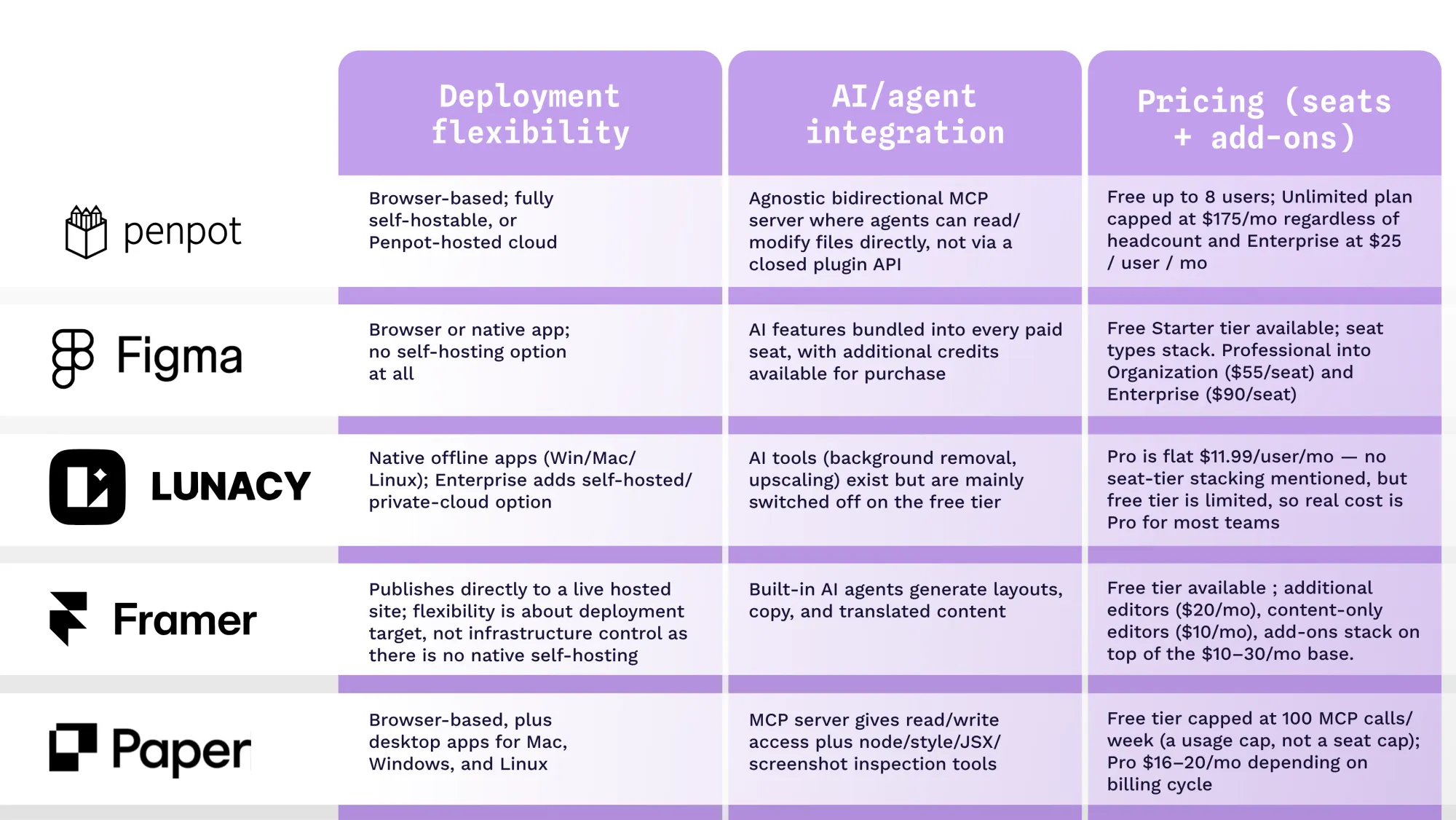
To evaluate these Sketch alternatives, we focused on three criteria that shape whether a tool holds up for a team once Sketch's Mac-only model stops working for them:
- How much flexibility each tool offers in how and where it runs
- What pricing looks like once seats and add-ons are included
- How deeply AI and coding agents can integrate with the design file itself
We go into more detail below, but here’s a quick breakdown of the top five competitors.
The 5 best Sketch alternatives
Each tool carves out its own niche: some win on cross-platform reach, others on AI integration or price.
1. Penpot: Best for enterprise teams that want open source and self-hosting
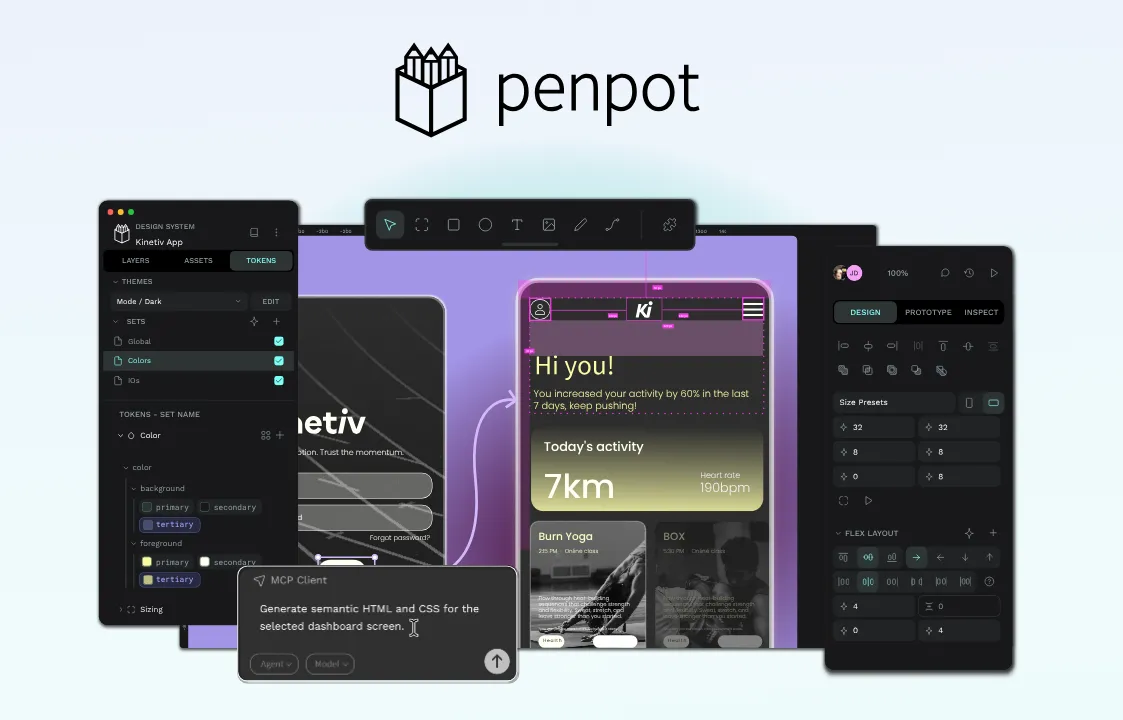
Penpot is an open-source design platform that runs in any modern browser, so teams spread across Mac, Windows, and Linux can design in the same file. Where Sketch keeps your files on its own servers (or requires local, single-user storage without a subscription), Penpot can run entirely on your own infrastructure, which matters for teams with strict data-control or compliance needs, and helps them avoid vendor lock-in altogether.
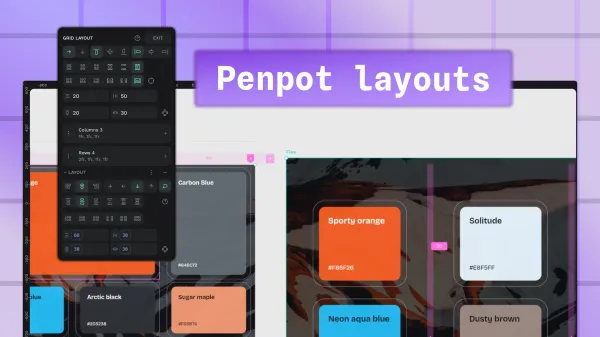
Penpot also ships with native, W3C-aligned design tokens and CSS Grid and Flex layouts, so you can go from design to development with no time-wasting handoffs to developers. Compared with Sketch's decade-deep plugin library, Penpot's third-party ecosystem is still catching up, but its official MCP server means AI agents can read and modify design files directly rather than working through a closed plugin API.
Pricing
Penpot splits its plans into two tracks: Penpot-hosted (cloud) and self-hosted.
Cloud:
- Professional: No charge for teams of up to 8 people, with 10GB of storage included
- Unlimited: $7 per user per month, with the total bill never exceeding $175 a month, regardless of how many people join, plus extra storage and a longer version-history window
- Enterprise: $25 per user per month, adding single sign-on, a centralized admin console, and audit logging
- Private Server: Roughly $50,000 a year for a dedicated, Penpot-managed instance, with your choice of hosting region and guaranteed response times
Self-hosted:
- Professional: Free indefinitely, running the full open-source platform on infrastructure you manage, backed by community support
- Enterprise: $25 per user per month, layering on centralized administration, granular permissions, single sign-on, and audit logs, all while your data stays on servers you control
See the Penpot pricing page for current details.
Pros
- Free tier with no per-user cap on core features, plus a capped-price paid tier so costs don't scale endlessly with headcount
- Runs in any modern browser on Windows, Linux, or Mac, unlike Sketch's Mac-only app
- Fully open source and self-hostable, so teams keep design files on their own infrastructure
- Native design tokens built into the editor, aligned with W3C standards
Cons
- Smaller plugin and template ecosystem than Sketch's longer-established third-party library
- Browser-based, so performance and interface responsiveness depend on your setup, unlike a native desktop app
2. Figma: Best for distributed teams that need real-time collaboration at scale
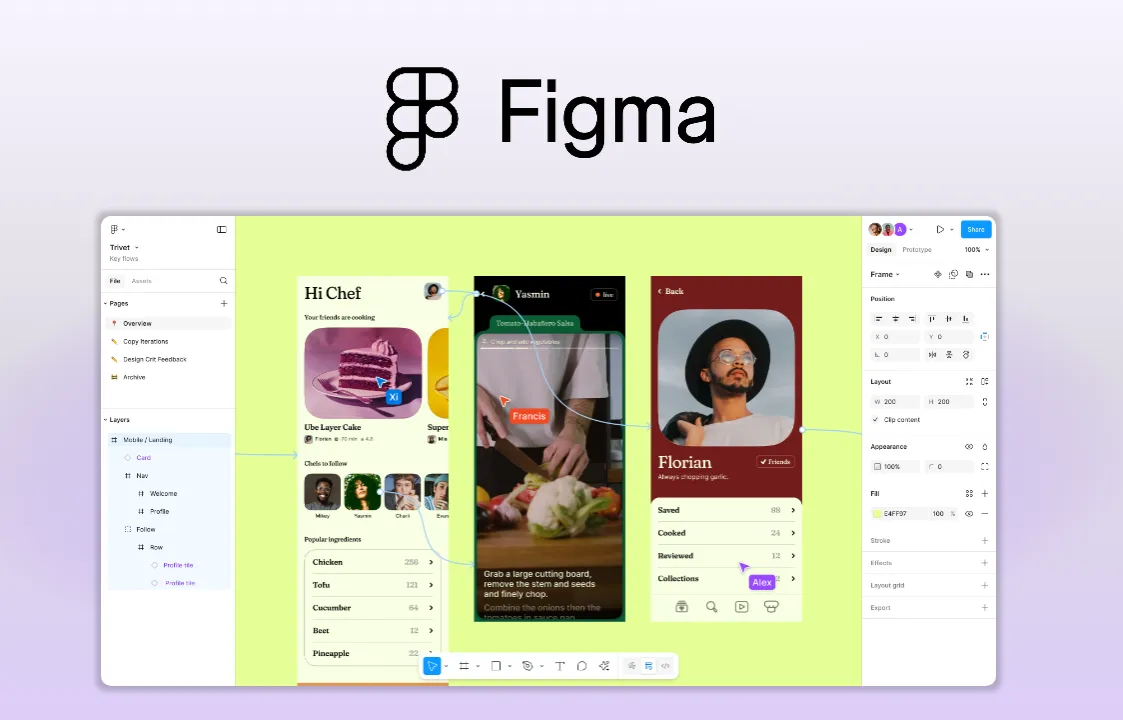
Figma is the tool most often named as Sketch's replacement, largely because it solved the problem Sketch is still catching up on: real-time, browser-based collaboration that works the same way for every team member, regardless of operating system. Multiple editors can work in the same file simultaneously, and features like Dev Mode give developers a direct, code-aware view into components and styles.
That collaboration comes at a cost that scales with the team. Figma's per-seat pricing rewards small teams on its Professional plan but climbs fast for larger organizations that need Organization- or Enterprise-level administration.
Pricing
- Starter: Free, with a small daily AI credit allowance and unlimited draft files
- Professional (billed annually): $16/month for a full seat, $12/month for a dev seat, $3/month for a collab seat
- Organization (annual only): $55/month per full seat
- Enterprise (annual only): $90/month per full seat
Pros
- Real-time multiplayer editing that Sketch has only recently begun to match
- Works identically on Mac, Windows, and in any browser
- The largest plugin and template marketplace among Sketch alternatives
- AI features bundled into every paid seat, not sold as a separate add-on
Cons
- Per-seat pricing climbs quickly once a team needs Organization or Enterprise features
- Design files live entirely on Figma's servers in their own proprietary format
3. Lunacy: Best for freelancers who want a free Sketch look-alike
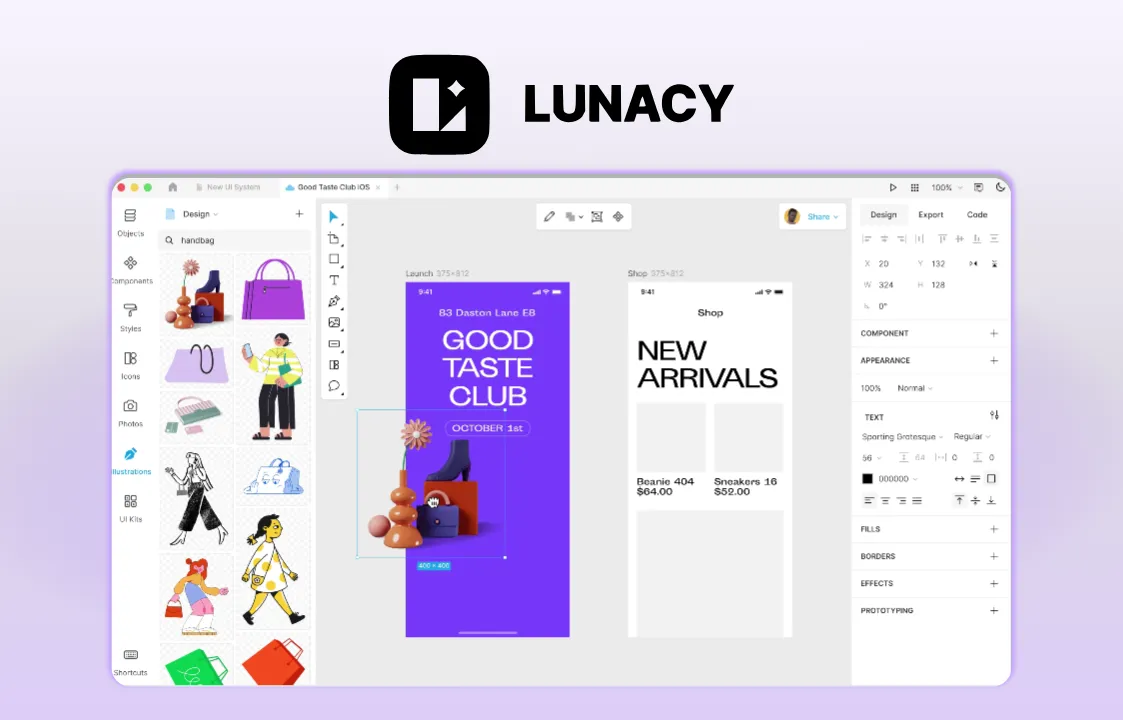
Lunacy is a vector design app built by Icons8 that deliberately mirrors Sketch's layout and workflow, down to opening native .sketch files without a conversion step. It's a native app for Windows, Mac, and Linux, which makes it an easy first stop for teams migrating off Sketch onto something cross-platform.
They do have a free tier available, but it's mainly a way to try the interface as assets come through at low resolution, AI tools are switched off, and cloud storage is capped at a handful of documents. Most teams doing actual design work will want the paid Pro tier. Where Lunacy trades away capability is in its plugin ecosystem and advanced design-system tooling; it's a strong, lightweight editor rather than a full platform for scaling components and libraries across a large team.
Pricing
- Free: $0/month, with low-resolution icons, illustrations, and photos, no AI tools, and storage capped at 10 cloud documents
- Pro: $11.99/user/month billed yearly, unlocking full-resolution vector assets, AI background removal and upscaling, and unlimited cloud documents and version history
- Enterprise: Custom pricing, adding granular access controls, a dedicated customer success manager, and a private-cloud or self-hosted deployment option
Pros
- Native, offline-capable apps for Windows, Mac, and Linux
- Opens native .sketch files directly, which helps teams migrating away from Sketch
- Enterprise tier includes a self-hosted or private-cloud option, uncommon among the cheaper alternatives here
Cons
- Low-resolution assets and lack of AI tools in free plan mean most real design work needs the paid Pro tier
- Smaller community and plugin ecosystem than Sketch or Figma
4. Framer: Best for teams shipping animated marketing sites
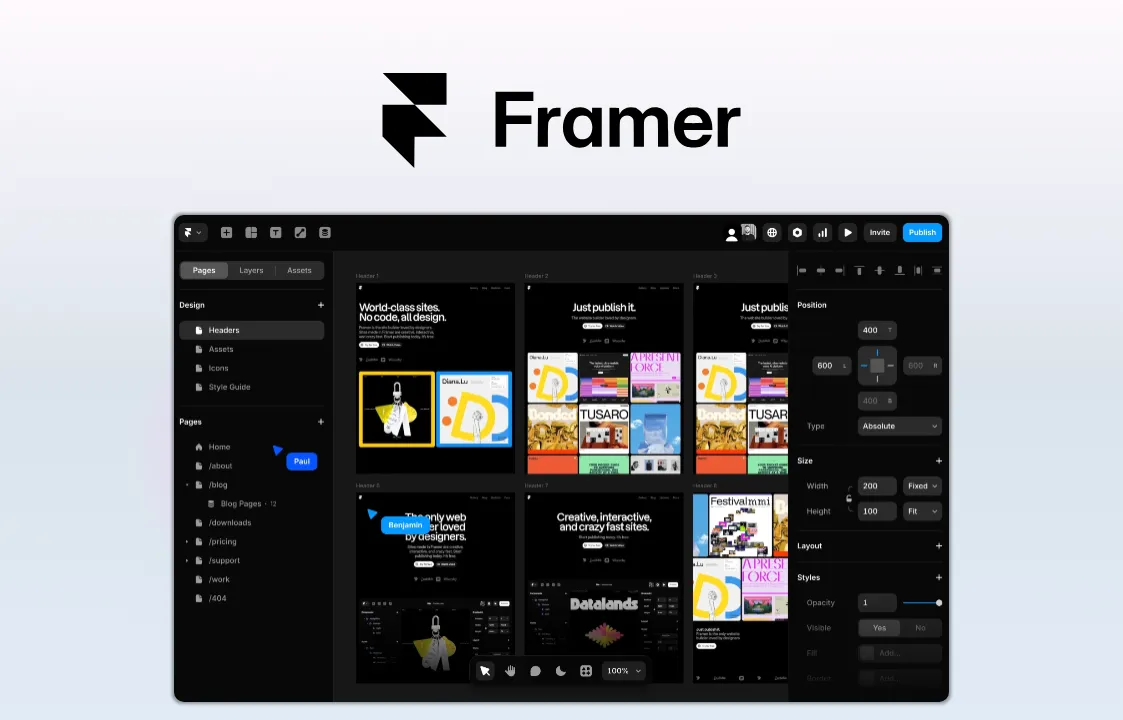
Framer blurs the line between design tool and website builder: What you design is what gets published, with no separate handoff to a developer required. Plus, its built-in animation and micro-interaction tools go further than Sketch's static artboards, which makes it a natural fit for marketing and landing-page work.
That focus is also its limit. Framer is built around individual sites rather than large, multi-screen product design systems, and its pricing structure, which bills per site plus per editor seat, can add up quickly for agencies managing several client projects at once.
Pricing
- Free: $0, includes 1GB of bandwidth and a Framer-branded subdomain
- Basic: $10/month, adds a custom domain and 50GB of bandwidth
- Pro: $30/month, adds a staging environment and advanced hosting as an add-on
- Enterprise: Custom pricing
- Additional editors: $20/month each; content-only editors: $10/month each
Pros
- Publishes directly to a live, hosted website, skipping a separate build step
- Strong built-in animation and micro-interaction tools
- The free plan is a genuine design environment, not a crippled trial
- Built-in AI agents can generate layouts, copy, and translated content
Cons
- Built for websites, not large, multi-screen product design systems
- Editor seats, locales, and bandwidth add-ons increase the real cost past the base plan price
5. Paper: Best for AI-first builders who want a code-native canvas
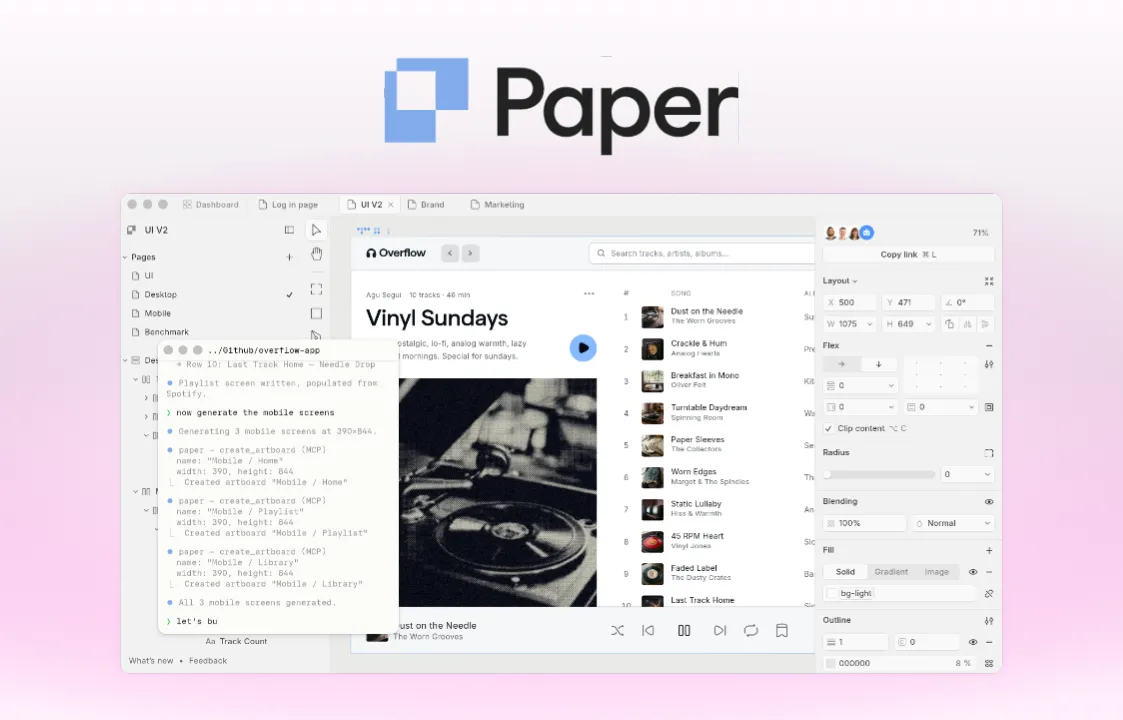
Paper is an AI-forward design tool built on web standards, with a canvas that exports as code and a workflow designed to connect teams, agents, code, and data.
Paper's MCP server gives AI agents read and write access to design files, along with tools for inspecting nodes, styles, JSX, screenshots, and exports. That agent-first design makes it best suited to designer-developer hybrids and small, AI-forward teams rather than traditional design-only workflows, since it's still in open alpha with lighter collaboration tooling than the more established platforms here.
Pricing
- Free tier: Available, capped at 100 MCP calls per week
- Pro: $16/month billed annually, or $20/month billed monthly
- Organizations: Custom pricing
Pros
- Code-native canvas, so what you design is real HTML/CSS rather than a proprietary design format
- MCP server gives AI agents read and write access to files, plus tools for inspecting nodes, styles, screenshots, and code output
- Strong fit for AI-assisted UI generation and design-to-code workflows, especially with a developer or coding agent in the loop
Cons
- Collaboration and team workflow features less mature than more established platforms, reflecting Paper's early stage
- Agent-first workflow adds setup overhead if you're not already using AI coding tools or MCP-based workflows
- How to choose the right Sketch alternative
What kind of work are you designing? If you're building a full product with components, design systems, and developer handoff, Penpot and Figma cover that ground more completely than Framer or Paper. If your priority is a live marketing website, Framer's built-in hosting removes a separate publishing step entirely.
How much does data control matter? Teams that need their design files on their own infrastructure, whether for compliance or simple peace of mind, have one clear option here: Penpot's self-hosting.
Figma, Framer, and Paper all keep design files in their own cloud, the same way Sketch's web workspace does today.
How does your team actually collaborate? Teams spread across operating systems and time zones will find Penpot’s and Figma's real-time editing the most battle-tested options. Lunacy suits freelancers and small teams that don't need heavy real-time collaboration at all, much like working solo in Sketch's native Mac app.
How AI-ready does the tool need to be? Paper, Figma, and Penpot all expose MCP servers, letting outside AI agents read and modify design files directly, rather than offering AI only inside their own interface. Figma meters this through monthly AI credits that can run out mid-project and require paid top-ups, while Penpot's MCP server carries no credit system or paywall — you only pay for whichever AI agent you connect.
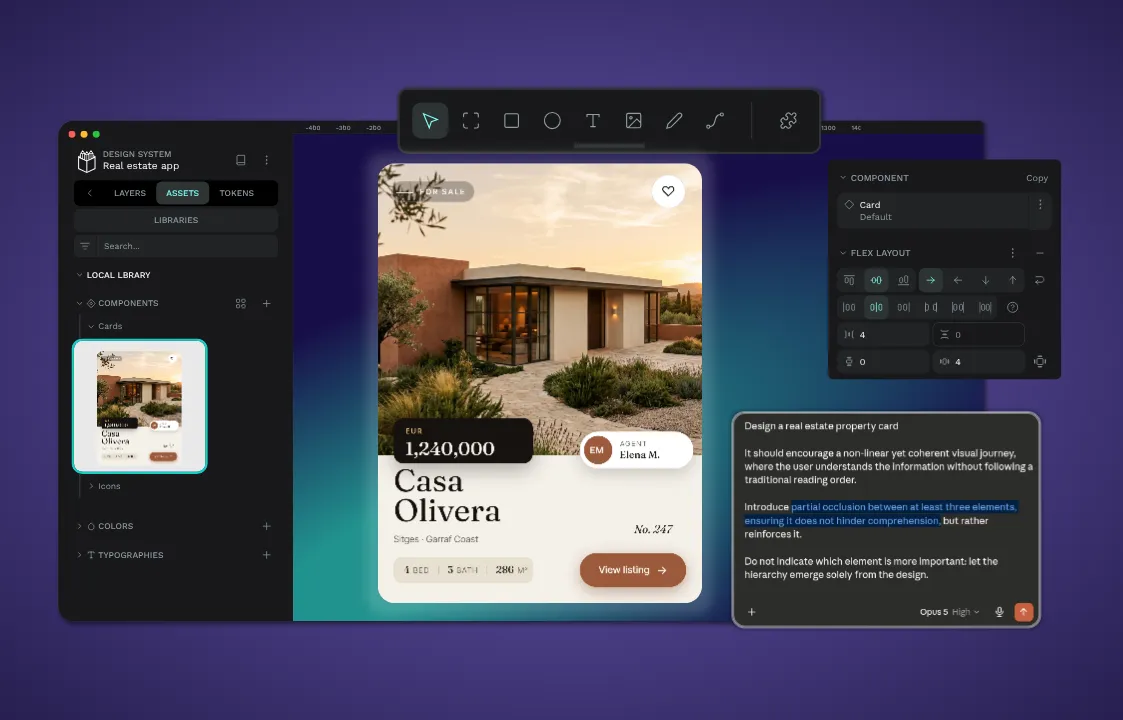
Make the switch to Penpot today
Sketch remains a well-built tool, but its Mac-only model and per-seat cloud pricing are exactly the kind of constraints that send teams looking elsewhere. Figma, Lunacy, Framer, and Paper each solve a piece of that problem, but none combine open-source freedom, self-hosting, and native design tokens the way Penpot does.
For teams that want to design and collaborate across every operating system, keep full control of their design data, and connect their own AI agents through an open MCP server, the best choice on the market is Penpot. Sign up for a free account today, or talk to our team to find the right plan for your organization.
FAQs
Is Penpot a good alternative to Sketch?
Yes. Penpot covers the core work Sketch handles today, including components, auto layout, and prototyping, while adding cross-platform support, self-hosting, and open file formats that Sketch's Mac-only model doesn't offer.
Can I migrate my Sketch files to another tool?
Most of these tools can import Sketch files directly or through an export step. Lunacy opens native .sketch files without conversion, and both Figma and Penpot support importing Sketch files, though complex components and styles may need manual cleanup afterward.
What is an MCP server, and why does it matter for a design tool?
An MCP server is an open interface that lets outside AI agents read and modify a design file directly instead of relying only on a tool's built-in AI features. It matters if you want AI agents that work across your design and development tools rather than being locked inside one app's interface.
Do I need a Mac to use these Sketch alternatives?
No. Sketch is the only tool on this list built exclusively for macOS. Penpot, Figma, Framer, and Paper all run in a browser, and Lunacy has native apps for Windows, Mac, and Linux.