Penpot vs. Figma: Which design platform is right for enterprise teams?
Compare Penpot and Figma on the criteria enterprise teams care about most: data sovereignty, pricing predictability, developer integration, and long-term scalability.

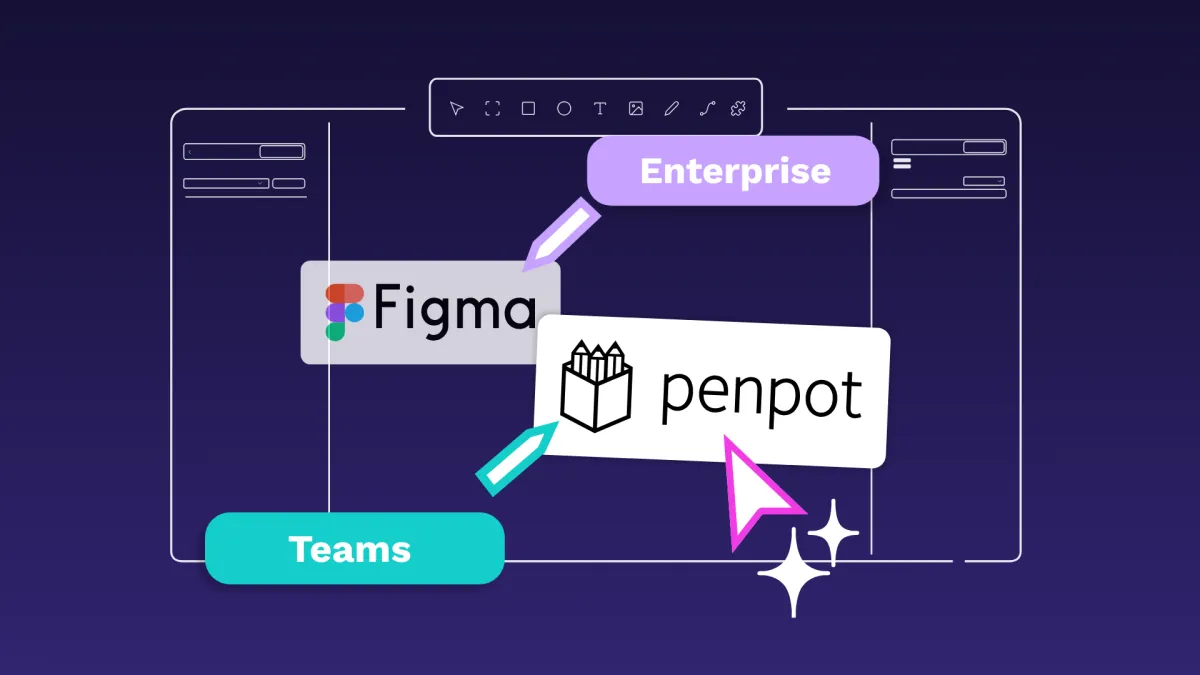
While there are some amazing design platforms on the market today, enterprises have unique needs that prevent them from jumping on the latest trend. They must consider how to keep their data safe, who gets access to various projects, the long-term scalability of the tool, and even the total cost as design needs grow.
This means that they can no longer simply ask, “Which platform has the best features?” and must instead consider, “Which platform meets our design, development, and business needs?”
Two top design platform options, Penpot and Figma, have features that appear similar on the surface but offer very different responses to these questions. Penpot, for example, is an open-source option with local data and permissions control for sensitive industries. Figma is the more commercial option with a mature plugin library and a higher per-seat price.
In this article, we’ll dig more into how each differs and what this means for the enterprise requiring an all-in-one design platform.
How Penpot and Figma compare
Penpot and Figma both have eager fans who use these platforms to create everything from wireframes to fully-fleshed out prototypes. They have very different approaches to supporting teams, however.
At a glance, Penpot is a cloud-based platform that can be self-hosted for maximum control. It’s open-source and offers Enterprise options with flat monthly pricing rather than per seat billing.
Plus, the platform is actively growing, with upcoming capabilities including a new render engine, deeper MCP server integration, and continued design token expansion on the horizon.
Figma is cloud-only, part of a more robust commercial platform, and works from a strict per-seat subscription model.
Here’s a quick overview of how these platforms compare.
Let’s go into the details to show how each compares in the major categories.
Security and compliance
Enterprises often handle sensitive intellectual property, such as product designs, brand assets, or proprietary UI systems, that must be shielded from unauthorized access or leaks. Enhanced security features in a design platform ensure they maintain regulatory compliance, prevent breaches, and safeguard competitive advantage.
With so many collaborators working on a project, it can be hard to lock down designs or make sure only the appropriate people have access. Here’s how each platform addresses security concerns.
Penpot
Penpot offers complete control and sovereignty over data through multiple self-hosted deployment options. Choose from Elestio (managed cloud), Docker, Kubernetes, Rancher by SUSE, OpenShift, and TrueNAS to suit your existing tech infrastructure and unique industry needs.
Self hosting Penpot gives you the control needed to support GDPR requirements and to run the platform inside environments that already implement compliance frameworks such as HIPAA, SOC 2, or FedRAMP. The data in Penpot is AES‑256 encrypted at rest and TLS 1.2+ in transit. Self hosting also allows organizations to integrate Penpot with their existing logging, monitoring, and auditing systems to support internal security policies and compliance programs.
For companies that rely heavily on SSO authentication across the organization, Penpot is a practical fit because it supports SAML SSO and role‑based access control (RBAC). This allows you to streamline user management, improve onboarding and offboarding processes, and enforce organizational security policies by making proprietary design and code data available only to those who need it.
Figma
As a cloud-based provider, Figma also follows industry standards through SOC 2 Type II certification and enterprise-grade SSO. But it’s also limited in how much control companies truly have over their data. Because Figma is cloud-only and cannot be deployed in an air‑gapped environment, it is not a fit for organizations that require all design work to stay inside isolated or on‑premises networks.
For organizations that can operate in the cloud, Figma's security is well-developed and uses the highest standards for data used in this environment. But for the growing number of enterprises that cannot or will not store sensitive design data in third-party clouds, Figma simply isn't an option.
Design tools and features
Enterprises rely on their design platforms to efficiently build complex user interfaces, validate interactions before development, and ensure brand consistency across products and devices. They also use them as libraries for storing assets and designs, as well as propagating changes across all their design environments.
Because companies may have thousands of assets to manage (including logos, apps, websites, and social media platforms), they need a way to manage these designs at scale without confusion.
Penpot
Penpot includes the most in-demand design features, including vector editing, components, design tokens, and advanced Flex and Grid layouts. But it takes a fundamentally different approach to feature development. Instead of offering a suite of separate paid products, it provides a platform that connects with other tools through open APIs.
Features that bring this to life within Penpot include:
- Dual API system. Penpot has both an RPC API for resource management and a Plugin API for workspace interactions. The RPC API supports automated workflows, backups, and custom integrations without active user sessions. The Plugin API lets you completely customize the design canvas. Together, these two features give enterprises the ability to automate where they can for maximum efficiency without sacrificing customization when needed.
- Native design tokens. Unlike Figma’s variables system, Penpot’s native design tokens are built to W3C standards. This gives you true design-as-code collaboration abilities through a shared language both designers and developers can understand. Once a token change is made, it propagates wherever that token is used in Penpot.
- Standards-based architecture. Penpot builds on open web standards such as SVG, CSS, HTML, and JSON, so you can always use (and keep) your design assets no matter which tools you choose in the future.
All of this functionality empowers teams to use Penpot in the exact way that works for them, starting at $950 per month. Pricing and packaging may evolve as Penpot introduces new capabilities and offerings, including upcoming developments such our bussines model. For the most current information, check the official pricing page or contact the Sales team directly at [email protected].
Figma
Figma has a large and established user base, particularly among individual designers and product teams already embedded in its ecosystem. Its component system and Auto Layout are well-developed and widely used, particularly for rapid prototyping and design iteration. The plugin ecosystem is mature and covers a broad range of functionality, though it operates within a closed development model.
It also has three API options, including:
- Plugin API for using generative AI, importing assets, or working with other tools
- Widget API for creating your own on-canvas nodes
- REST API for using Figma files via your own app, tools, or scripts
These APIs and intuitive design features can be used within the entire ecosystem of Figma interconnected products, which aren’t offered as lower-priced, separate products.
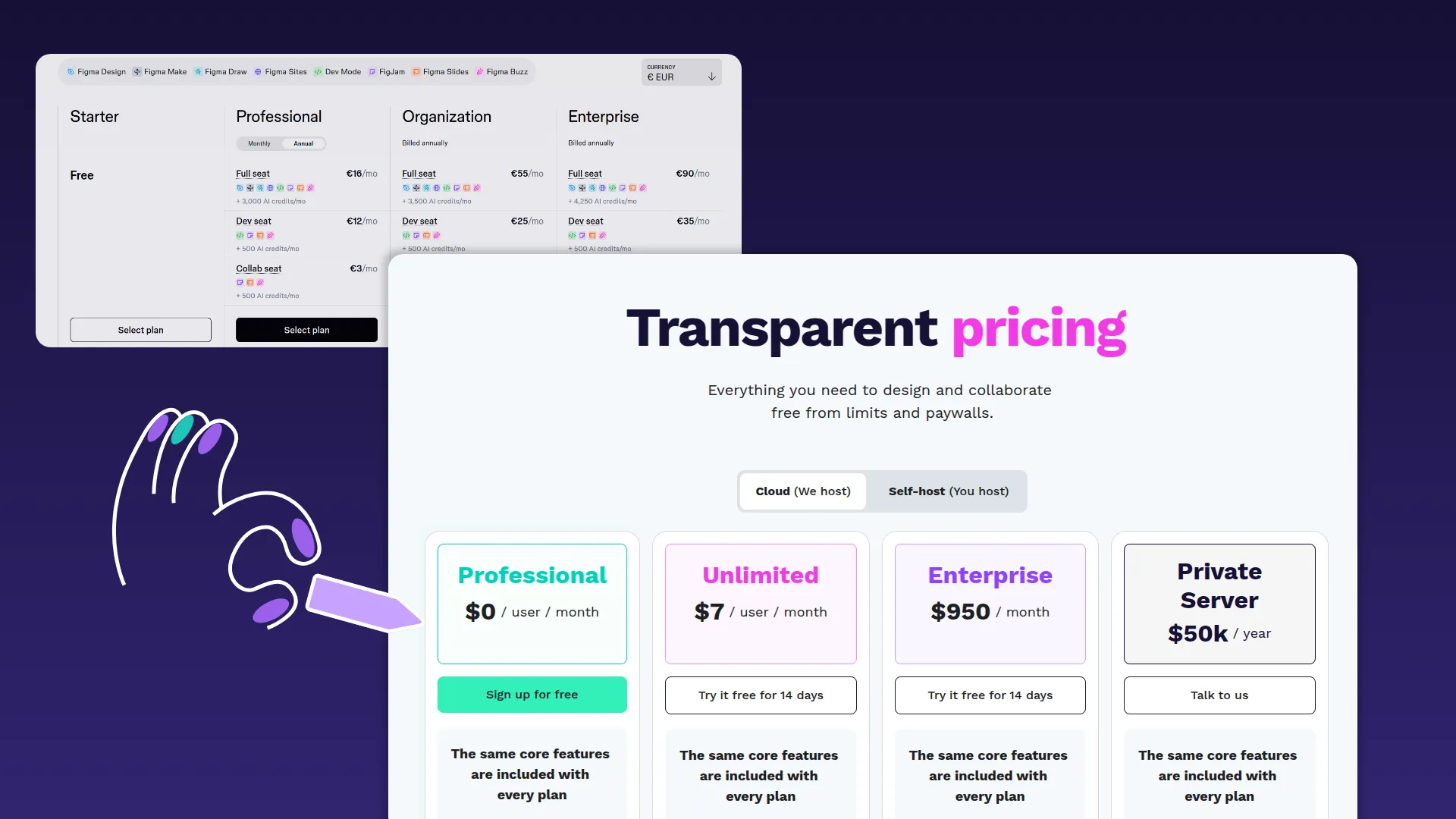
And while a Figma Enterprise seat comes with a $5 view and comment access option (as of 2026) to all of Figma’s tools, those needing developer access will pay much more at $35 per seat. A full seat for Figma Design, FigJam, Figma Slides, Figma Buzz, Figma Draw, Figma Sites, or Figma Make costs $90 per seat. For large organizations, the costs can quickly add up. (For reference, at Figma Enterprise’s current price of about $90 per full seat, you would pay roughly the same as a Penpot Enterprise subscription once you reach 10 full-seat users.)
Prototyping and design tokens
Unlike startups or small teams that prioritize agility, enterprises operate at scale and must balance rapid innovation with governance.
The best tools for these organizations enable fast iteration, strong version control, reusable design systems, and deep prototyping to validate features before heavy investment in development. The right prototyping tool also respects existing workflows while not locking teams into a system that won’t adapt to changing needs.
Penpot
Penpot’s prototyping features meet most users' needs through real layout logic, open review, and feedback tools to help iterate quickly. Enterprise teams gain even greater value because Penpot unifies designers and developers in a single platform. Every invited stakeholder can give feedback on a prototype, from concept through to production-ready code, without ever leaving the shared workspace.
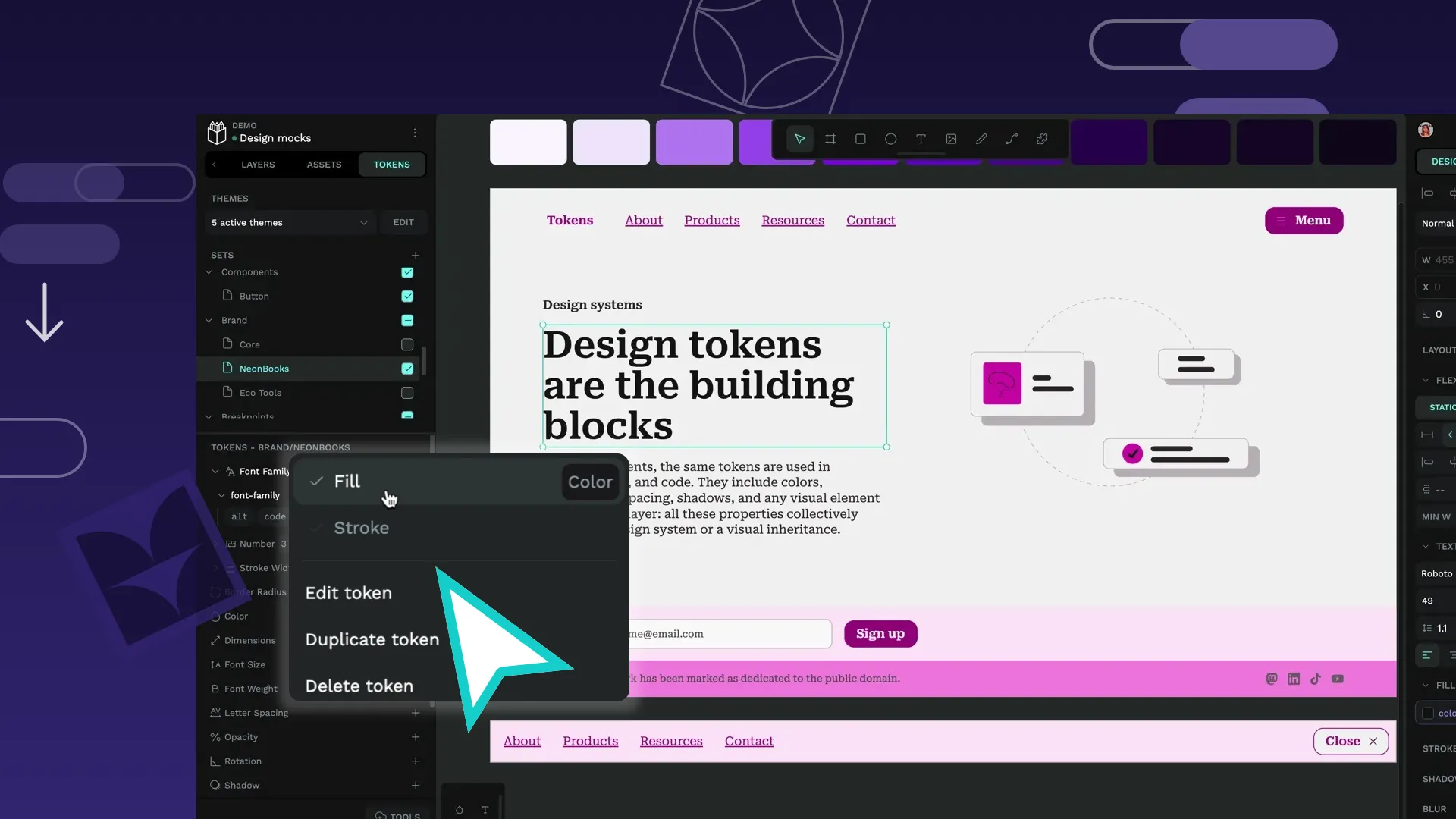
Where the platform really stands out is with its W3C design tokens, which aren’t a plugin or add-on. They are built into the core platform architecture as a native feature. This lets teams directly style each component, switch themes, and automate design system maintenance with fewer steps and more accuracy. Designers can make even minute decisions in font, space, or color, and then synchronize those changes into production code via token exports and your existing integration pipeline.
Tokens can also be easily exported in JSON format to use with other front-end frameworks and design tools.
Figma
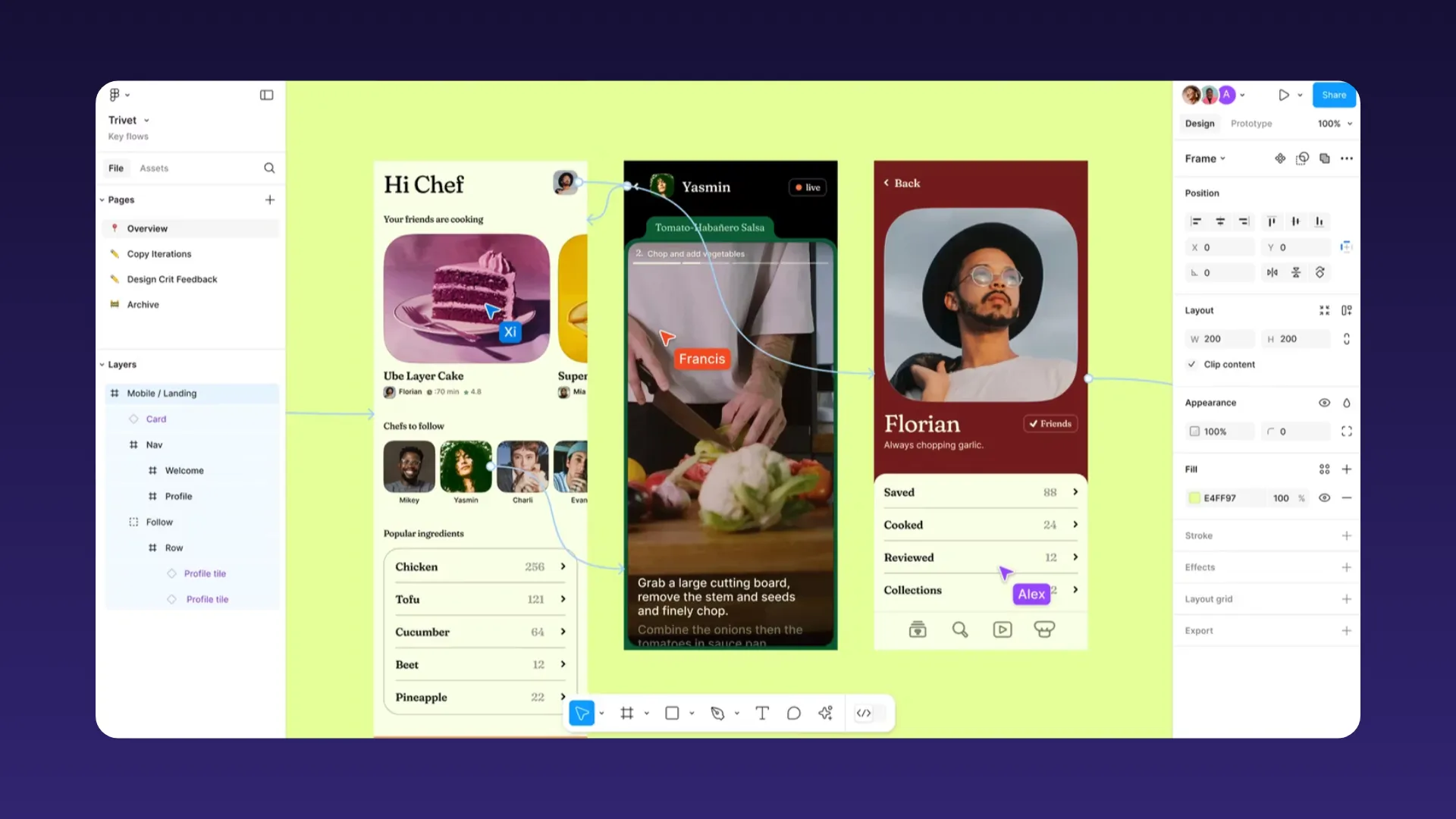
Figma's prototyping supports complex interactions and animations, including button states, expanded modals, and navigation flows.
However, the variables system (Figma’s approach to design tokens) is primarily optimized for use inside the Figma ecosystem. While exports are possible via APIs and third‑party tools, there’s no native open‑standard token export comparable to Penpot’s W3C‑aligned design tokens, so using variables across non‑Figma tools typically requires extra configuration and maintenance.
Developer handoff and code integration
Enterprises often work with large, distributed teams across multiple departments and geographies, and they face specific challenges, including a lack of design clarity, version confusion, and breakdowns in communication about intention and functionality. The right design platform reduces errors and makes it clear what version everyone is working on while keeping design-development handoff tasks to a minimum.
Penpot
Design-as-code isn’t a feature. It’s a Penpot philosophy. The platform doesn’t treat design and code as separate domains that projects get handed between. Instead, it approaches design as an expression of code.
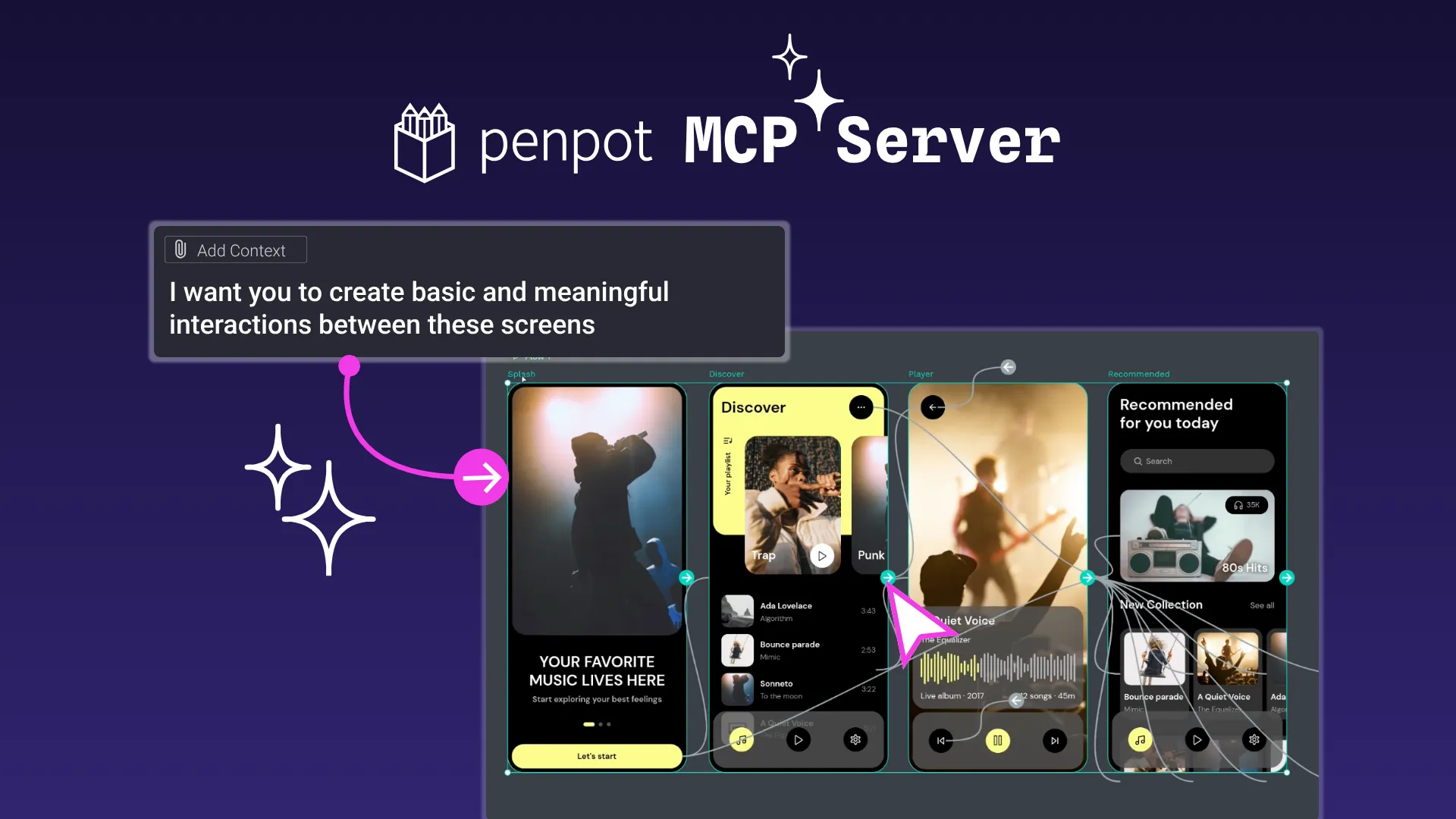
Penpot's inspect mode gives developers real CSS Grid and Flex properties, not approximations. Developers get code that maps directly to modern web standards and reduces the translation gap between design and implementation. And since all Penpot files are based on open standards, they fit right into the workflows for automation, documentation generation, and pipeline integration that fuel projects from their design start to their development finish. Penpot's MCP server takes this further, allowing AI agents to interact directly with design files and connect design workflows to the tools and automations already embedded in your development pipeline.
Most design platforms are made for designers, only considering development needs as a “nice to have.” Penpot’s prototypes and layouts are expressed in production-ready code, so everyone works from a shared language. The commitment to bridging the design/development gap makes it unique in the industry.
Figma
Figma's Dev Mode provides code snippets and asset exports that fit established design-to-development workflows. However, the proprietary file format can create bottlenecks for organizations requiring deep customization or integration with complex workflows. Unless everyone, from design to development, uses the same Figma-approved tools, hiccups are likely to occur.
Pricing and licensing
Enterprise teams often face challenges balancing features with long-term cost and licensing predictability. Subscription models, user limits, and unpredictable price hikes can strain budgets and make it hard to plan for the future. As companies grow, they need assurance that they can continue to pay for the tools they’ve grown to love.
Penpot
Penpot offers a generous free plan for small teams and individual users, which gives companies a way to try out features. For enterprises with more complex needs, Penpot provides an enterprise plan with organization-level features and pricing starting at $950 per month. (a pricing and packaging may evolve as Penpot introduces new capabilities and offerings, including upcoming developments such our bussines model. For the most current information, check the official pricing page or contact the Sales team directly at [email protected])
Penpot’s approach to pricing is designed to remain transparent and flexible as the product evolves. Enterprise options can include unlimited storage, support from experts for self hosted deployment and security compliance, and the freedom that comes with open standards. Teams retain ownership of their assets without traditional proprietary licensing constraints, making it easier to move work across tools and systems in the future.
Figma
Figma uses a subscription-based model with only SaaS tiered pricing, including Organization and Enterprise plans, where features like advanced security and granular permissions are restricted to the highest-cost tiers.
The platform’s pricing structure means enterprise budgets may quickly escalate as teams expand, and ongoing costs must be tracked closely for large organizations wanting access to full features.
Scalability for enterprise adoption
While most enterprises expect to grow, those with a priority on scaling without limits may prefer the flexibility that open standards and design systems provide. This way, they can add to their software toolkit as needed without fear that their assets won’t be supported by a proprietary software product. And with design systems, as the company grows, new assets can be quickly created, organized, and updated across each use case while staying true to a single source of truth.
Penpot
Penpot's architecture scales across multiple dimensions beyond simple user count, and the lack of licensing barriers lets anyone (including stakeholders, developers, product managers, or external partners) participate in the design process.
Self-hosted deployments can be sized and optimized for specific organizational needs, from small team instances to enterprise-scale deployments handling thousands of concurrent users. Penpot’s open APIs and integration capabilities are ideal for multidisciplinary teams that need to collaborate in unique ways or experiment with different types of workflows.
Figma
Figma offers admin controls and enterprise governance features suited to large-scale deployments. However, getting larger (or more complex) with Figma comes at a cost. It requires careful budget management to build bigger systems under a per-seat model.
Community and ecosystem
Enterprise teams may struggle to find adequate support for their complex, domain-specific workflows and ensure reliable long-term maintenance. The right platform offers a blend of a supportive community for ideas and inspiration while also staying up-to-date on bug fixes, security patches, and competitive features that keep teams creating at peak performance.
Penpot
The open-source model gives strategic advantages for enterprise organizations. It doesn’t lock teams into a particular vendor or limit how you can keep and use your own files. Also, all of Penpot’s feature development, security updates, and strategic decisions are publicly visible, so you can assess and even contribute to the future improvements roadmap.
Community members frequently help with identifying bug fixes, feature enhancements, and security improvements. In fact, many of the best Penpot features started as a request from the community of users who keep Penpot central to their workflows. When it comes time to update a feature or add to an existing functionality, the community is often the first place Penpot goes to source feedback.
Figma
While an established ecosystem, Figma is also a closed one. It offers a mature and stable plugin marketplace and a growing library of community resources. However, because it’s a proprietary technology (not open source), all strategic decisions remain behind closed doors. Enterprises have limited, if any, visibility into what may happen in the future to the platform or their connected workflows.
Which platform fits your enterprise team best?
The choice between Penpot and Figma ultimately depends on your strategic priorities.
Choose Penpot if:
- Data sovereignty and regulatory compliance are non-negotiable.
- Predictable, scalable pricing without per-seat constraints is necessary.
- Design-to-code integration is critical for your development workflow.
- Open standards and strategic tool independence are priorities.
- Technical teams are capable of managing self-hosted deployments.
Choose Figma if:
- Cloud-based collaboration is acceptable for your compliance requirements.
- Escalating per-seat costs are not a budget consideration across your organization.
- Immediate ecosystem maturity is a priority over long-term strategic control.
- Teams are already trained on Figma workflows.
Get Penpot for your enterprise team
No matter how large or distributed your company becomes, Penpot makes it easy for designers and developers to work together, with a platform where designs are expressed directly in production-ready code. This means teams spend less time translating ideas and more time building.
Enterprises can run Penpot on their own servers for peace of mind and data control, customize it to fit their needs, and avoid surprise price hikes or frustrating software lock-ins.
Ready to explore how Penpot can support your organization's design and development workflow?
See our pricing details and chat with our Sales team to get started today.
Related blogs
Want to learn more about design tools comparisons? Here are more articles:
 Carolina Alves Portugal
 Carolina Alves Portugal
 Carolina Alves Portugal
 Paula Tienza