How to make your prompts more efficient
The following “token-aware” approach treats prompts like structured contracts instead of a wish-list or diary, so you get better outputs in fewer iterations (and with fewer prompt credits).

Prompt efficiency speeds up outputs and keeps your AI costs down. But it can be hard to balance specificity with efficiency. The following “token-aware” approach treats prompts like structured contracts instead of a wish-list or diary, so you get better outputs in fewer iterations (and with fewer prompt credits).
Once you start thinking this way, your prompts get shorter and your outputs better. You’ll spend far less time wrestling with the AI and more time doing the human design work.
Where your tokens actually go
AI models, like those used with Penpot, need clear, repeatable structures — or, contracts — not stories that can burn through your credits more quickly. Everything wrapped around your prompt, such as verbose field lists or human-friendly formatting, can be cut away in most instances, because AI doesn’t need the same level of readability as we do.
Here are four common places where you're losing tokens:
- Repeating instructions in natural language, such as Do not invent screens, or Prefer real components over made-up ones.
- Try this instead: MUST_NOT: invent new screens, components, or colors
- Verbose full sentences with long field lists, such as Include font families, sizes, lines, heights, weights, and letter spacing.
- Try this instead: typography: fontFamily fontSize lineHeight fontWeight letterSpacing
- Unnecessary markdown and narrative, such as Why this field is important and paragraphs of explanations that won’t change the output.
- Try this instead: FIELD_NOTE: purpose (1 short phrase only)
- Artificial separation between global and per-file rules, such as No guessing, Penpot is the source of truth again and again in different ways across your files.
- Try this instead: Rule of GLOBAL_RULESET: NO_GUESSING = true; SOURCE = Penpot only
- Then reference it: [FILE 1] design-system.json (apply GLOBAL_RULESET)
Keep your intent and shrink the prompt by turning each repeated narrative into a set of shared, structural rules that can be referenced by AI.
Convert prose into structured grammar
Any small, predictable patterns that the AI model can easily latch onto should be used instead of fluffy, informal paragraphs. Wordy sentences should be replaced with bulleted lists, must/must not rules, and short, schema-like lines that you can cut and paste across all projects.
Any time you catch yourself writing a full sentence, ask yourself if you can make it a list of patterns instead. For example: Try to keep layout rules consistent across screens can be turned into MUST: resume layout rules across screens.
Remove connectors (because, so that, in order to) unless they change the output, and avoid words merely to be polite. The AI doesn’t care if you say “please” or not.
Collapse rules into rulesets
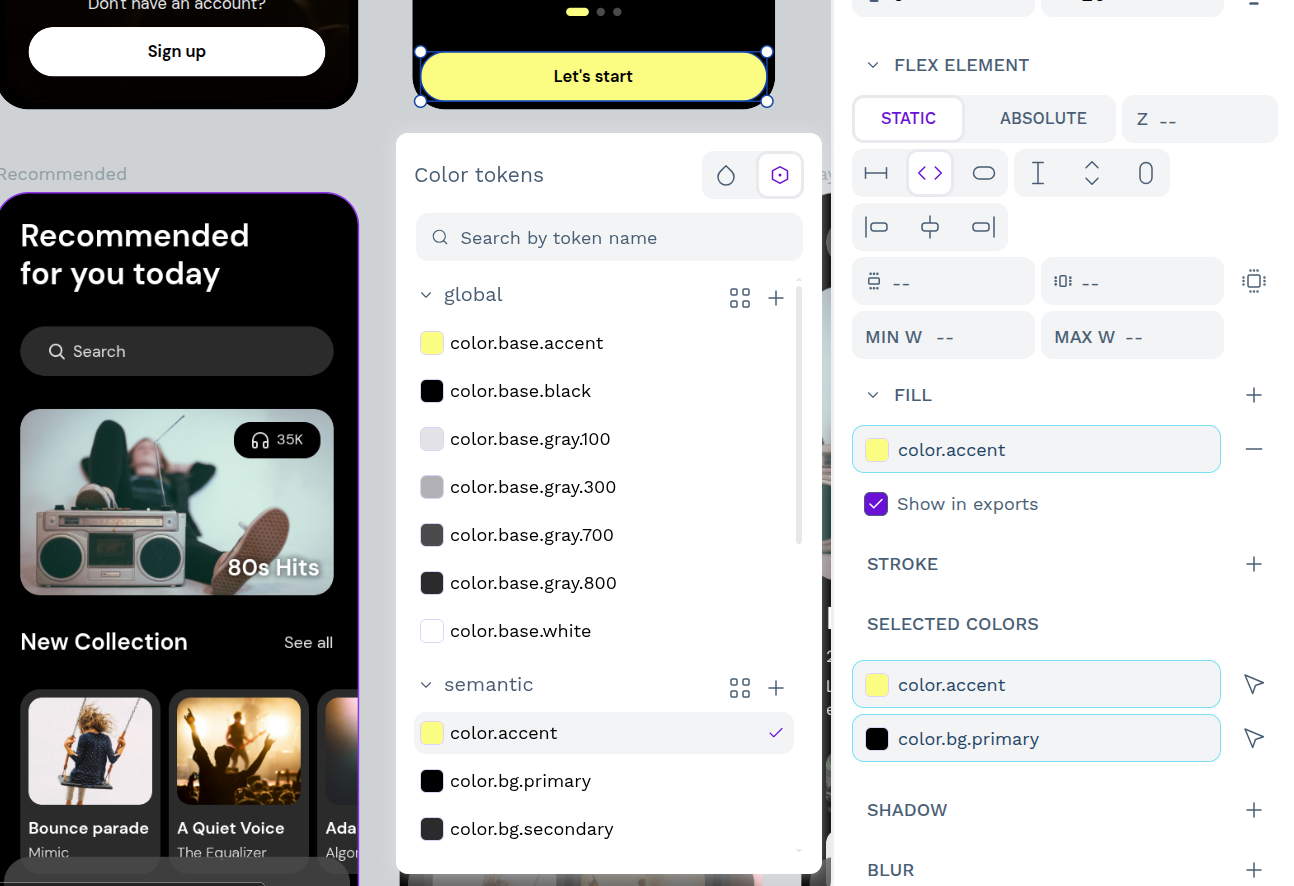
While it’s important to set parameters for AI, all of those standardized safety rules can accumulate over time. Details like “Don’t hallucinate components,” or “Stick to Penpot as the source of truth” are necessary but can cost more tokens if repeated across files and file definitions.
Instead, treat them like a configuration file. Define them as a ruleset, and apply that same ruleset to every file the model generates.
You could create a block like this:
GLOBAL_RULESET:
SOURCE = Penpot MCP only
NO_GUESSING = true
IF_MISSING -> TODO
PREFER = structured data
SCREENSHOTS = visual reference only
OUTPUT = deterministic, stable ordering
Now that it’s defined, you don’t have to restate it all again and can refer to it as GLOBAL_RULESET each time you need it. You’ll enjoy consistency without repeating paragraphs of the same warnings.
Replace descriptions with schemas
AI agents love structure, such as value pairs, short lists of fields, and consistent patterns. Instead of describing what to include through lengthy sentences, sketch the shape of the data you want as a tiny schema.
Here’s a typography prompt that’s been converted to a schema.
Before: Include font families, sizes, line heights, weights, and letter spacing.
After: typography: fontFamily fontSize lineHeight fontWeight letterSpacing
The same principle applies to Penpot components and layout rules. To rewrite your own prompts, look for phrases that start with ‘include’ as this is your sign to stop and write a schema instead. Anything written as a list of fields with commas can be collapsed into a single line of space-separated property names.
Over time, you’ll have a small library of schemas to reuse across projects, and the AI will be able to apply them quickly in your prompts.
Set size constraints on output
AI agents are more likely to overexplain than underexplain, which makes you responsible for creating the most structured prompts possible. For Penpot work, specifically, you could end up with massive JSON files and markdown specs you didn’t ask for.
One way around this is to add a dedicated block setting hard limits on each output file’s scope and size. For example:
SIZE_CONSTRAINTS:
design-system.json: concise, no comments
components.catalog.json: components only, no explanations
layout-and-rules.md: max ~300 lines
screens.reference.json: 3–6 screens max
README.md: brief, no marketing
As soon as you define a new file in your prompt, pair it with a constraint line detailing what it is and how big it’s allowed to be. This can be as concrete as a maximum of components or layout rules. The model won’t be perfect, but it will get very close to staying within the parameters you define and can prevent massive outputs that eat into your credit budget.
Why Penpot gives you a head start with AI
Unlike most design tools, Penpot doesn't decide which AI you use — you do. Its open MCP server lets you connect any LLM or AI agent you already trust, whether that's Claude, Cursor, VS Code, or OpenAI Codex. Because the server is open and free of paywalls, there's no pressure to adopt a model that doesn't fit your team's needs or budget. And if data security is a concern, you can deploy the MCP server in your own environment, keeping your design data off third-party clouds entirely.
Penpot's structure also gives your prompts a head start. Because Penpot treats design as code from the ground up, AI agents can more easily read your design files and tokens. That means when you prompt AI, you're referencing real, structured values that already exist in your system, not describing them from scratch and hoping the AI interprets them correctly. The result is fewer hallucinated components, less layout drift, and outputs that are closer to production-ready from the first iteration.
Penpot also supports more than the standard design-to-code pipeline. Its MCP server enables multi-directional workflows (design to design, design to code, and code to design) so AI can work in whatever direction your team needs at any given moment. And because everything is built on open web standards, nothing you create is locked to a proprietary format or vendor. Your design system, your AI outputs, and your workflows remain yours.
Start prompting smarter with AI
If your team is ready to bring AI into your design workflow without sacrificing security, flexibility, or control, Penpot's open MCP server is built for you. Speak to our team about enterprise options and find out how Penpot can fit into your existing infrastructure.
Related blogs
Interested in reading more on AI? Find more related articles below:
 Juan de la Cruz García
 Pablo Ruiz-Múzquiz