6 best Adobe XD alternatives
In this guide, we’ll explore six of the best Adobe XD alternatives, following its sunset in June 2023, highlighting their features, pros and cons, and which tools may serve as the best long-term replacement for your team.

Adobe XD was widely used across the design community for several years, becoming part of many teams’ design workflows. However, following its sunset in June 2023 and the halt of active development, the tool has gradually fallen out of step with modern product design needs.
Without new features and with increasing security and maintenance concerns, XD is no longer a viable long-term option for many teams. Now that Adobe XD has effectively reached the end of its lifecycle, designers have an opportunity to reassess which design platform best supports their current and future workflows.
In this guide, we’ll explore six of the best Adobe XD alternatives, highlighting their features, pros and cons, and which tools may serve as the best long-term replacement for your team.
What to look for in an Adobe XD replacement
Before diving into individual tool reviews, it’s important to know what to prioritize in an Adobe XD alternative.
With a crowded field of competing design platforms, narrowing down your options can be tough. Are you looking for a tool built for prototyping or one with a more beginner-friendly interface? Answering questions like these upfront will help guide your search.
Here are a few must-have features to consider when comparing different design tools:
- Cross-functional collaboration. It’s rare that designers work in isolation. Generally, they need a tool that lets them work seamlessly across different devices and operating systems. Look for platforms that support real-time collaboration, commenting, and feedback without restricting your team to only one kind of OS.
- Open standards and flexibility. After being burned by vendor lock-ins, many teams demand tools built on open standards. This is the only true way to get long-term independence and viability as technology changes, especially since the eruption of AI agents. Solutions that use standard formats offer better integration possibilities and reduce dependency risks.
- Code integration. Large teams of designers and developers need a simple way to handle the back-and-forth between them. Look for tools that translate designs into code natively, if possible; provide accurate specifications, and make it easy for developers to access and implement your design assets.
- Importing and migration paths. Moving to a new tool requires you to import a lot of files. Look for dedicated importers or compatibility with your existing Adobe XD standards to preserve your design assets.
- Pricing at scale. With most tools charging per seat and for every little feature, growing too fast can quickly cause your tech stack costs to skyrocket. Instead, look for tools that are priced at a flat rate and offer access to all of the features you need in a predictable way.
Few tools offer all of the above, and your needs will depend on the products you create, your budget, and the long-term plan for your projects or products.
Since design tools introduce new features and restrictions regularly, check out their websites and support documentation for any service before you subscribe. You can also search communities like Reddit or Github’s forum, which talks about tools and their practical uses.
6 best Adobe XD alternatives
There are few things more frustrating than trusting all of your brand assets and design hours to a platform that shutters its doors — the loss of Adobe XD has been especially disruptive. While there’s no guarantee that any design tool will be around forever, you can continue your work with a similar (or better) tool.
Consider these top alternatives to Adobe XD in your search for the right design solution.
1. Penpot
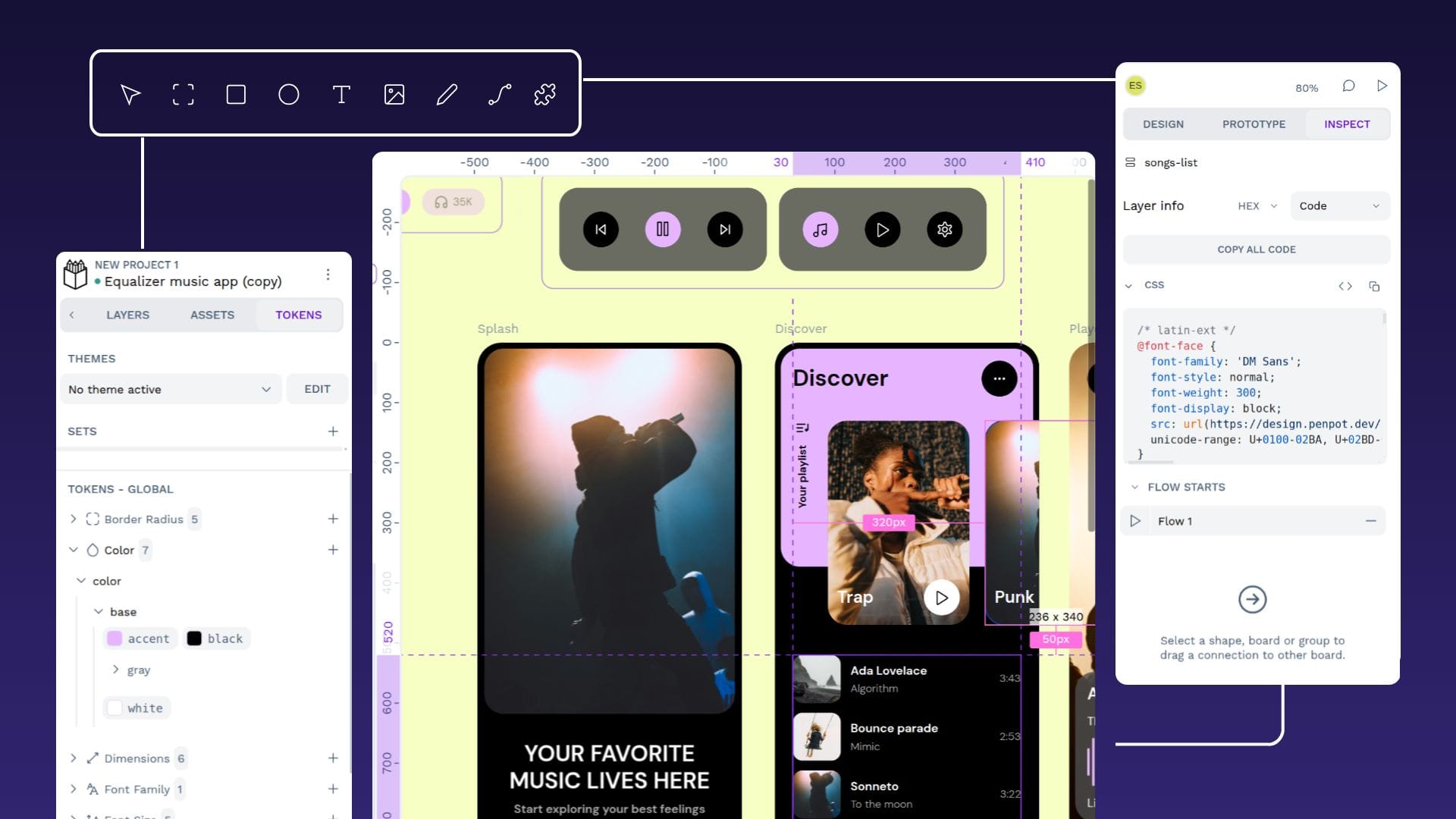
Penpot offers a clutter-free, browser-based design platform that works well for large teams who build digital products at scale.
Its unique focus on expressing design as code via open web standards, makes it a stand-out option for teams looking to dissolve workflow challenges between designers and developers and to integrate design infrastructure for cross-functional teams.
Pros:
- No vendor lock-in through open source and open standards. Open-source foundation prevents the lock-in issues caused by Adobe XD and other privative tools.
- Self-hosting and data sovereignty options. Enterprises can deploy Penpot in their own infrastructure, private cloud, or air-gapped environments within their countries of origin.
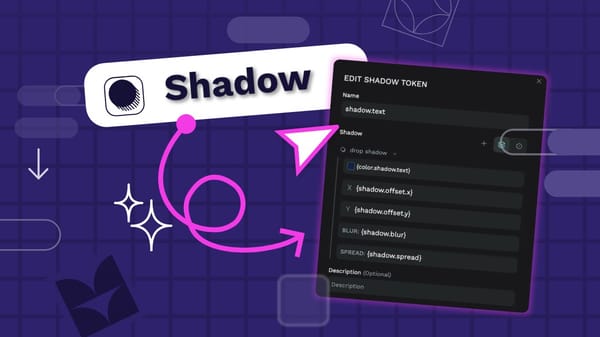
- Native design tokens based on W3C standards that allow teams to build and maintain design systems easily across projects and brands.
- MCP Server that connects any AI agent to help create multi-directional workflows: design-to-code, code-to-design, design-to-design.
- Penpot’s CCS Flex and Grid Layouts make it easier to create declarative and semantic designs for responsive layouts.
- Completely free for personal use and small teams; very affordable but especially a predictable, transparent and scalable cost structure for enterprise teams.
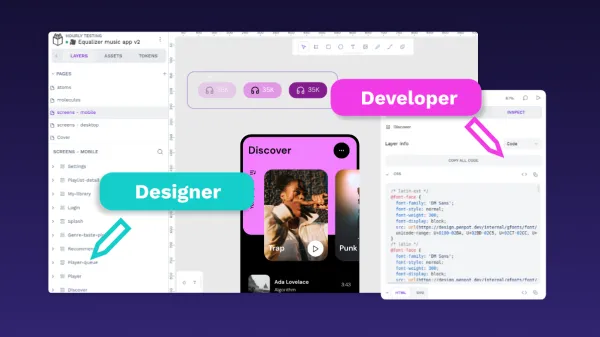
- Design-to-code collaboration built in web technologies. Designs easily convert to CSS code snippets for quicker design-to-developer workflows.
- Highly customizable and extensible platform. Penpot’s open API architecture helps companies easily integrate Penpot within their tool stack.
- Dedicated enterprise support and deployment assistance services with the enterprise plan.
Cons:
- As a newer tool, it doesn’t have the name recognition of similar platforms.
- The plugin and library ecosystem is growing compared to other more established design tools, but is still limited at this time.
- Penpot does not have a desktop app to work offline.
Ideal for: Organizations managing complex design workflows at scale. With increased storage, extended version history, and smarter team management capabilities, Penpot Enterprise supports collaboration as your organization grows.
2. Figma
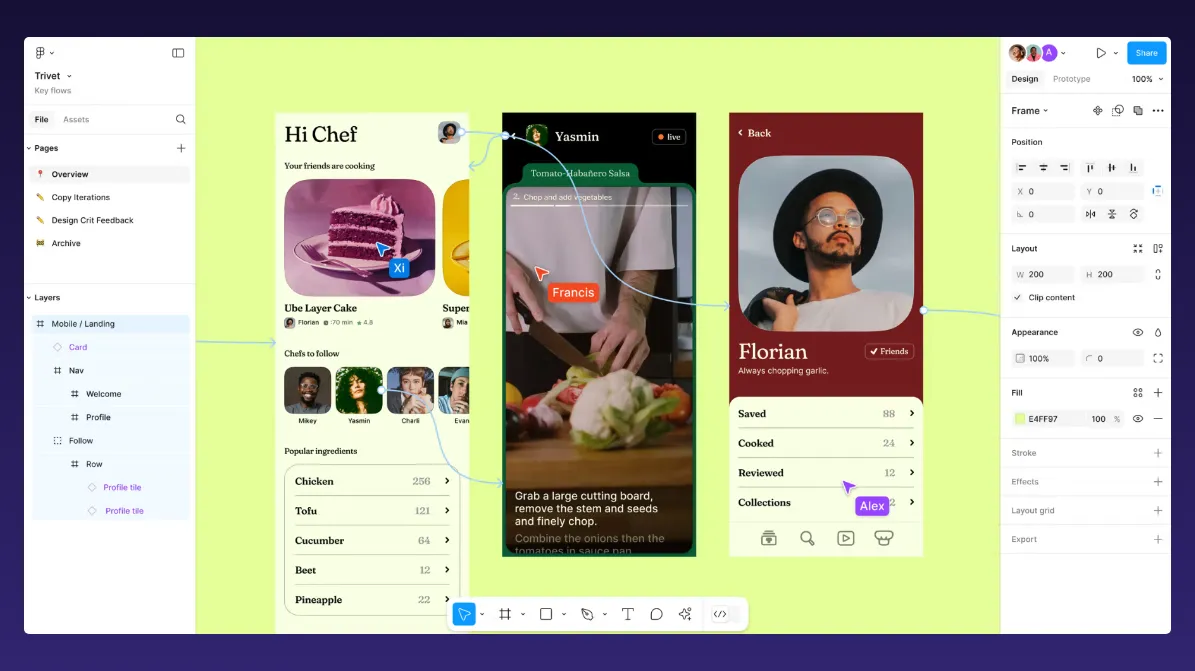
Figma changed the design tool market and made big strides with the tech community for its collaborative features. Its recent attempted acquisition by Adobe has faced some scrutiny and concerns about sustainability. It currently has around 10 million users.
Pros:
- Powerful real-time collaboration capabilities can easily streamline workflows.
- An extensive plugin ecosystem supported by a wide community may simplify integrations with popular tools.
- Strong component management makes it easy to design and maintain design system features.
- A wide diversity of other complementary tools that support other stages within the product design and collaboration process.
Cons:
- Offline features are limited — files can only be opened when connected.
- Pricing is unpredictable and may not be affordable for larger or enterprise teams.
- Adobe’s acquisition attempt brought many concerns to the industry.
Ideal for: Teams who don’t mind the cloud-only environment, have a large budget, and aren’t concerned about the collaboration with developers.
3. UXPin
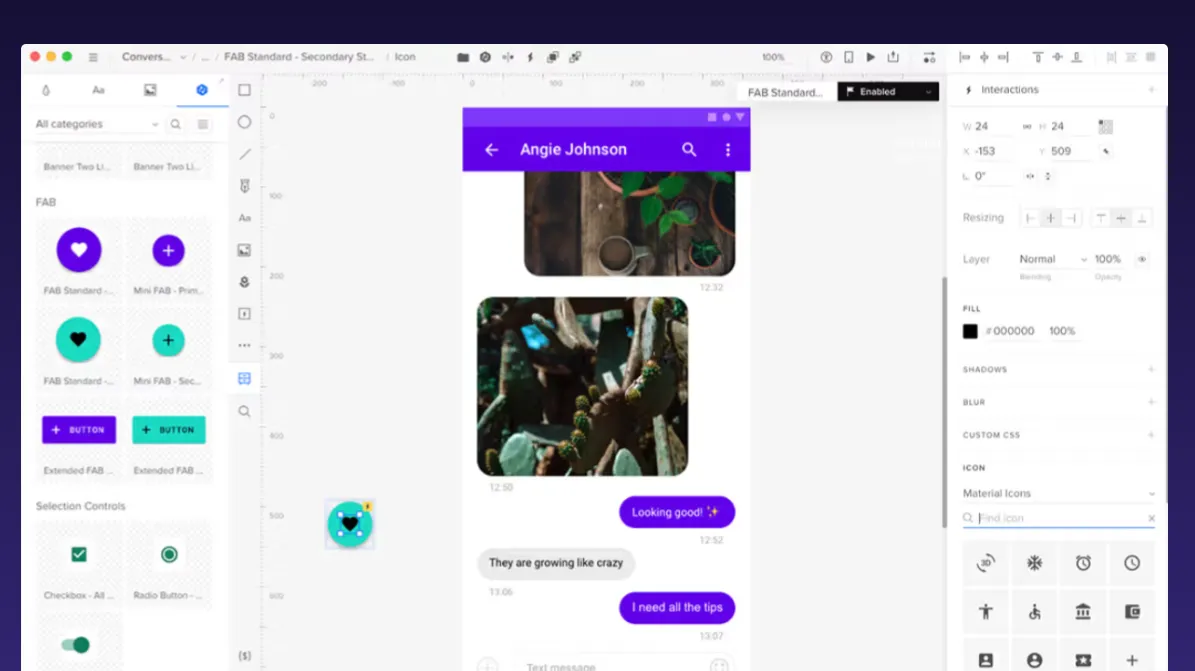
As you can guess from the name, UXPin focuses on user experience tools and has earned high praise from those with complex prototyping needs. It has desktop apps for Windows and macOS, as well as a collaborative browser version. It’s uncertain how many users UXPin has today, but it’s significantly less than big names like Figma.
Pros:
- Highly powerful UX capabilities can create complex prototypes.
- Advanced plan offers logic, expressions, and variables.
- Teams can easily import files from some competing tools, such as Figma.
- Software works across many platforms, including Android and iOS through Mirror.
- Smaller, passionate fan base offers a supportive community.
- UI prioritizes developer needs.
Cons:
- More complex nature has a steeper learning curve.
- Higher price point may be out of reach, especially at the Advanced tier.
- Beginners or those without complicated needs may find it cumbersome.
Ideal for: Teams focusing on complex, interactive prototypes who need advanced conditional logic and variables in their designs.
4. Sketch
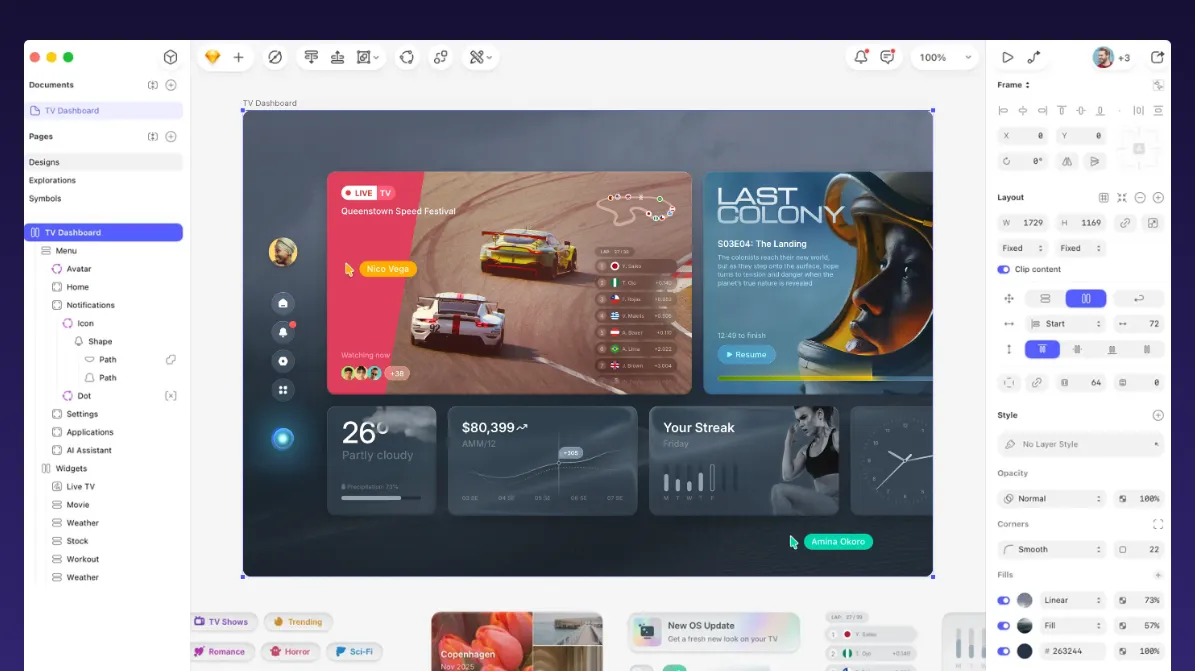
Sketch has pioneered many of the design tool features we know and love today, and is one of the few trusted Mac solutions in a sea of Windows and Linux options. This independent tool can be used primarily offline and isn’t owned by a large conglomerate.
Pros:
- Its focus on Mac, while limiting users, has helped it create high-performing, stable tools for the Apple crowd.
- Long history of working with Mac designers and developers.
- Offline capability gives remote teams more ways to work.
Cons:
- May keep Windows users on your team out of the loop.
- No free plans to test the service.
- More robust collaboration tools work only in online mode.
Ideal for: Individual designers or Mac-only teams who frequently work offline and prefer native desktop performance over collaborative features.
5. Axure
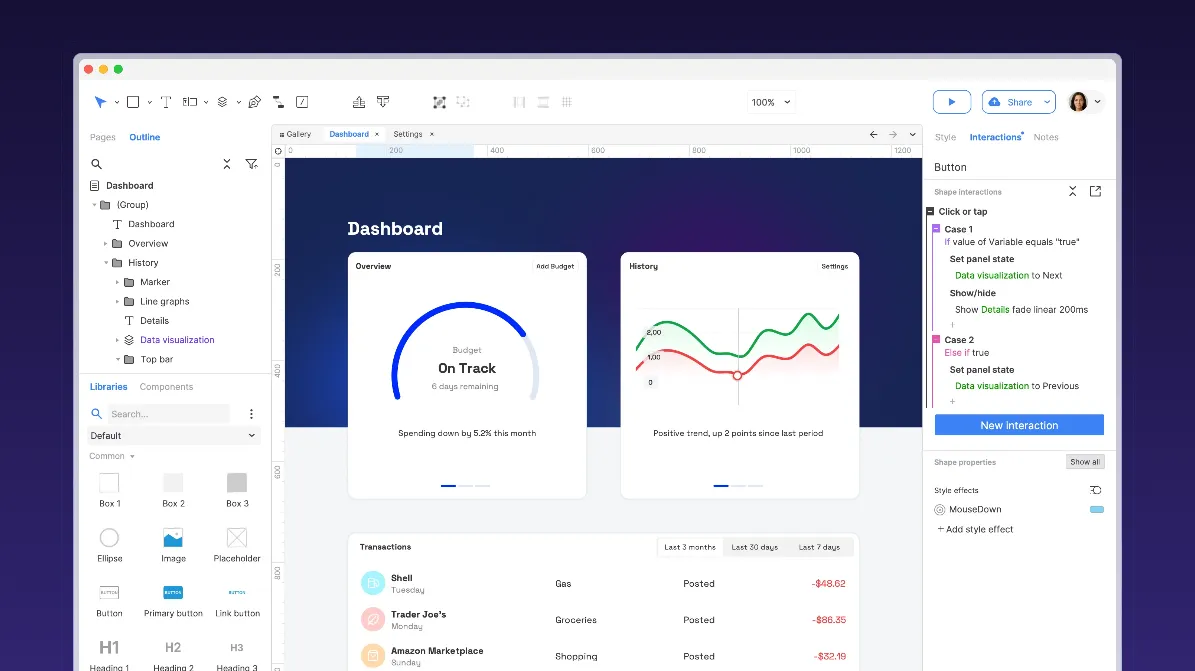
Axure’s, though is a niche tool focused on prototyping features to create high-fidelity wireframes and interactive models along with UX documentation, its almost endless “if-then” logic options make it easy for teams to create complicated user interactions.
Pros:
- Drag-and-drop functionality helps users make complex designs in a few steps.
- No coding is required for even high-fidelity designs.
- Ideal for UX documentation.
- Cross-platform technology supports Windows, MacOS, Android, iOS, and web-based tools.
Cons:
- The many features require time and a steep learning curve to master.
- Cost is billed per user per month and may be steep for startups with many users.
- The platform may not be suitable for high-resolution UI designs.
- Collaborative features are limited compared to other options.
Ideal for: Mature teams creating advanced prototypes and prioritizing functionality over aesthetics in their design process.
6. Proto.io
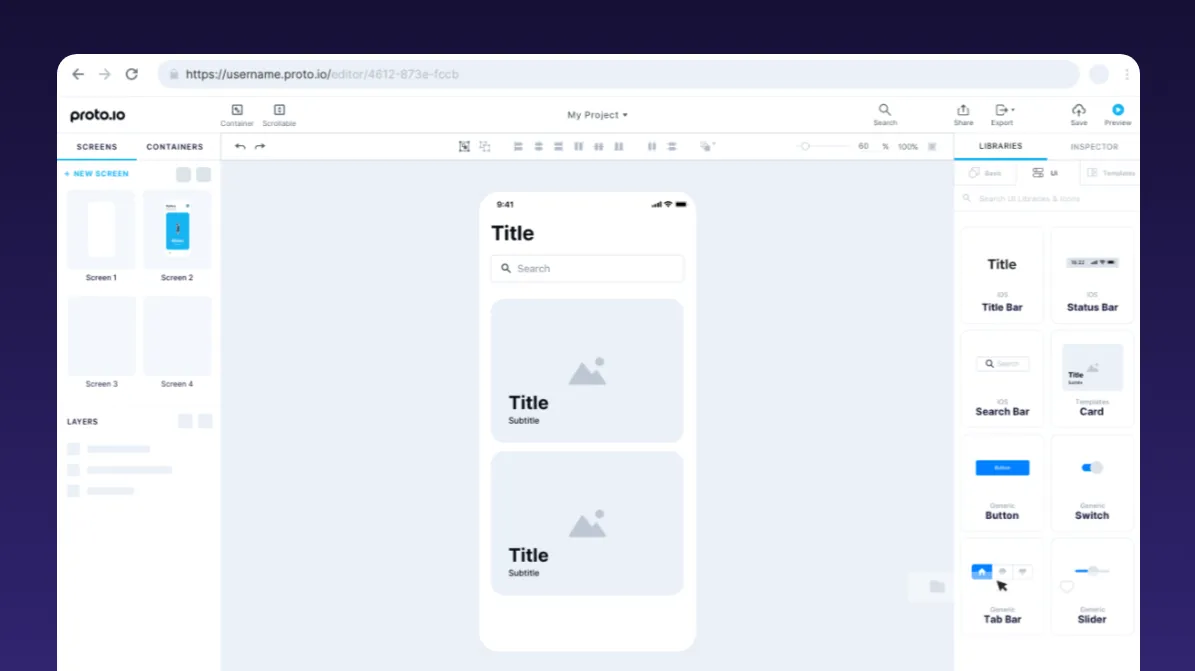
Proto.io focuses on prototyping and offers a variety of pricing plans to meet different needs. It works well for creating animations and supports Google and Adobe fonts, as well as custom assets.
Pros:
- Features are considered easy to use and beginner-friendly.
- Advanced animations support timeline-based designs and realistic renderings.
- Preview mode shows how designs look on a variety of devices.
- Offline viewing is available.
- Prototyping sharing is supported through PDF, PNG, and HTML formats.
- Offers 50% student discount.
Cons:
- Only for prototyping, not other design projects.
- Requires a “parking” fee to keep projects in the tool after cancellation.
- Per-user pricing and no free version may be too expensive for small teams.
- Lack of SVG support and dependency on custom exporters make it hard to use with some tools.
Ideal for: Mobile app designers and UX teams needing advanced animations and prototyping-only tools without the flexibility of SVG file support.
What about InVision?
InVision had been a favorite tool for presentation and feedback of digital designs, earning loyalty among the UI crowd for its seamless prototyping tools. Its strong prototyping features helped mimic natural product behavior. The company shut down its services in 2024, leaving designers looking for other options. Miro did acquire the Freehand tool from InVision before it closed, making just one part of the software available for specific use cases.
See the difference that Open Source makes
The closure of tools like Adobe XD and InVision is a reminder that we don’t know what the future holds for our favorite design platforms. That’s why we recommend open-source options when possible, so you stay in control of your projects.
Penpot’s interactive platform was created with this concern in mind. It’s ideal for the following use cases:
Enterprises
For organizations with significant developer resources, Penpot simplifies the way designers and developers collaborate. Unlike traditional design tools that keep teams siloed, Penpot's open standards and SVG foundation enable developers to actively participate in the design process. Plus, open APIs allow DevOps teams to integrate Penpot directly into existing infrastructure and automation workflows.
This approach works particularly well in larger enterprises where:
- Developer teams outnumber design teams
- You need to scale design systems quickly
- Self-hosting and security are a high priority
Penpot creates a shared language between designers and developers, reduces friction, and accelerates production cycles for large teams.
Small or independent creative teams
Marketing and brand teams can use Penpot to go beyond basic UI/UX needs. The web-based platform makes it easy for team members without design tool knowledge to get up to speed quickly. Penpot offers templates and libraries to build upon and a large learning library with videos, tutorials, and webinars.
This approach is beneficial when:
- Marketing and communications teams create visual assets for campaigns
- Brand consistency needs to be maintained across various materials
- Visual assets need cross-departmental input
- Budget constraints limit per-seat licensing for premium tools
By implementing Penpot in these situations, organizations can democratize the design process and free it from restrictive licensing models. More team members can contribute to visual communication while maintaining professional-grade capabilities.
Whether you opt for the enterprise integration approach or the creative team expansion strategy, Penpot's flexibility, open-source foundation, and powerful features make it a common-sense option in this post-Adobe XD era.
If your organization is transitioning from Adobe XD and wants to explore how Penpot supports legacy XD users, get in touch to learn more about our enterprise services.
Frequently Asked Questions
Why do I need to replace Adobe XD?
Adobe discontinued support for XD in 2023, meaning no future updates, bug fixes, or customer support will be available. You’ll need to switch to a modern design tool that meets your team’s continuing needs.
What should I look for in a new design tool?
Consider your existing workflows, technology needs, and the type of designs you create. For example, if you use Mac, only consider tools that work on this platform. Other key factors to consider include:
- Real-time collaboration features
- AI integration workflows via MCP server
- Cross-platform compatibility
- Developer collaborative capabilities
- Support for open standards to avoid vendor lock-in
- Scalability for teams of different sizes
How does Penpot compare to other tools like Figma or Sketch?
Penpot is an open-source, web-based platform that emphasizes collaboration between designers and developers at scale. Unlike Figma or Sketch, Penpot uses open standards like SVG, ensuring flexibility and avoiding vendor lock-in. It’s also free for personal use and small teams.