6 benefits of design tokens for enterprise teams
Design tokens eliminate inconsistency and speed up designer-developer collaboration. Explore 6 benefits that make them essential for enterprise design systems.

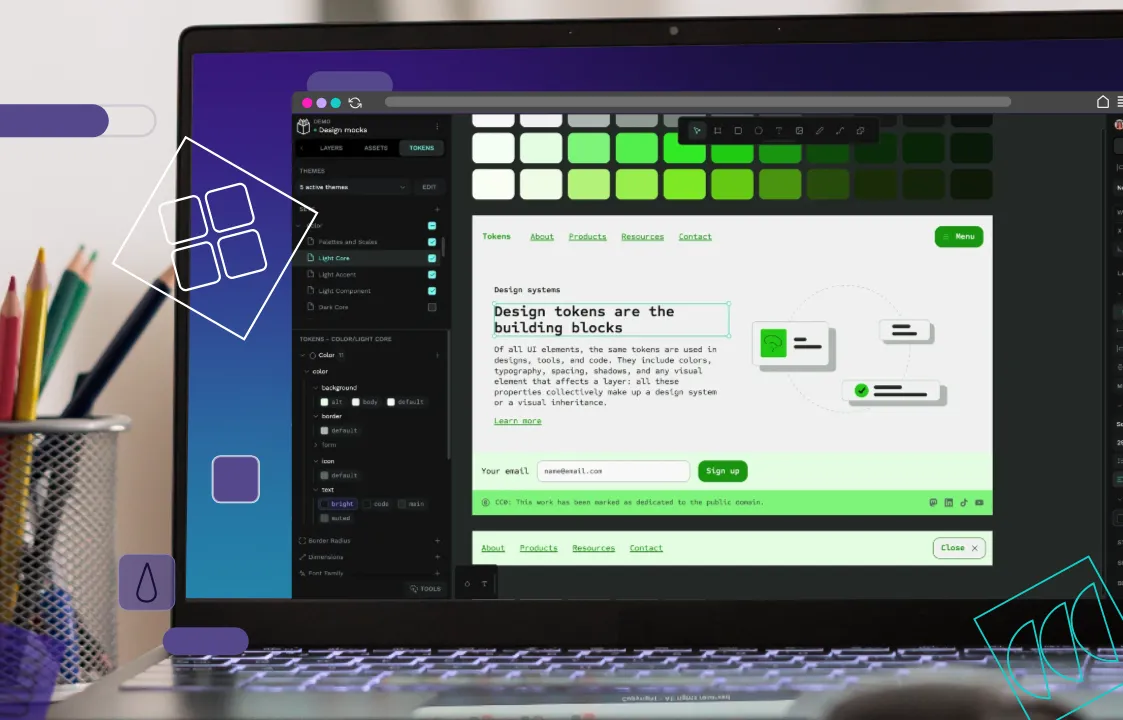
Large design teams often struggle with inefficiencies. Whether it’s designers recreating components already buried in their design library or developers launching pages with outdated brand colors because updates never reached them, the wasted hours add up fast.
One way you can make your design systems more reliable and user-friendly is with design tokens. These named design decisions act as a single source of truth, helping your teams create more consistent user experiences, and saving them from hours lost to replication and mistakes.
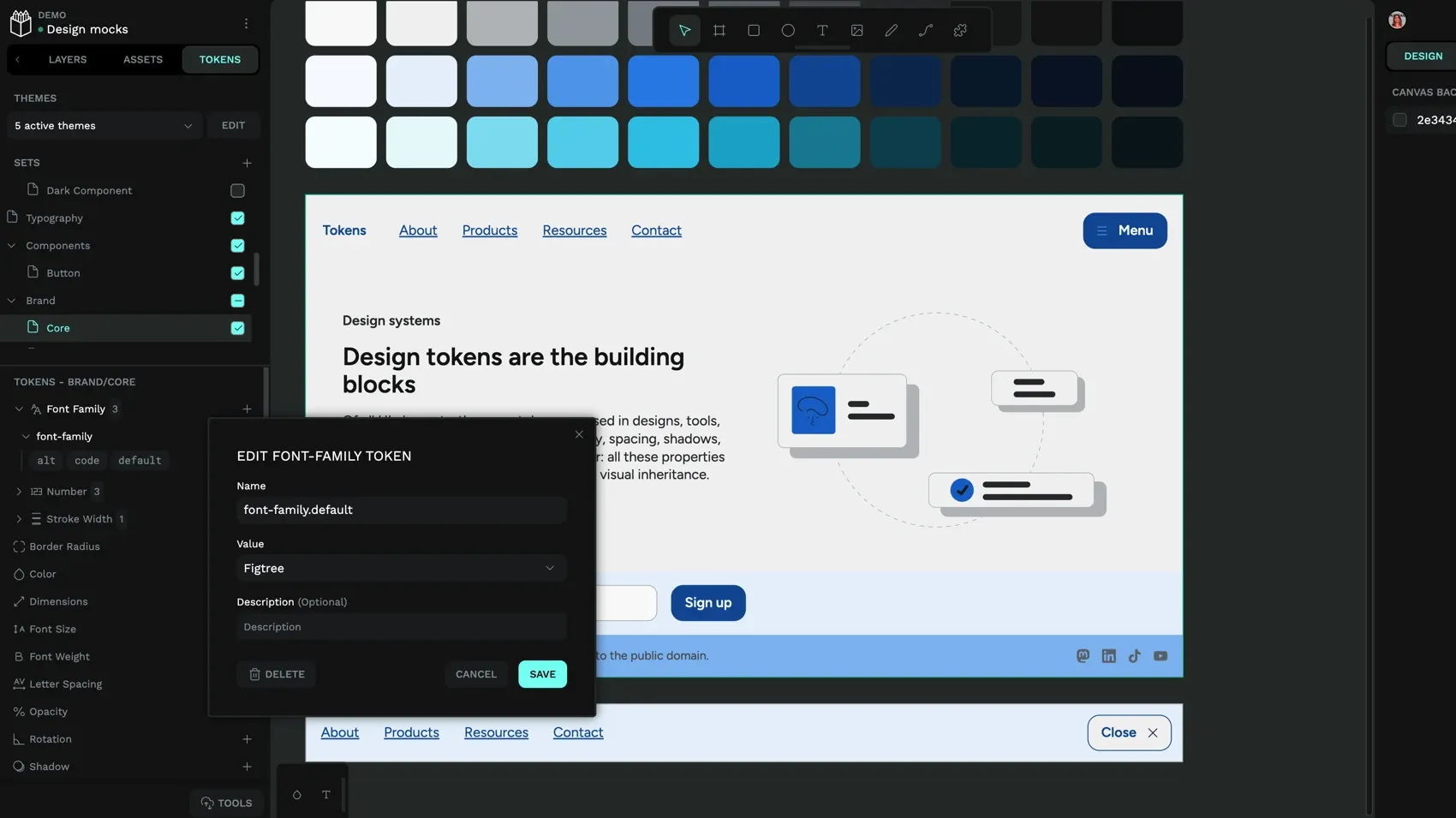
In this guide, we’ll show you how tokens can eliminate designer-developer friction, scale brand updates across your entire ecosystem in minutes instead of months, and protect your design investment against platform lock-in. Whether you’re struggling with inconsistent brand execution, slow handoffs, or endless onboarding cycles, these six benefits will show you exactly how design tokens help enterprise teams work more effectively.
1. Maintain brand consistency across multiple products and teams
Design tokens create a centralized library where all design decisions live. Every color, font size, and spacing value has one authoritative source.
This central library of design tokens is helpful because it prevents the kind of fragmentation that occurs when multiple teams try to create style guides independently. For example, a large grocery retailer has different font-sizing needs for its website, social media, landing pages and marketing emails. Design tokens help them manage these multiple brand touchpoints in one place. They can create unique tokens for each use case and then update and maintain them from the one location.
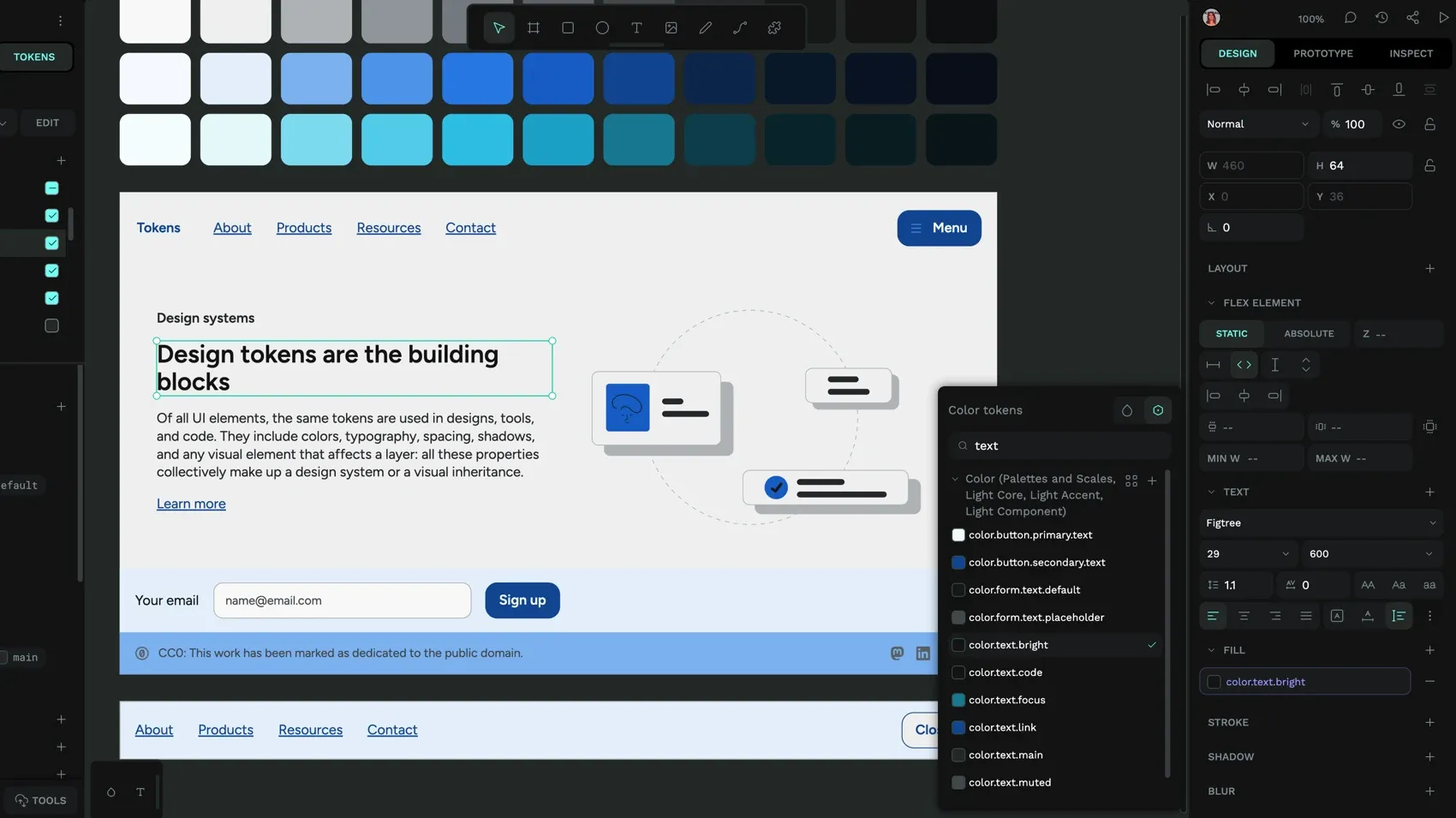
Tokens also help teams show their best work consistently across technologies. For instance, one token file can be translated into platform-specific code (for example, CSS for the web) using automated token translation pipelines. We see examples of this with IBM’s Carbon Design System and Atlassian’s design system, which both use tokens to maintain their brand identity across vast product ecosystems and use cases. The tokens ensure color, spacing, and background styles appear consistently in all the digital environments in which their software products may be used.
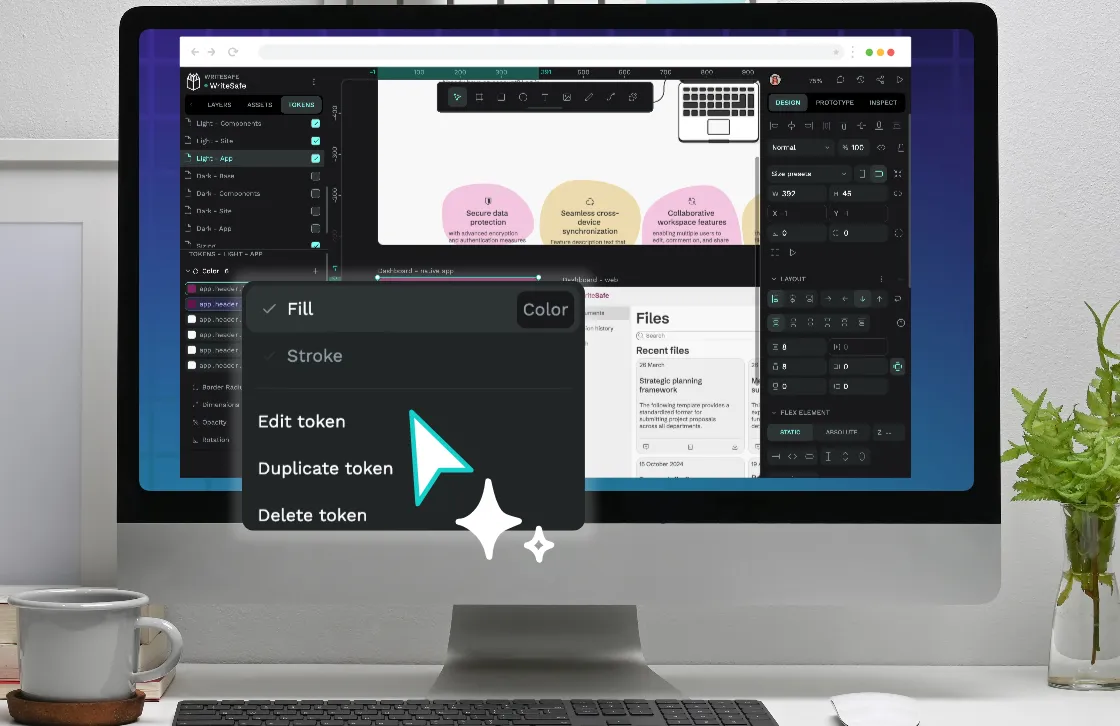
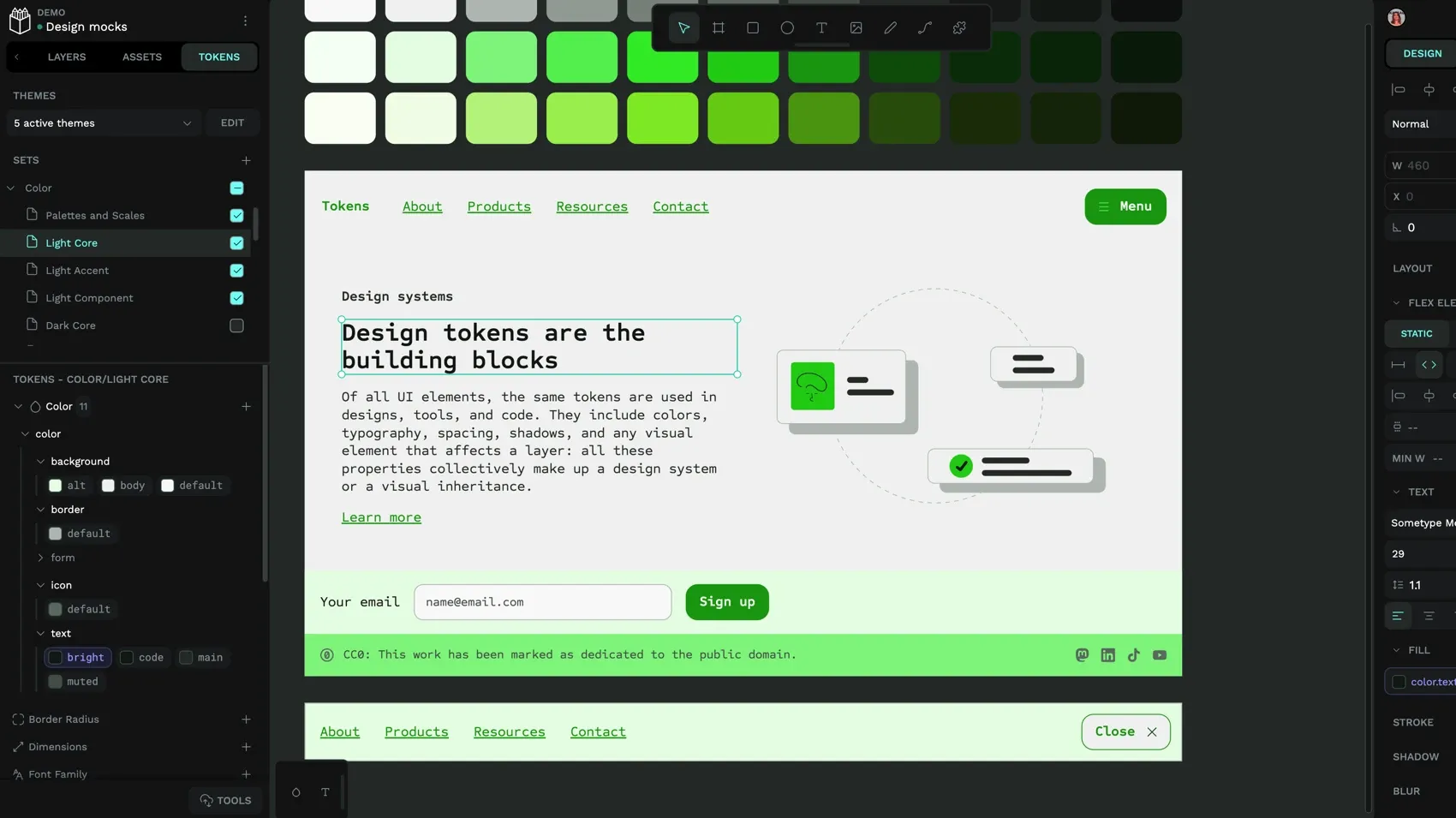
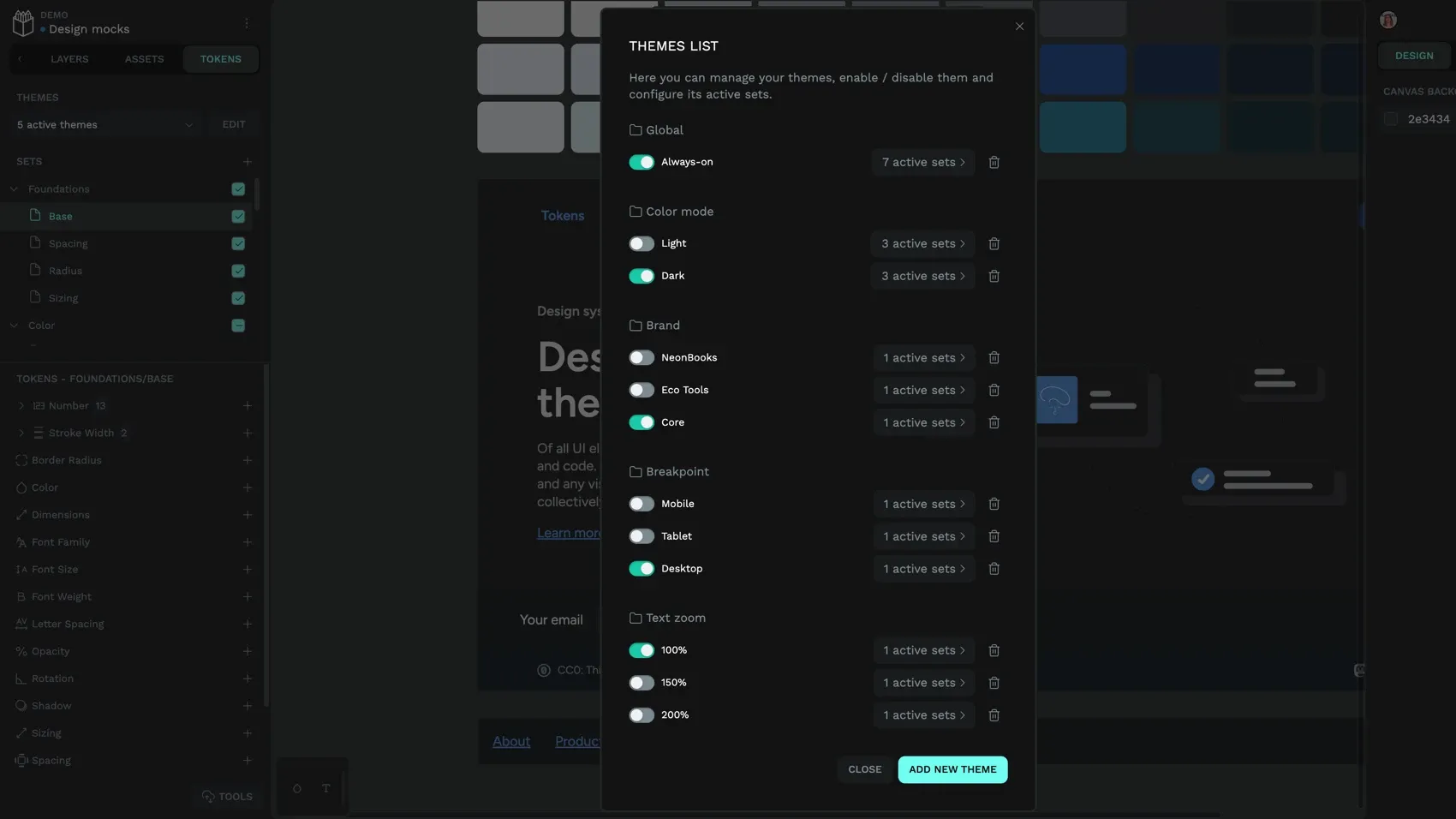
Design tokens in action: Penpot’s token sets and themes let designers group tokens and enable or disable combinations, making it easy for teams to manage multiple brand variations. When it’s time to update one, perhaps during a brand refresh, updating a token’s value propagates that change everywhere it’s applied. There’s no need to manually update hundreds of values across all of the files used.
2. Accelerate designer–developer collaboration and reduce translation errors
When teams use design tokens, it creates a common vocabulary between the design and development teams, and this shared language greatly reduces interpretation gaps. Instead of multiple back-and-forths around what was “meant” in a design decision, teams are on the same page through shared values from the start. This reduces overall communication time and avoids a culture of “design vs. development” that plagues many organizations today.
Instead of developers asking “What shade of blue?” or “How much spacing?”, the design token provides the exact value they need. The token “color-brand-primary” outputs the precise hex code, and “spacing-large” gives them the exact pixel value. There’s no guessing or follow-ups required.
In modern workflows, this results in more automated builds, which can happen faster and at a larger scale. Teams succeed with less friction and faster speeds than before (a big deal if you’re trying to launch under a time crunch).
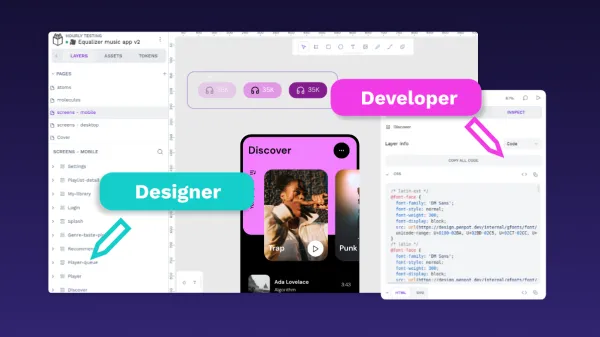
Design tokens in action: You can export design tokens from Penpot into JSON (which is easily translated into other developer-friendly formats.) Then developers can integrate these tokens directly into projects. This way, designers don’t need to know code to speak to developers, and both teams can work from the same up-to-date token definitions.
3. Scale design changes instantly across your entire ecosystem
We’ve already shared how changes to one design token apply automatically to every instance where it’s used. But what does this “design once, apply everywhere” strategy look like for large organizations? Here’s what to expect:
Rapid iteration and deployment
Enterprises using automated token distribution can roll out design changes across multiple front-ends and teams in a single day instead of weeks or months. You can expect fewer overall iterations since it’s easy to see changes in real time and move forward with greater confidence in the end result.
Support for theming and multi-mode environments
Tokens enable seamless switching between brands, light and dark modes, seasonal themes, and accessibility variants without having to recreate endless files.
Automated deployment pipelines
For teams that already use enterprise-grade token distribution workflows, the design changes can trigger version-controlled builds that package tokens as libraries. Teams get complete control over upgrade cycles while still benefiting from the efficiency of automated pipeline workflows.
Design tokens in action: Since design token sets can be combined through themes, it’s easier to create even the most complex modes instantly. Penpot’s token references let teams update hundreds of properties in seconds, so large-scale refreshes and white-labeling aren’t the resource challenge they were in the past.
4. Reduce onboarding time for new designers and developers
Onboarding traditionally means weeks of shadowing senior designers, asking “which spacing value should I use here?” and redoing work after using the wrong shade of gray. Design tokens compress this timeline. New hires get immediate access to every approved design decision through self-explanatory token names and built-in documentation. Color.text.primary tells them exactly what it’s for, and it’s easier to stick to approved values because they’re clearly defined and accessible.
Ways you can incorporate design tokens into the onboarding process include:
- Offering token documentation as living guides that teams can reference instead of guessing, using trial and error, or taking up more senior team members’ time.
- Using semantic naming like color.button.success.background to clearly communicate what each token does and the “why” behind decisions.
- Eliminating dependency on senior designers and developers by giving new hires access to design decisions (via documentation and naming conventions) that would otherwise remain stuck in the original designers’ heads.
- Improving productivity with clear token structures that give employees immediate context about how the final element should look.
- Creating tailored onboarding guides for designers and developers that explain how to integrate tokens into each department’s workflows.
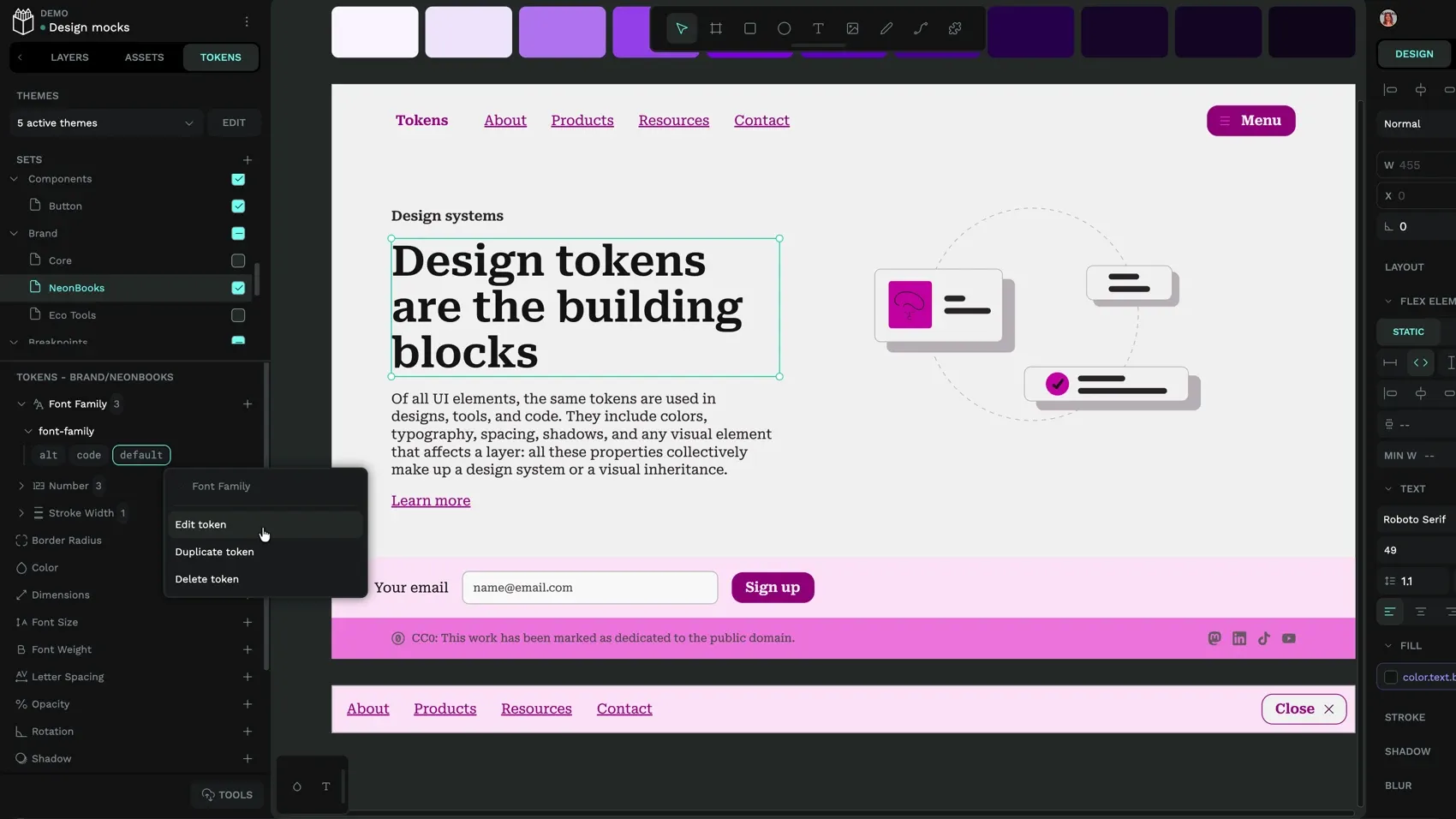
Design tokens in action: Penpot’s token panel provides clear organization by token type and alphabetical sorting. You can build upon this with organization that works for your team, like grouping by primitive, semantic, and component-level tokens. When names have clear conventions, these tokens ensure new users can easily find and access them for their specific needs.
5. Improve governance and design system compliance
A lack of governance means anyone can make design decisions and dilute your brand identity. Design tokens make it harder for ad hoc design decisions to slip through. By only allowing pre-approved values, it makes it easy to stay within the guidelines and reduce the oversight required for a compliant end product.
To use design tokens responsibly, create detailed governance frameworks that define clear roles. These roles may include Design Language Lead, Token Librarian, Design System Manager, or others. Each role needs a clear and established process for creating, reviewing, and approving new tokens or token changes.
Teams can also:
- Practice version control and changelogs that document when new releases and updates happen, along with the rationale and impact for each.
- Perform regular audits and compliance checks according to a predetermined review process. In these checks, identify outdated, misused, underused, or redundant tokens and archive, merge, rename, or remove them based on their status.
- Clearly document how each token should be used, including dos and don’ts, visual previews, and examples of approved contexts. Teams can then self-serve while maintaining high standards.
Design tokens in action: Penpot’s token sets and themes provide organizational structure that supports your unique governance plan. Design leads can advise which theme combinations are allowed and when they should be applied.
6. Avoid platform lock-in
In October 2025, the Design Tokens Community Group announced the Design Tokens Specification reaching its first stable version. This means teams can now confidently use a “production-ready, vendor-neutral format for sharing design decisions across tools and platforms.” This is huge for enterprises that don’t want to be locked into expensive tools that often have their own proprietary formats. One token file can now be used across tools and platforms that support the W3C format. So, anything organizations build can be adapted to fit future frameworks without having to start from scratch as technology changes.
These token files also support well-structured token systems that are becoming part of AI-assisted workflows. As more teams rely on these AI tools to scale their products, they need the assurance that AI can understand intent and generate consistent code. Penpot’s MCP server now supports this directly, allowing AI agents to interact with design files and access token data as part of automated workflows.
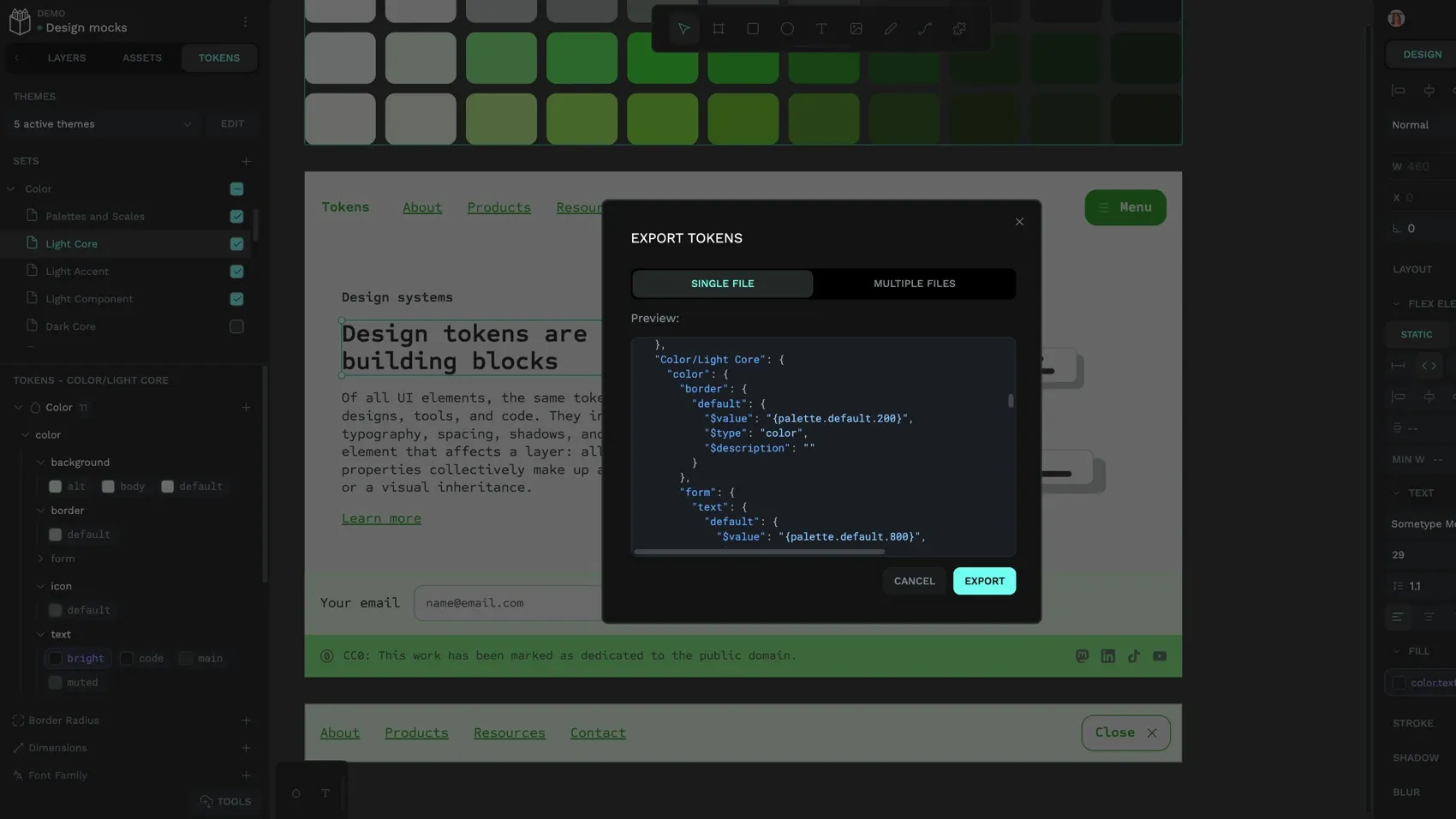
Design tokens in action: Penpot’s native W3C standard integration and support for key token types make it easier to export tokens for current or future use. There’s no concern that you can’t take your design tokens and systems with you if you change platforms or integrate them into new data pipelines or workflows.
Unlock the power of design tokens with Penpot
Penpot is built entirely on open source and is one of the first design platforms to integrate native W3C-compliant design tokens, giving enterprise teams the portability and transparency to grow without vendor lock-in. That means organizations can scale their governance plan and preferred workflows without changing how they create, store, and manage design tokens.
Penpot Enterprise includes native design tokens, as well as unlimited teams and unlimited storage, capped at a flat $950 a month for enterprises. Get in touch with our team to explore how Penpot’s design token system fits your organization’s workflow.
Related Blogs
We have many other posts about design tokens and design systems topics. Here’s a few examples of articles to get you started:
 Laura Kalbag
 Laura Kalbag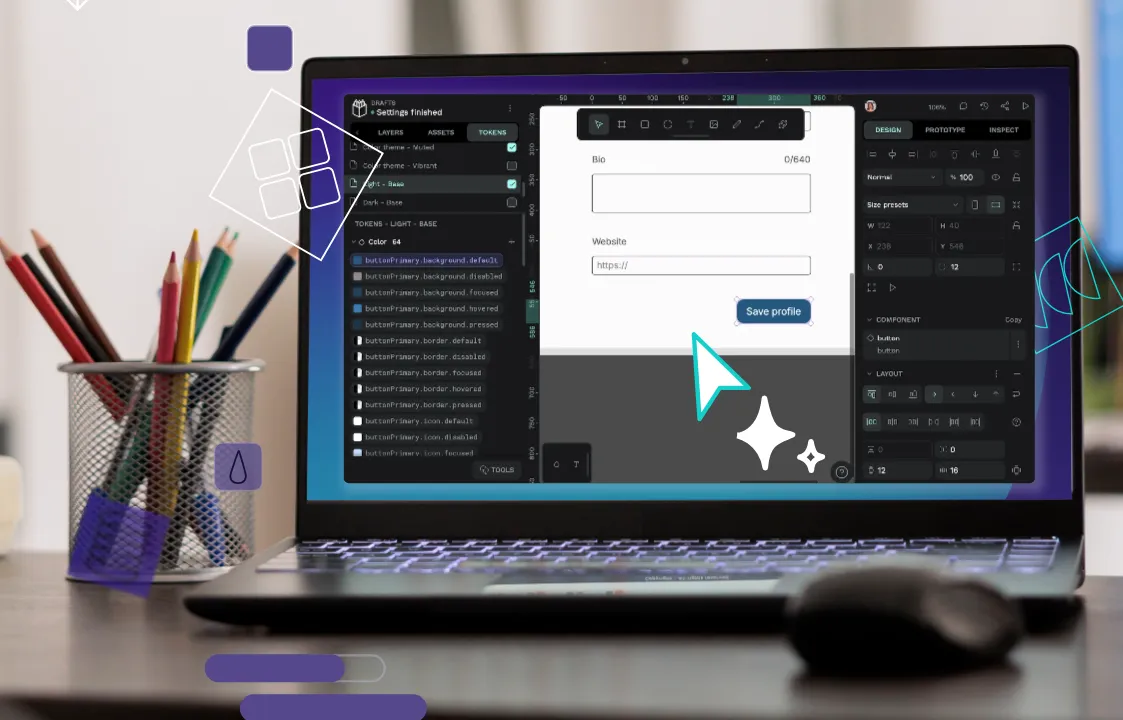
 Laura Kalbag
 Laura Kalbag