Code
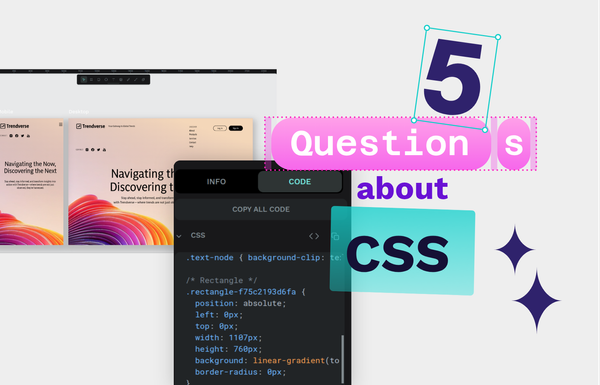
The top 5 questions people have about CSS answered by Penpot
Having a basic knowledge of CSS can really benefit your skills in web and UI design. Let’s start with these answers for the top CSS questions asked by beginners today.

Creating educational materials for Penpot. Designer, developer, author of Accessibility for Everyone, and co-founder of Small Technology Foundation.

Code
Having a basic knowledge of CSS can really benefit your skills in web and UI design. Let’s start with these answers for the top CSS questions asked by beginners today.
Beginners
SVG files use mathematical formulas to create graphics, allowing infinite scaling without losing quality, and making them perfect for high-res displays and responsive design.
Design
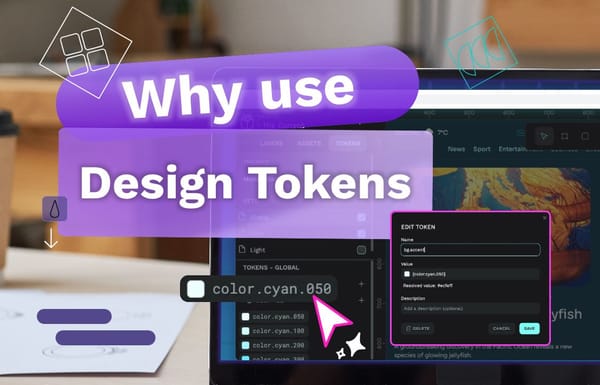
From reducing human error to creating more harmony between teams, let’s explore the benefits of design tokens and why you might want to consider using them in your next project.
Code
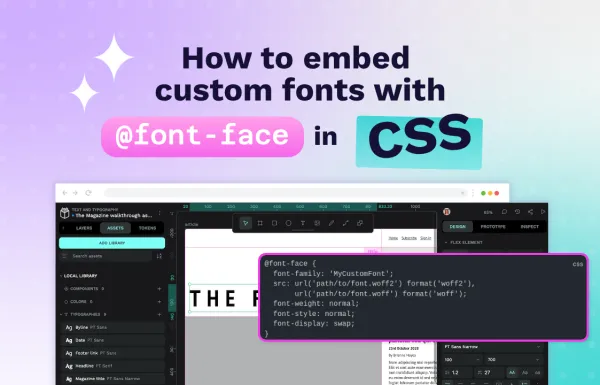
Learn how to use @font-face to embed custom fonts in your website. Includes practical examples, performance tips, browser compatibility, and common mistakes to avoid.
Design
By focusing on accessibility in UX design from the very first sketch of your app or site, you can get everyone thinking about the best way to serve every user. Find out how!
Code
In this guide, we’ll walk through creating a token system that works intuitively for both designers and developers.
Design
Each image file type was created for a good reason, but it may not be the right reason for you. Because images can have different purposes, you’ll need to know your ultimate purpose in using an image before selecting the right type.
Code
What are the benefits of common CSS frameworks? We give you some reasons why you might want to consider designing in pure CSS.
Code
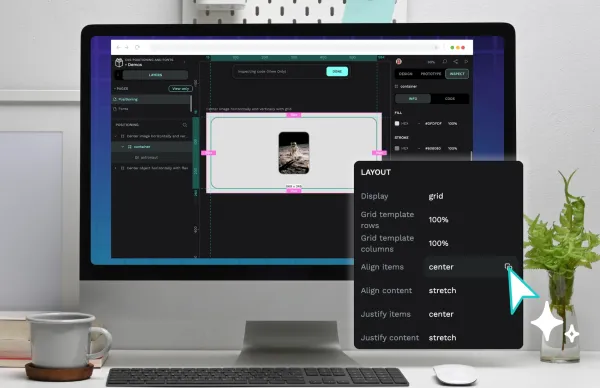
Creating a great design with CSS comes with a learning curve. However, a lot of what you’ll make focuses on knowing two design areas: positioning and fonts.

Design
Design tokens are tiny reusable building blocks. You can use them to keep colors, spacing and other styles consistent across your design, and combine them to create design systems.
Tutorial
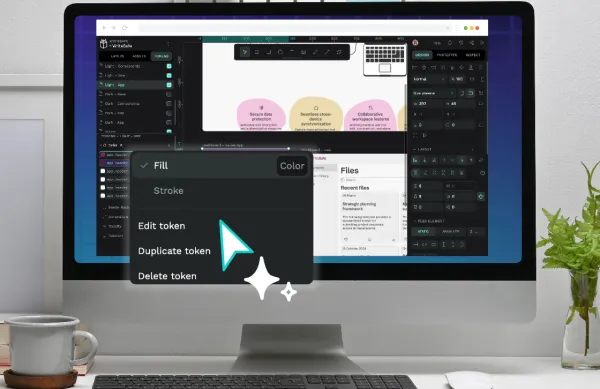
Design tokens are the smallest repeatable elements of your design that can be reused consistently across your Penpot projects and teams.
Code
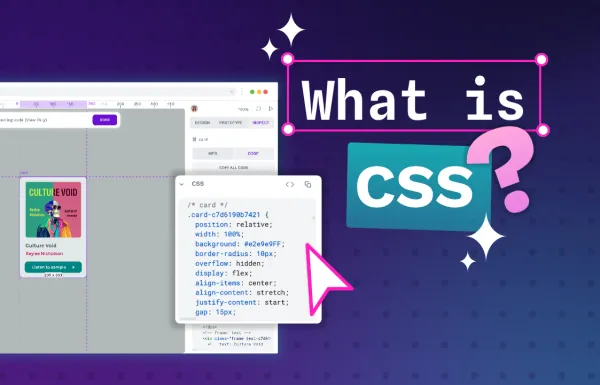
While learning CSS takes time, understanding how it works should be easy. In this guide, we’ll explain the basics of CSS to help you start your journey.